Best AI Tools to Make an RPG (2026)
The best AI tools to make an RPG in 2026, compared: Makko, Rosebud AI, GDevelop, Godot, Unity, and RPG Maker, with honest picks for non-coders.

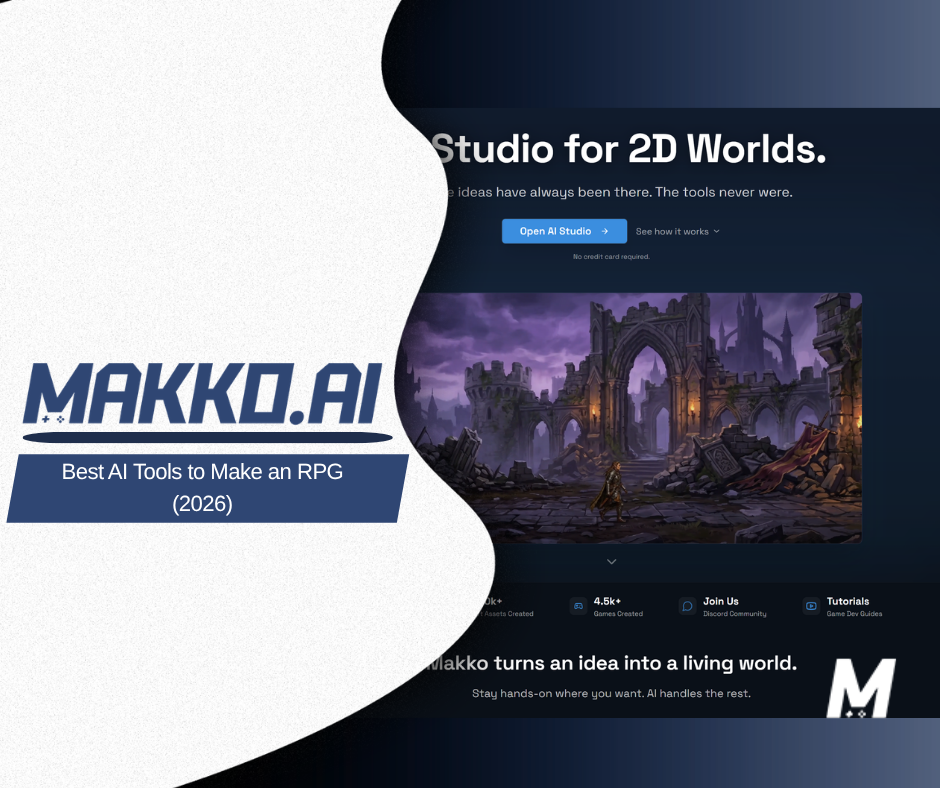
The best AI tools to make an RPG in 2026 are Makko, Rosebud AI, GDevelop, Godot, Unity, and RPG Maker. Makko is the strongest pick for non-developers, because it creates your characters and game art first, then builds the role-playing logic for stats, inventory, dialogue, and combat from a plain-language description, with no drawing and no coding required.
An RPG is one of the harder genres to start. You need characters that look like a cast, a world that feels lived-in, a story with branching choices, and systems underneath it all: leveling, items, turn order, quests. Traditionally that meant an artist, a writer, and a programmer. AI changes the math. This guide compares six tools by how much of that load they actually carry, who each one is for, and where each one will slow you down.
If you have never shipped a game, the question underneath "which tool" is usually "which tool lets me skip the part I can't do." For most people building their first RPG, that part is the art, and a close second is the code. We will lead with that.
What do you actually need to make an RPG?
Strip an RPG down and there are four jobs. First, art: a hero, enemies, NPCs, and the environments they move through, all looking like they belong in the same game. Second, story and dialogue: the conversations and choices that make it a role-playing game rather than a hack-and-slash. Third, game logic: the rules for movement, combat, stats, inventory, and quests. Fourth, the world itself: maps, tiles, and the connective tissue between scenes.
The reason RPGs stall is that most tools are strong at one of these and silent on the rest. A code engine will happily run your combat math but hand you a blank canvas where the art should be. An art generator will give you a gorgeous knight who looks like a different person in every picture. The tools below are ranked by how many of the four jobs they cover honestly, and the first one is built to cover the two that stop beginners cold.
1. Makko
Best for: non-developers who want to make a 2D game with AI without learning to draw or code.
Makko is an AI-native 2D game studio, and it is built around the part of RPG-making that blocks people first: the art. You start in Art Studio, describe your cast in plain language, and get characters and environments back. The detail that matters for an RPG is Collections: they keep a character on-model across every scene, so your hero in the opening village still looks like your hero in the final dungeon. For a genre that lives or dies on a believable cast, that consistency is the whole game.
From there, Code Studio handles the systems. You describe what you want, the way you would explain it to a teammate, and it builds the logic. Want turn-based combat, a four-slot inventory, or a shopkeeper who remembers what you bought? You ask for it. This is the same idea behind building game logic without coding, applied to the rules an RPG actually needs. The art comes first; the code is the layer that turns it into something you can play.
Watch out for: Makko is a 2D studio. A sprawling 3D open-world RPG is not its lane. And like any AI build, you guide it in passes rather than getting a finished game from one prompt. You are directing, not pressing a button.
2. Rosebud AI
Best for: creators who want a browser-based, prompt-driven way to spin up a playable game fast.
Rosebud AI lets you describe a game and get something runnable in the browser, which makes it a natural name on any AI-RPG shortlist. It is a reasonable place to experiment with a small role-playing loop and see ideas move quickly. If you are weighing it against Makko specifically, we wrote a direct comparison in Makko vs Rosebud AI, and a longer look at why some creators want a complete game rather than one piece at a time.
Watch out for: output can vary run to run, so plan to iterate, and check how much control you get over keeping characters consistent across a longer RPG. Consistency across many scenes is exactly where a cast-heavy genre gets tested.
3. GDevelop
Best for: logic-first builders who like visual rules and want a free, open-source no-code engine.
GDevelop builds game behavior through event sheets, a visual "when this, do that" system, so you can construct combat and movement without writing code. It has been adding AI-assisted features, and it is a solid choice if you enjoy wiring up rules yourself and want full ownership of the logic.
Watch out for: GDevelop does not make your art for you. For an RPG, that means sourcing or generating every character, tile, and enemy elsewhere and importing it, which is the heaviest hidden cost of this route. Event sheets are friendly but still have a learning curve once your systems grow.
4. Godot
Best for: people who can code, or want to learn, and want total control over a 2D RPG.
Godot is a free, open-source engine that is well-loved for 2D, which makes it a strong fit for tile-based RPGs. Paired with AI art tools for your characters and AI coding assistants for your scripts, it becomes an "AI-assisted" workflow even though the engine itself is traditional. The ceiling here is high.
Watch out for: you will be writing GDScript and assembling the art and logic yourself. That is power, but it is also the slowest path on this list for a true beginner. If you want the control of an engine without the manual labor, it is worth reading how an AI game generator compares to a traditional engine.
5. Unity
Best for: ambitious projects that may grow beyond 2D or need to ship to many platforms.
Unity is an industry-standard engine with a vast ecosystem and broad platform reach, and it has been adding AI-assisted tooling. If your RPG dream is large and long-term, Unity gives you somewhere to grow into.
Watch out for: for a first RPG, Unity is heavy. It expects C# and a real understanding of its systems, and you still bring your own art. The power is real, and so is the runway before you have anything playable.
6. RPG Maker
Best for: people who specifically want a classic tile-based, top-down RPG and like working from built-in systems.
RPG Maker is the long-running, dedicated engine for exactly this genre. It ships with tile-based maps, an event system, and database-driven stats and items, so a turn-based RPG is the path of least resistance rather than something you assemble from scratch. It is not AI-native, but it pairs naturally with AI art tools when you want a look beyond the default packs.
Watch out for: projects can read as generic unless you bring custom art, and it is a paid app rather than a free start. It is purpose-built for one genre, which is a strength if that genre is yours and a wall if your idea drifts.
How do these AI RPG tools compare at a glance?
| Tool | Best for | Makes the art? | Coding needed? | Free to start? |
|---|---|---|---|---|
| Makko | Non-developers, art-first 2D RPGs | Yes | No | Yes |
| Rosebud AI | Fast browser experiments | Some | Low | Yes |
| GDevelop | Visual no-code logic | No (bring your own) | No | Yes |
| Godot | Full control, 2D-friendly | No (bring your own) | Yes | Yes |
| Unity | Large or cross-platform projects | No (bring your own) | Yes | Yes |
| RPG Maker | Classic tile-based RPGs | No (pair with AI art) | Low | Paid |
So which one should you pick?
Be honest about your constraints. If you cannot draw and cannot code, and you want a 2D RPG you can actually finish, Makko is the most direct route, because it carries the two jobs that stop most beginners and lets you describe the rest. If you can code and want maximum control, Godot is the best free engine for 2D and pairs well with AI helpers. If you are aiming big or cross-platform, Unity gives you room to grow. If you love the classic top-down RPG specifically, RPG Maker is purpose-built for it. Rosebud and GDevelop sit usefully in between for fast experiments and visual logic.
Where Makko earns the top spot is not "it does everything." It is that for the person most likely to be reading this, the one with a great RPG idea and neither an art background nor a programming one, it removes the two walls in the right order: art first, then logic. If your project is 3D or you want to hand-author every line of code, a full engine is the better home, and that is fine. Different jobs, different tools.
Whatever you choose, the rule that finishes RPGs is the same one that finishes any game: scope small, get a playable loop, then grow it. If you want a primer on that mindset before you start, our notes on making a game without coding and on what actually makes a game fun are good company.
Frequently asked questions
What is the best AI tool to make an RPG?
For non-developers, Makko is the strongest pick because it generates your characters and game art first, then builds your role-playing logic from a plain-language description, with no drawing and no coding. If you are comfortable writing code, open engines like Godot and Unity give you more control but a steeper path.
Can you make an RPG without coding?
Yes. Makko, Rosebud AI, and GDevelop all let you build without writing code. Makko goes furthest for beginners because you describe the systems you want, such as turn-based combat, an inventory, or branching dialogue, and it builds the logic for you.
Do you need to draw your own characters for an RPG?
No. AI art tools can generate your heroes, enemies, and environments. Makko's Art Studio creates the art for you, and Collections keep a character looking the same across every scene so your RPG stays on-model.
Is there a free way to make an RPG with AI?
Yes. Makko, Godot, GDevelop, and Rosebud AI all have free starting points. Godot and GDevelop are open source, and Makko is free to start in the browser. RPG Maker is a paid app.
Related reading
- Best AI Game Makers in 2026: 7 Tools Compared
- AI Character Generator for Games
- How to Keep AI Game Art Consistent with Collections
- The Best Rosebud AI Alternative for a Complete Game
- Can You Build Game Logic Without Coding?
Bring your RPG idea and start free in the browser. No drawing, no coding. Prefer to watch a build first? See real games come together on the Makko YouTube channel.