Best AI Game Makers in 2026: 7 Tools Compared
The best AI game maker depends on the job. Makko AI is best for making a full 2D game from art to playable with no drawing or coding. Rosebud, Ludo.ai, Buildbox, GDevelop, Godot, and Unity each fit different needs. Here is a fair 2026 comparison.

The best AI game maker depends on what you want to build and how much you are willing to learn first. For turning an idea into a complete 2D game, art and all, with no drawing and no coding, Makko AI is the strongest fit. For fast browser experiments, pure idea generation, or a traditional engine with optional AI, other tools earn their place. This is a current, no-spin comparison of seven AI game makers for 2026, with a clear note on who each one is actually for.
How we compared these AI game makers
A game maker is more than an art generator. The tools below are ranked on whether a real person can take an idea all the way to a playable 2D game, how much drawing or coding that takes, whether the art stays consistent from the first character to the last background, and what the free tier actually lets you finish.
Art comes first in this list because most people who want to make a 2D game get stuck on the art long before they get stuck on logic. A tool that produces one good character but cannot keep the rest of the game looking like it belongs together has only solved the easy half of the problem.
| Tool | Best for | No drawing | No coding | Free tier |
|---|---|---|---|---|
| Makko AI | A full 2D game, art to playable | Yes | Yes | Yes |
| Rosebud AI | Fast browser experiments | Partial | Partial | Yes |
| Ludo.ai | Ideation and concept art | Yes | N/A (no build) | Yes |
| Buildbox | No-code mobile games | Partial | Yes | Yes |
| GDevelop | Free no-code engine to learn | No | Yes | Yes |
| Godot | Free open-source engine | No | No | Yes |
| Unity | Teams scaling beyond no-code | No | No | Limited |
1. Makko AI - best for a full 2D game with no drawing or coding
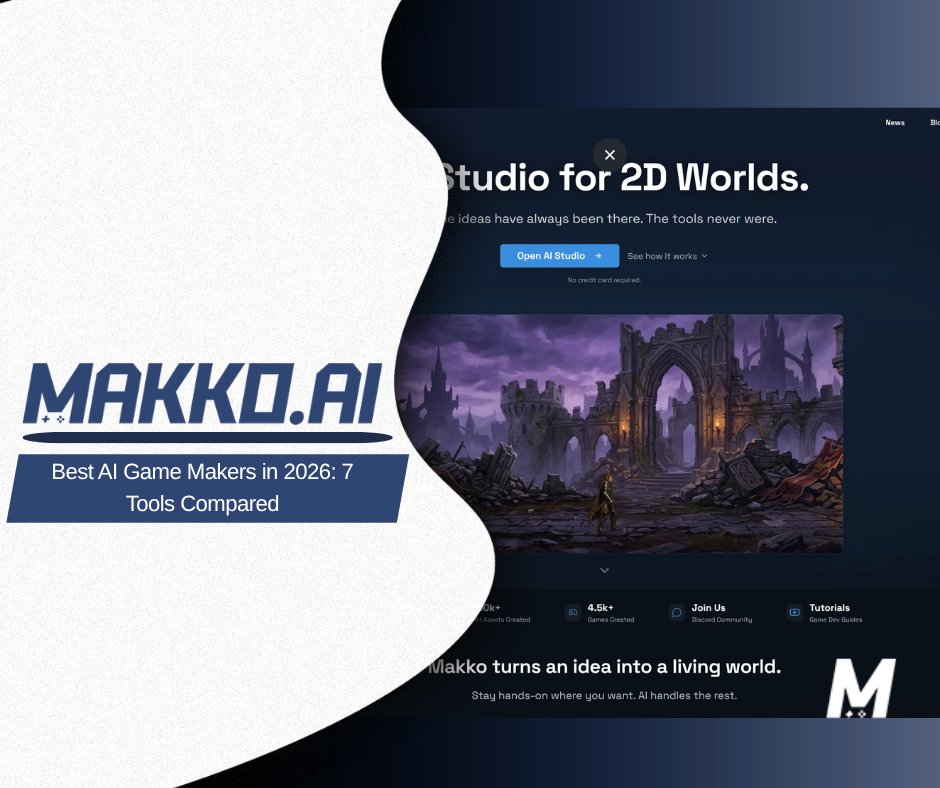
Makko AI is an AI 2D game studio built around one idea: describe what you want and let the tool make it. You start in Art Studio, where Concept Art sets the visual foundation for your game. From there, Collections keeps every character, background, and object looking like it belongs in the same world, so your tenth background still matches your first. Once the art exists, Code Studio turns a plain-English description into a playable game you can run in the browser. No drawing. No coding.
Best for a creator who wants a finished 2D game, cannot or does not want to draw or code, and cares about the whole game looking like one world rather than a pile of mismatched art. Watch out for the fact that Makko is focused on 2D. If you want 3D or a traditional engine to grow into over years, look further down this list. You can try it on the free tier before deciding anything.
2. Rosebud AI - best for fast browser experiments
Rosebud AI is a browser-based AI game creation platform. You describe a game, it generates art and simple game logic, and you can play the result without installing anything. It has a useful set of genre templates and a low barrier to a first result, which makes it good for testing a small idea in a single sitting.
Best for quick browser experiments and one-off concepts. Watch out for how it handles art: Rosebud generates pieces one at a time with no memory of style between them, so keeping a whole game looking unified is harder. If consistency across an entire game matters to you, the deeper Makko vs Rosebud AI comparison covers the difference in detail.
3. Ludo.ai - best for ideation and concept art
Ludo.ai is built for the step before building: coming up with the game in the first place. It helps you research trends, explore mechanics, and generate concept art and ideas. It sits closer to a creative research tool than a place to assemble a finished, playable game.
Best for ideation, market research, and visual exploration while you are still deciding what to make. Watch out for the gap at the end: Ludo.ai will not hand you a playable game. You still need a separate tool to build it, which is why it pairs with the makers above rather than replacing them.
4. Buildbox - best for no-code mobile games
Buildbox is a no-code game builder known for mobile and hyper-casual games. It uses drag-and-drop building and has added AI-assisted features for generating images and filling in art. If your target is a simple, fast mobile game, it has a long track record there.
Best for no-code mobile and hyper-casual games with a clear, simple loop. Watch out for the learning curve: the AI features assist a builder you still have to learn, and the focus is narrower than a general 2D studio. Expect a steeper start than a describe-it tool.
5. GDevelop - best free no-code engine if you want to learn a tool
GDevelop is a free, open-source, no-code game engine with a large community and deep documentation. Its event system lets you build real game logic without writing code, and you can publish to several platforms. It is one of the best free options if you are willing to learn a tool.
Best for people who want a free no-code engine and do not mind investing the time to learn it. Watch out for the art: GDevelop does not generate it, so you bring or make your own, which means the part many people wanted help with is still theirs to solve. If that is the sticking point, see our take on GDevelop alternatives.
6. Godot - best free open-source engine for future developers
Godot is a free, open-source game engine with a fast-growing community and genuine cross-platform reach. It rewards people who want to learn how games are actually built and keep full control over the result.
Best for aspiring developers who want a real engine, for free, and are ready to learn to code. Watch out for what that involves: Godot still requires coding, in GDScript or C#, and it does not generate art. It is a real engine, not a describe-it tool. The gap between an AI game maker and an engine is worth understanding before you commit, which we cover in AI game generator vs game engine.
7. Unity - best for teams scaling beyond no-code
Unity is the industry-standard engine for 2D and 3D, with a massive ecosystem and AI features available through add-ons like Muse. It is the right tool for teams that expect to ship something large and complex over a long timeline.
Best for teams and serious developers who will outgrow a no-code tool and need full control. Watch out for the cost of entry: Unity has a real learning curve, paid tiers beyond the free Personal plan, and no built-in describe-it art generation. For a first 2D game made by one person, it is usually more engine than the job needs.
What about art-only AI tools?
Tools like Scenario and Leonardo focus on generating game art and nothing else. They can produce strong individual images, and some let you train a look you can reuse. The catch is the one that runs through this whole list: generating art is only half the job. You still need to keep that art consistent across a full game and then turn it into something playable. A studio that handles the art, the consistency, and the build in one place removes the handoffs between separate tools.
How do you choose the right AI game maker?
Start with the result you want, not the tool. If you want a complete 2D game and you do not want to draw or code, a describe-it studio is the shortest path. If you only need ideas, use an ideation tool. If you are committed to learning game development as a craft, a free engine like Godot or GDevelop will repay the effort. If you are a team heading for a large, complex title, Unity is the safer long-term home.
Where Makko fits, plainly: it is the best pick when you want one tool to take you from a blank page to a playable 2D game, you care about the whole game looking like one world, and you are not interested in learning an engine to get there. It is not the pick for 3D, for low-level control, or for a studio that has already outgrown no-code. For most people making their first 2D game, that trade is the right one. You can make a game with AI without coding today and see for yourself.
Frequently asked questions
What is the best AI game maker?
It depends on the job. For making a full 2D game from art to a playable build with no drawing or coding, Makko AI is the strongest fit. For fast browser experiments Rosebud works well, and for ideation Ludo.ai is useful. Engines like Godot and Unity suit people ready to learn to code.
What is the best AI game maker for beginners?
For a true beginner who does not want to draw or code, a describe-it studio like Makko AI is the gentlest start, because you reach a playable 2D game by explaining what you want. No-code engines like GDevelop are also beginner-friendly but ask you to learn the tool first.
Is there a free AI game maker?
Yes. Makko AI, Rosebud AI, GDevelop, and Godot all offer free ways to start, and Unity has a limited free Personal plan. The free tiers differ a lot in what you can actually finish, so match the free plan to the result you want before committing.
Can you make a game with AI without coding?
Yes. Tools like Makko AI let you describe a 2D game in plain English and build a playable version without writing code. The art is generated for you too, so you do not need to draw. Traditional engines still expect you to learn their tools.
What is the best AI tool for 2D game art?
For single images, art-only tools like Scenario can do well. For a full game, the harder need is keeping every character and background consistent across the whole project, which is what Makko's Collections system is built to handle.
For detailed walkthroughs and live feature demos, visit the Makko YouTube channel.