7 Best Free AI Game Making Tools in 2026 (What You Actually Get for Free)
Most "free" AI game making tools hide the real limits. This comparison maps what 7 tools actually include on their free tiers in 2026, from art generation to game building to whether credits refresh at all.

Most lists of free AI game making tools stamp "free" next to a tool name and move on. What they skip is the part that actually matters: what does free mean in practice? How many things can you make before a paywall appears? Does the credit refresh, or do you get one small batch and then nothing? Can you generate your own art, or do you bring assets from somewhere else?
This article maps the real free tiers across seven tools available in 2026. It covers what each includes, where the walls sit, and which type of creator each one actually serves. The goal is not to pick a single winner. The goal is to give you enough information to pick the right tool for your situation.
How to read this comparison
Three questions guided this comparison. First: does the free tier include a meaningful way to generate or create game art, or does the tool assume you already have assets? Second: can you build and test a playable game without paying? Third: do free credits or requests refresh, or is the free tier a one-time sample?
The tools below are organized by who they serve best on the free tier, starting with tools built for creators with no art skills and no coding background.
1. Makko AI: best free tier for creators with no art skills and no coding background
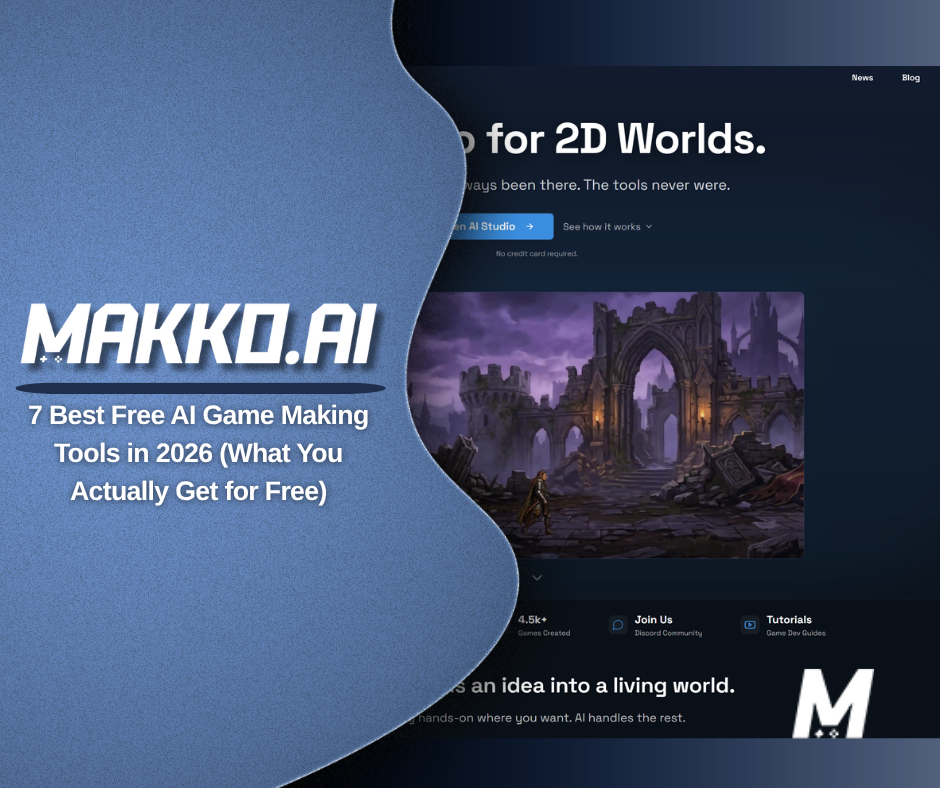
Makko AI is an AI-powered 2D game studio where you describe what you want and the AI creates it. Concept art, characters, backgrounds, objects, and animations. The free tier gives you access to the full workflow, including art generation and game building, without a credit card.
On the art side, free accounts receive 150 art credits per month that refresh every month. That is enough to generate concept art, build out characters with specific gear and details, create backgrounds, and produce animations. Everything is organized through Collections, Makko's system for keeping all the art in a project looking like it belongs to the same world. Collections are fully available on the free tier. You create a Collection, set a visual direction for your game world, and everything you generate inside it inherits that style. The monthly refresh means this is not a one-time sample. It is a recurring allowance you can use to build something real over time.
On the game-building side, free accounts get 70 Code Studio chat requests per week, refreshing on a weekly basis. Code Studio is where you bring your art into a playable game. You describe what you want the game to do in plain English and the AI builds it. You can test the game in your browser without leaving the platform. The weekly refresh means you are not burning through a one-time allocation. You have a working budget every week to make real progress.
Animation quality on the free tier is Lite (720p). Exporting your art off-platform requires a paid plan. If your goal is to build and play your game inside Makko's browser environment, the free tier covers the full loop. If you need to take your art into another engine or publish independently, that is where a paid plan becomes relevant.
Makko's free tier works best for creators who have an idea for a game but no art background and no coding skills. The combination of a monthly art credit refresh and a weekly Code Studio refresh is rare among AI game tools. Most give you a limited batch of free generations and nothing more. Here, the free tier is designed to support ongoing work, not just a first look.
2. Rosebud AI: best free tier for quick browser game prototypes
Rosebud is an AI game platform where you describe a game in text and the AI generates a playable browser game. The free tier gives you access to the game creation tools with a daily generation cap on AI requests, covering both chat prompts and asset creations. The daily cap resets each day, which means you have a recurring allowance to work with rather than a one-time batch.
Rosebud's free tier works for creating and sharing browser games at a hobbyist level. The platform has been moving toward 3D and voxel-style games alongside its 2D capabilities. For pure 2D work with a focus on art generation and style consistency, Rosebud does not have a concept art to character pipeline equivalent to what Makko offers. Free users also cannot commercialize their games, as commercial use requires a paid plan.
Rosebud is best for creators who want to get to a playable browser game quickly and are not yet thinking about art style consistency, export, or commercial rights. For a first prototype or a game jam proof of concept, it is a fast on-ramp.
3. Ludo.ai: best free tier for game ideation and sprite generation
Ludo.ai is an AI-powered platform focused on game asset generation and pre-production ideation. It generates sprites, animations, icons, UI elements, and sound effects from text descriptions, and includes tools for exploring game concepts and market research. A free tier is available that covers core asset generation features without a paid plan.
Where Ludo sits differently from other tools on this list is in its purpose. It is designed to accelerate the asset and ideation side of game development, not to build a playable game from scratch inside the platform. You generate production-ready assets, then take them into your engine of choice. The free tier gives you access to image generation and basic asset tools, with higher limits and advanced capabilities on paid plans starting at $29.99 per month.
Ludo is best for developers who already have an engine workflow and want AI to speed up asset creation and early-stage ideation. For someone who needs both art generation and a game-building environment in one place, Ludo covers only the first part.
4. GDevelop: best free tier for no-code creators who bring their own art
GDevelop is a free, open-source, no-code game engine that uses a visual event system to build game logic without scripting. The engine itself is free to download and use, with a browser-based version also available. Paid tiers exist primarily to unlock higher AI credit allocations and additional publishing features.
On the free tier, GDevelop includes 40 AI credits per month. These credits are used for GDevelop's AI-assisted game building features, including generating game logic, behaviors, and code suggestions inside the engine. They are not art generation credits. GDevelop does not generate characters, backgrounds, or animations from text descriptions. You build game logic with AI assistance, but you supply the visual art from another source.
GDevelop's free tier is a strong option for creators who already have art, are comfortable importing assets, and want to build game logic visually without writing code. For someone who also needs to generate the art from scratch, GDevelop solves half the problem and leaves the other half open.
5. Construct 3: best free tier for learning game logic visually with no code
Construct 3 runs in any modern browser and uses a visual event-sheet system to build game logic without writing code. You stack conditions and actions together to define how your game behaves. No scripting required. The free tier is available indefinitely and does not expire.
The free tier has meaningful limits on project complexity. Free projects are capped at 2 layers and 50 events. An event is any condition-and-action logic block in your game. For a small tutorial project or a simple first game, 50 events can take you surprisingly far. For a full-size game with multiple scenes, enemy behaviors, and UI logic, you will hit that ceiling and either upgrade or simplify. Export options are also restricted on the free tier, with full export capabilities reserved for paid plans.
Like GDevelop, Construct 3 does not generate art. You import your own characters, backgrounds, and animations. The tool is for building game logic visually, not for creating the visual content of the game. Construct 3 is best for someone who wants to learn how no-code game logic works and does not yet have a full project in mind. Once a real project starts taking shape, the 50-event ceiling becomes a recurring constraint.
6. GameMaker: best free tier for non-commercial pixel art and retro 2D games
GameMaker has been free for non-commercial use since 2023. The free version is functionally the same as the paid Professional tier: same editor, same runtimes, no watermark, no splash screen, and no limit on the number of assets you can create within a project. You can export to most non-console platforms including web and desktop. The only restriction is that you cannot sell your game or create commercially distributed executables. For that, a one-time Professional license is required.
GameMaker does not include AI art generation. It is a traditional 2D game engine with its own scripting language, GML, which is similar to JavaScript. No-code workflows are limited, and building any real game logic requires learning GML or the drag-and-drop logic system that maps to it. GameMaker has no equivalent to a Collections system or concept art pipeline. You bring your own assets.
GameMaker's free tier is one of the most generous on this list in terms of engine access. You get essentially the full tool for non-commercial projects. The gap is that it requires art from an external source and scripting knowledge to build anything meaningful. For someone who already has both, it is a strong free option. For someone starting from scratch with no art skills and no coding experience, the learning curve is substantial.
7. Godot Engine: best free tier for developers who want a fully open tool with no limits
Godot is a fully free, open-source game engine licensed under the MIT License. There is no paid tier, no credit system, and no feature that requires an upgrade. You download it, use it for any project including commercial ones, and owe nothing. That makes Godot the most permissive free option on this list in terms of what the tool itself costs.
The important context is what Godot does not include. It has no AI art generation built in. You bring your own assets, then build your game using Godot's node-based system and its own scripting language, GDScript. For someone comfortable writing code or willing to learn, Godot is an exceptionally capable free tool. For someone with no coding experience who also needs to create the art, Godot requires both skills to be sourced from somewhere else.
Godot is best for developers who already have art or know where to get it, and who are ready to learn a game engine's scripting system. It is not an AI game making tool. It is a game engine that is free to use. The distinction matters when you are trying to decide whether a tool solves the whole problem or just part of it.
Side-by-side comparison
| Tool | Art generation on free tier | Game building on free tier | Credits refresh | Coding required |
|---|---|---|---|---|
| Makko AI | Yes, 150 art credits per month | Yes, 70 chat requests per week | Monthly for art, weekly for game building | No |
| Rosebud AI | Limited, within daily cap | Yes, browser games within daily cap | Daily | No |
| Ludo.ai | Yes, sprites and assets on free tier | No, asset generation only | Limited free tier, caps undisclosed | No |
| GDevelop | No, bring your own art | Yes, 40 AI logic credits per month | Monthly | No (visual events) |
| Construct 3 | No, bring your own art | Yes, capped at 50 events and 2 layers | No refresh, permanent caps | No (visual events) |
| GameMaker | No, bring your own art | Yes, full engine for non-commercial use | No limits for non-commercial use | Yes (GML) |
| Godot Engine | No, bring your own art | Yes, fully unlimited with no paywall | No limits, fully free forever | Yes (GDScript) |
How to choose
The right free tool depends on what problem you are actually trying to solve.
If you have an idea for a game but no art skills and no coding experience, the tools that require you to bring your own art (Godot, GDevelop, GameMaker, Construct 3) only solve part of the problem. You would need a separate art generation tool on top of them, which means two workflows, two credit systems, and the challenge of keeping the art consistent across both. Makko and Rosebud are the two tools on this list that include art generation and game building in one place on the free tier.
If you need art generation but already have a game engine you work in, Ludo.ai is worth looking at alongside Makko. Ludo generates sprites and assets you can take into any engine. Makko generates art and lets you build a playable game in the same platform, with a Collections system that keeps everything visually consistent across your whole project.
If you already have art and want to build game logic without writing code, GDevelop and Construct 3 are both capable free options. GDevelop has no hard cap on project complexity. Construct 3 caps free projects at 50 events and 2 layers, which works for learning but becomes limiting for a full game.
If you are comfortable writing code and want a tool with no ceilings, no subscriptions, and no limitations of any kind, Godot is the answer. It is the most fully-featured free option on this list and handles both 2D and 3D. The tradeoff is that it requires scripting knowledge and has no AI art generation built in.
If your goal is to get to a playable result quickly and you are not yet thinking about art consistency or export, Rosebud's daily-refreshing free tier moves fast. If you want to build something more deliberate, with consistent characters, a matching game world, and the ability to bring that art into a playable game across multiple sessions, Makko's monthly and weekly credit refresh gives you a more sustainable working rhythm.
Frequently asked questions
Which free AI game making tools include art generation?
Of the tools compared here, Makko AI, Rosebud AI, and Ludo.ai all include some form of art generation on the free tier. Makko gives you 150 art credits per month for generating concept art, characters, backgrounds, and animations, all kept consistent through Collections. Rosebud includes asset generation within its daily request cap. Ludo.ai generates sprites and game assets on its free tier but does not build playable games. Godot, GDevelop, GameMaker, and Construct 3 do not generate art. You bring your own.
Do free AI game making tools expire or run out permanently?
It depends on the tool. Makko's art credits refresh monthly and Code Studio requests refresh weekly, so the free tier is designed for ongoing work rather than a one-time sample. Rosebud's cap resets daily. Godot has no credit system at all and is completely free forever. Construct 3's free tier has permanent project caps (50 events, 2 layers) that do not refresh. They are fixed limits on what you can build, not a usage allowance.
Can I make a complete 2D game for free using AI?
Yes, within the constraints of each tool's free tier. Makko's free tier covers the full workflow from concept art through characters, animations, and a playable game in the browser. The 150 monthly art credits and 70 weekly Code Studio requests are enough to build something real over time. If you need to export your game off-platform or access higher-quality animations, that is where paid plans become relevant.
For walkthroughs showing the full workflow from concept art to playable game, visit the Makko YouTube channel.
Related Reading
- AI Game Art Generator: Characters, Backgrounds, Animations and Why Consistency Is the Hard Part
- Make a 2D Game With AI: Art, Characters, and a Playable Game From One Platform
- How to Make a Game Without Coding: The Complete AI Walkthrough
- How to Use Makko AI Collections: Build Consistent Game Art With AI
- Makko vs Godot: AI-Native Workflow vs Open-Source Game Engine