The Right Way to Build Game Art With AI - Week of March 30

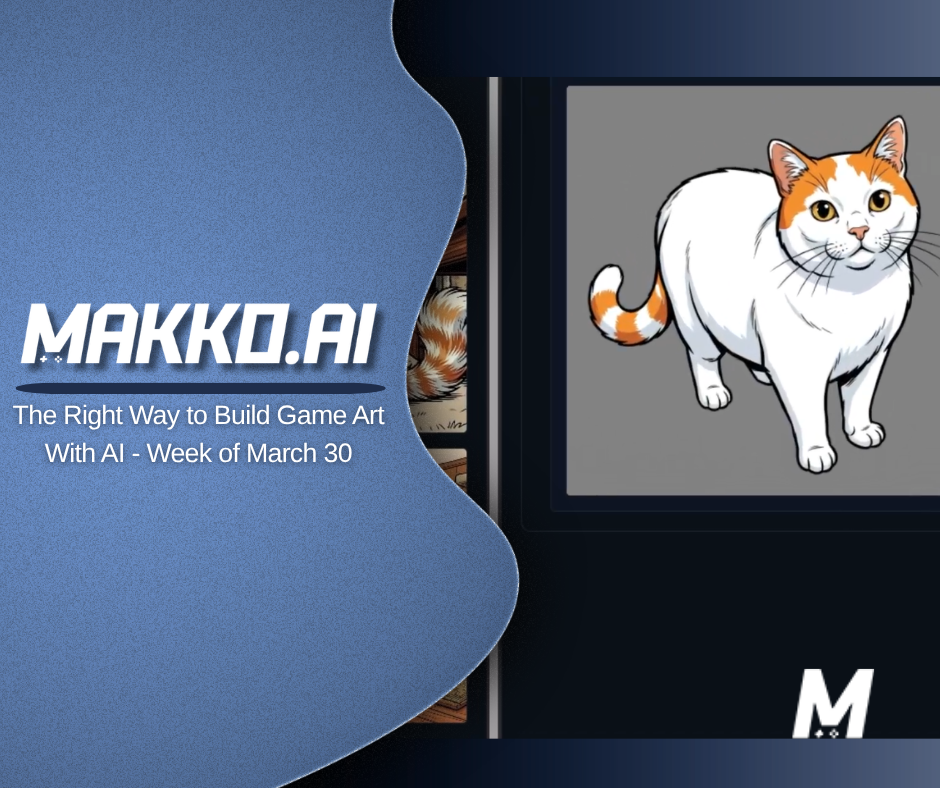
This week started with the invisible box that breaks your pixel art character and ended with the system that makes your whole game look like it belongs together. Hitboxes Monday through Thursday. AI game art consistency on Friday. One thread across five days: stop fighting your tools and start working with them correctly.
We are walking through the week in reverse, starting with Friday's payoff and working back to Monday's foundation.
Friday: The Right Way to Build Consistent AI Game Art With Collections
Most people who use AI to generate game art are making the same mistake: and it has nothing to do with their prompts. They treat each generation as a standalone request. Type a description, get an image, move on. And then wonder why nothing looks like it belongs to the same game.
Friday's video covers Makko's Collections system inside Art Studio from the ground up: the philosophy behind it, why it was built the way it was, and the full step-by-step workflow demonstrated by building The Tales of Happy The Cat from scratch. Creating the Collection, generating concept art with reference images, building a Characters sub-collection, and producing a game-ready character who is visually consistent with everything built before him.
The shift the whole workflow depends on: context first, generation second. A Collection is not a folder system. It is a persistent creative context for the AI: one that does not expire, lives outside any single session, and is built around exactly what a game's art pipeline needs. Build the context before you generate the assets. Every image saved to the Collection makes the next generation more consistent. That compounding effect is what separates a game world that looks cohesive from one that looks assembled from different projects.
Thursday: Pixel Art Hitbox Sizing - Common Case, Not Edge Case
Thursday's Short covered the most practical pixel art hitbox sizing rule there is: size to the common case, not the edge case.
The body hitbox should cover the character's majority stance: the position the character is in most of the time. Not the maximum extent of any animation frame. A character whose arm extends during an attack should not have a body hitbox that covers the fully extended position for every frame of the cycle. That produces collisions that register in places the player cannot see, which feels wrong even if they cannot explain why.
The attack reach lives in a separate damage hitbox, active only on the specific frames where the hit should land. Body hitbox covers the majority stance. Damage hitbox handles the reach on the frames that matter. Two boxes, two jobs, no overlap.
Wednesday: State-Specific Hitboxes for Pixel Art Characters
Wednesday's Short tackled the configuration mistake that makes hitboxes feel wrong even after the sizing is correct: one hitbox shape across every animation state.
Idle, crouch, jump, and attack are four physically different positions. A hitbox sized for the idle stance is wrong for a crouching character; it leaves empty space above the character that the engine still treats as solid. A hitbox sized for the jump state is wrong for everything else. Each animation state needs its own collision shape, configured separately, so the engine's understanding of the character matches what the player actually sees on screen. Inside Makko's manifest, state-specific hitboxes are configured per state in one place. No hunting across menus or configuration files.
Wednesday also brought a devlog from Sector Scavengers: a UI redesign for the command deck. Two zones, one screen, one obvious CTA. The old layout was making players read before they could act. The redesign separated information from action and prototyped the change in Makko in under an hour. Full breakdown on the blog.
 Makko AI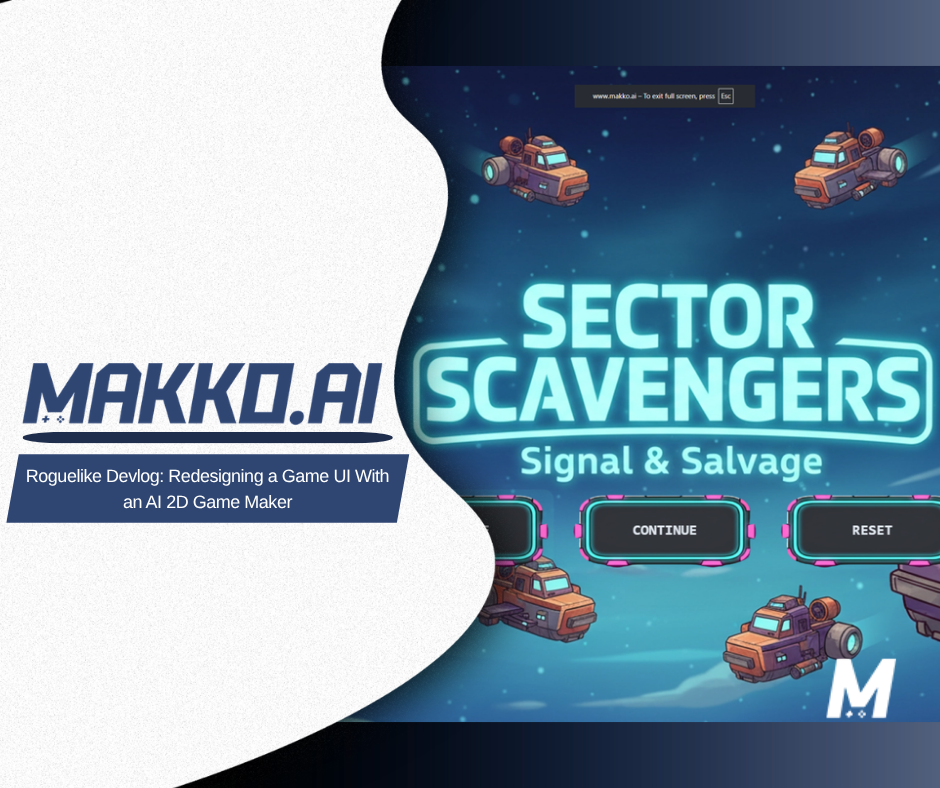
Tuesday: What a Pixel Art Hitbox Actually Is
Tuesday went deeper on the definition: what a hitbox actually is and why the engine ignores your pixel art entirely.
The engine does not read the sprite. It reads the invisible collision shape assigned to it. Transparent space in the sprite file is still space the engine has to account for: and when the hitbox defaults to the full sprite rectangle, that transparent space becomes solid geometry. A character with empty canvas around them collides with walls and floors at a distance the player cannot see. The art is not the problem. The default box is the problem.
Understanding this is the prerequisite for everything else in the hitbox pipeline. Once you know the engine is reading the box and not the sprite, every downstream fix makes sense.
Monday: The Invisible Box That Breaks Your Pixel Art Character
Monday opened the week with the problem every 2D developer runs into eventually: the character fits through the gap visually, and the engine blocks them anyway.
The engine reads the invisible box, not the pixel art sprite. Size the box to the full canvas and the character collides with empty air. The art can be perfect and the game still feels broken: because the thing controlling physical behavior is not the thing the player sees. That disconnect is where most hitbox confusion starts, and Monday's Short named it directly before the rest of the week built on it.
The Week in Sequence
Read in order, the week builds a complete picture of the pixel art hitbox pipeline:
- The engine reads the box, not the sprite. Transparent space becomes solid geometry when the box defaults to the full canvas.
- Size the box correctly. Tight to the character's actual visible form, not the sprite file dimensions.
- Configure per animation state. One box across idle, crouch, jump, and attack is wrong. Each state needs its own shape.
- Size to the common case. Body hitbox covers majority stance. Damage hitbox handles attack reach on the frames that matter.
- Build the art correctly from the start. Collections gives the AI persistent context so every asset you generate belongs to the same game.
Hitboxes and AI game art consistency are not the same problem: but they share the same root. Both break when you treat each step as isolated rather than as part of a system. The fix in both cases is the same: build the context first, then execute from inside it.
Frequently Asked Questions
Why does my pixel art character collide with empty air?
The engine reads the invisible collision box, not the pixel art sprite. When the hitbox defaults to the full sprite canvas dimensions, transparent space around the character becomes solid geometry. The character collides with walls and floors at a distance the player cannot see. The fix is to size the hitbox tightly to the character's actual visible form, not the sprite file dimensions.
Should I use one hitbox for all animation states?
No. Each animation state requires its own hitbox configuration. A character's idle stance, crouch, jump, and attack all occupy different space. Using one box across all states produces collisions that register incorrectly for most of the animation cycle. Configure a separate hitbox per state and size each one to where the character spends most of their time in that animation.
What is the common case rule for hitbox sizing?
Size the body hitbox to the character's majority stance: the position they are in for most of the animation. Not the maximum extent of any single frame. Attack reach belongs in a separate damage hitbox, active only on the specific frames where the hit should land. Body hitbox covers the majority stance. Damage hitbox handles the reach on the frames that matter.
How does the Collections system keep AI game art consistent?
A Collection is a persistent creative context for the AI: one that does not expire and lives outside any single session. Every asset saved to the Collection becomes a style reference for future generations inside it. Build the concept art first, save the best results, and every subsequent character, background, and prop generation inherits that visual foundation automatically. The compounding effect is what separates a cohesive game world from one that looks assembled from different sources.
For detailed walkthroughs and live feature demos, visit the Makko YouTube channel.