Best AI Tools for Game Backgrounds and Environments (2026)
The best AI tools for 2D game backgrounds and environments in 2026, compared: Makko, Scenario, Leonardo, and more, with honest picks.

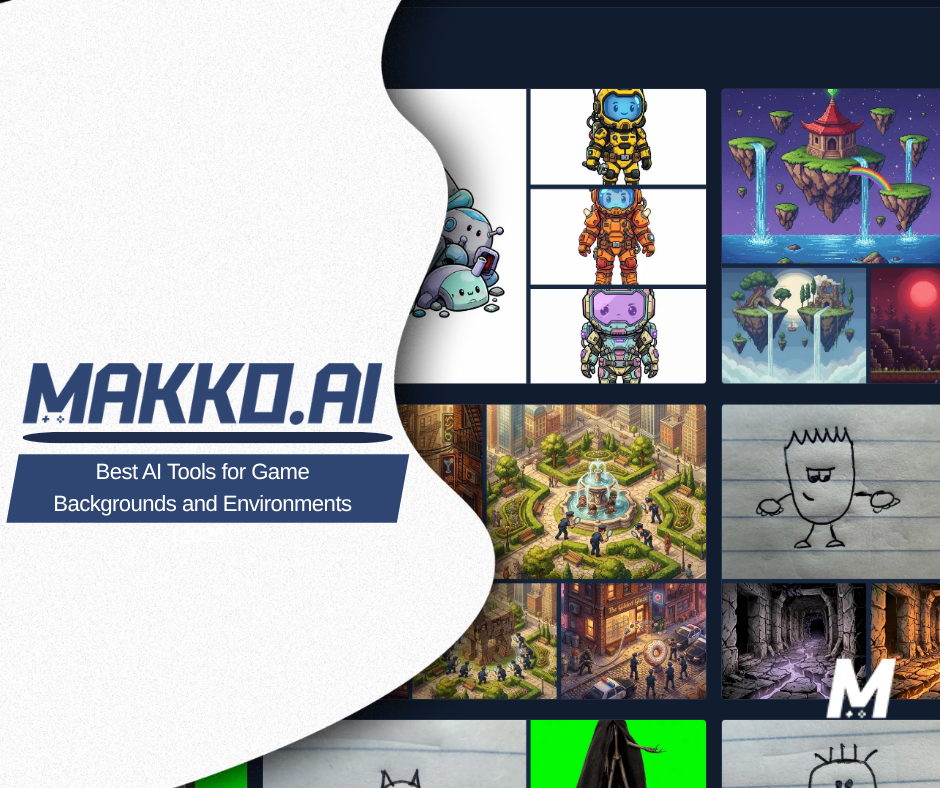
The best AI tools for game backgrounds and environments in 2026 are Makko, Scenario, and Leonardo, with a few specialists worth knowing for parallax and pixel art. The right one depends on a single question: do your backgrounds need to match the rest of your game, or are you generating standalone scenes? If they need to match your characters, an art-first tool wins. If you just need volume, a general generator works.
Backgrounds are the easiest game art to make with AI and the easiest to get wrong. Easy, because a static environment does not have to animate or tile, so the model's weak spots never come up. One 2026 testing guide notes that parallax layers, title screens, and biome backdrops avoid exactly the things AI struggles with. The trap is consistency: a gorgeous forest that looks like it belongs to a different game than your hero. This guide ranks the tools by how well each one makes a background that actually fits your game, and it starts with the tool built for that problem.
What makes a good game background, beyond looking nice?
Three things. First, it has to match. If your characters use a warm, saturated palette and your background is cold and busy, it reads like two artists who never spoke. The fix is to share a palette and style across everything, which is the single most common place AI background art falls down. Second, for side-scrollers it usually needs depth, built from parallax layers that move at different speeds. The standard breakdown is a slow sky in back, then far distance, midground, and a near foreground, each on its own layer so it can scroll independently. Third, it has to stay out of the way. A background that is too detailed or too high-contrast makes your gameplay unreadable.
Keep the first one in mind as you read. Generating a single pretty environment is easy now. Generating a set of them that all belong in the same game as your characters is the real test.
1. Makko
Best for: creators who want backgrounds that match their characters and the rest of their game, with no art skills.
Makko is an AI 2D game studio, and it treats backgrounds as part of one world rather than one-off images. In Art Studio you describe an environment and generate it, and because it lives inside a Collection, it inherits the same style as your characters and props. That is the match problem solved by design. A forest, a castle, and your hero all come out of the same set of concept art, so they read as one game instead of a collage. You describe what you want in plain language, which means backgrounds are within reach even if you have never opened an art program.
Watch out for: Makko is a general 2D studio, not a dedicated background or parallax tool, so it does not auto-slice a scene into engine-ready scrolling layers for you. If you want multi-layer parallax, you still plan those layers yourself. Makko's edge is that every environment you make already belongs to your game's world, which is the part that usually takes the most fighting.
2. Scenario
Best for: teams with a locked art style that need to mass-produce on-style environments.
Scenario is the studio-grade answer to "AI art looks different every time." You train a model on your own reference art, then batch-generate hundreds of consistent props, UI elements, and backgrounds that match that look. For a team that already has a visual identity and needs volume without drift, it is purpose-built for the job.
Watch out for: it is the most involved option here. You have to train a model before you get the payoff, and reported pricing runs roughly $20 to $200 per month by usage and seats, which makes it overkill for a solo dev making a handful of scenes. It is a tool for production scale, not a first sketch.
3. Leonardo AI
Best for: solo creators who want broad, game-tuned generation with a genuinely useful free tier.
Leonardo is a strong general pick for environment art, with game-art-specialized models for fantasy, sci-fi, isometric, and pixel styles, plus a Real-Time Canvas for painting in ideas. The free plan is one of the most generous in the category, with 150 tokens per day and no expiry, and paid plans starting at $12 per month, which makes it an easy place to generate biome backdrops and title screens.
Watch out for: two things. On the free tier, your generations are public and the consistency features are locked behind paid plans, so holding one style across many backgrounds is harder until you upgrade. And like any general generator, it gives you a loose image, not a layered scene wired into your game.
4. Dedicated parallax tools
Best for: adding motion and depth to a background you already have.
A separate class of tools focuses only on motion. They take a single image, break it into foreground, midground, and background layers, and animate them at different speeds to create a 2.5D depth effect. If you have a finished environment and want it to feel alive behind your gameplay, these handle the part a still-image generator does not.
Watch out for: these animate art, they do not create your game's look, so you still need a source image that matches your style. They are a finishing step, not a starting point, and the output is often a video file rather than engine-ready layers, so check the format against what your engine needs.
5. Premade background packs
Best for: prototyping fast, or filling a gap when generating the exact scene is not worth it.
Not every background has to be generated. Marketplaces are full of ready-made parallax sets, like the pixel-art packs that ship layered PNGs and editable files designed to loop horizontally for side-scrollers, covering forests, caves, cities, and more for a couple of dollars. For a prototype or a jam, they are the fastest path to a playable scene.
Watch out for: the same consistency wall, in reverse. A bought pack has its own fixed style, so your generated or drawn characters have to match it, not the other way around. Packs are great for speed and weak for a unique look, since other games are using the same art.
How do these options compare?
| Tool | Best for | Matches your characters? | Cost to start |
|---|---|---|---|
| Makko | Backgrounds that match your whole game | Yes, via Collections | Free tier |
| Scenario | High-volume on-style batches | Yes, with a trained model | Paid |
| Leonardo AI | Broad, game-tuned generation | Partly, on paid plans | Free tier |
| Parallax tools | Adding motion to existing art | No, animates only | Varies |
| Background packs | Fast prototyping | No, fixed style | Low one-time |
So which should you use?
Start from whether the background has to match. If it does, and you want your environments, characters, and props to look like one game, Makko is the most direct route, because the matching is the whole point of the tool and you make everything in one place. If you are a team with a locked style and need to produce environments by the hundred, Scenario is built for that volume. If you want a flexible general generator with a real free tier, Leonardo is the easy starting point. Reach for a parallax tool when you have a finished scene that needs motion, and for a background pack when speed matters more than a unique look.
Whatever you choose, build your backgrounds in layers and share one palette across your whole game. The environment is where players spend every second of their attention, even when they are not looking at it directly. Get it matching your characters, and the game stops looking like a collection of art and starts looking like a place. The fastest way to feel that is to make a 2D game with AI where the characters and the world come from the same style.
For detailed walkthroughs and live feature demos, visit the Makko YouTube channel.
Frequently asked questions
What is the best AI tool for game backgrounds?
It depends on what you need. For backgrounds that match your characters and the rest of your game, an art-first tool like Makko keeps everything in one style through Collections. For high-volume on-style batches, Scenario lets you train a model on your own art. For broad, game-tuned generation with a generous free tier, Leonardo is a strong pick.
Can AI make parallax backgrounds for a 2D game?
Yes, but you build them in layers. The standard approach is to generate each depth layer separately, sky, far distance, midground, and foreground, so each one can scroll at its own speed in your engine. Most AI image tools can produce these layers if you prompt for them one at a time and specify the aspect ratio.
Why do AI backgrounds often clash with my characters?
Because most tools generate each image with no memory of the last. The background ends up in a different palette, detail level, or style than your characters, so they look like two different games. Tools that carry persistent style context, like Makko Collections or a trained Scenario model, are built to prevent that drift.
Are AI game backgrounds free to make?
You can start free. Makko and Leonardo both have free tiers, and Leonardo's includes a daily token allowance. Scenario and other studio-grade tools are paid once you need volume. Backgrounds are one of the cheapest things to make with AI, since static environment art avoids the animation and tiling problems that trip these models up.