
10 Places to Get Game UI Assets, and What Each One Costs You
The price on the listing is not the cost. Licence checking, style mismatch and the pieces missing at week ten are, and every entry is priced on all three.
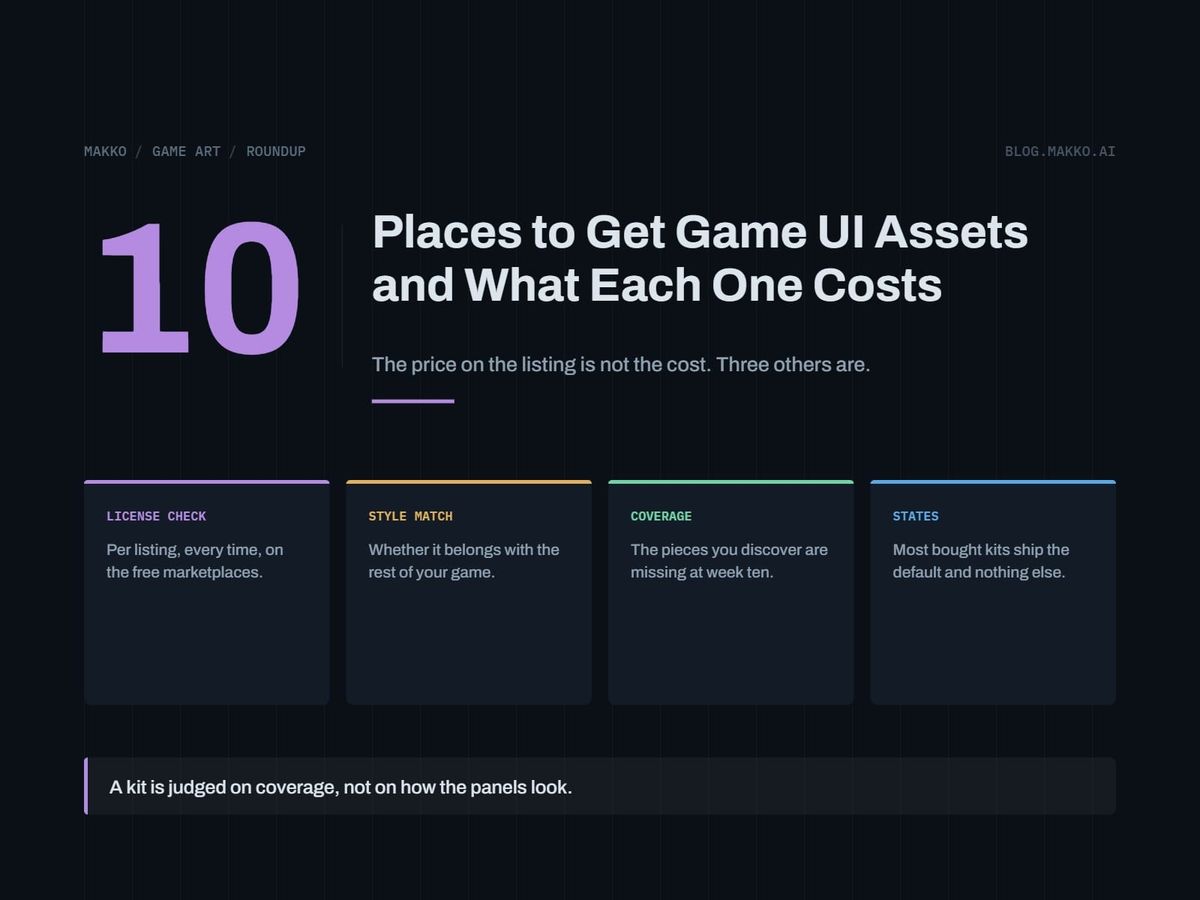
Most lists of UI asset sources stop at the price on the listing page. That number is the smallest part of what a kit costs you. The real bill arrives as license checking you did not budget for, a style that fights the rest of your game, and missing pieces you find in week ten when you finally build the settings screen.
This covers ten places to get interface art for a 2D game: panels, buttons, frames, sliders, icons, and the disabled and pressed states nobody thinks about until the build. It is for a solo developer or a small team's programmer who can ship a game and cannot draw, and who cares about commercial licensing because shipping is the plan.
Disclosure: this is Makko's blog, and Makko is one of the ten entries below. Prices and plan terms are as of September 2026 and come from each vendor's own pages, so check before you buy.
The short version. For something free and shippable today with no paperwork, start with Kenney, because the assets are CC0 and commercial use needs no attribution. If the set has to match art you already have, use a generation tool that binds a style across a whole set, such as Makko or a paid Scenario or Leonardo.Ai plan. If the interface carries your game's identity and you have lead time, commission it. In every case, price the missing states before you commit.
How these were picked
Five criteria, all of them things that cost money or weeks later.
- Cost out of pocket, and whether it recurs.
- Commercial license: whether you can ship a paid game with the output, and what the restriction is when you cannot.
- License checking burden. One blanket license costs far less here than a marketplace with different terms on every listing.
- Consistency across a set: whether your 40 pieces of UI look like one game.
- Coverage. A UI kit is judged on coverage, not on how the panels look. The 2D game UI kit checklist lists what a complete set contains, and running any source below against it before you commit is the cheapest hour you will spend.
1. Kenney
Kenney publishes large sets of game assets released into the public domain under CC0, plus some paid bundles.
Cost: free for the CC0 sets. License: CC0 assets are free to use commercially with no attribution required. Style match: clean and generic by design, so it sits beside many styles without matching any of them exactly. Coverage: broad, and the catch is ubiquity. Anyone who plays indie games has seen these buttons, so your UI reads as someone else's unless you recolor and reframe it.
Pick it for a shippable UI this week, or placeholders good enough to survive a slipped schedule. Skip it if being recognized as stock art would hurt the game.
2. OpenGameArt
A community asset library of mixed licenses, for people who will read terms.
Cost: free. License: mixed, and this is the entry's real price. Licenses vary by asset, so each one has to be checked individually, every time, including attribution requirements and any share-alike terms that attach to derivative work. Style match: low, since several contributors means several line weights and palettes. Coverage: partial. Expect panels from one author, icons from another, pressed states from you.
Pick it if you will log asset, author, license and credit line from the first download. Skip it if you will not keep that log. An unattributed asset in a shipped build is a legal problem, not a cosmetic one.
3. itch.io
itch.io is a marketplace where many independent creators sell and give away game assets, and a common first stop for a UI pack with a specific look.
Cost: set per pack by each creator, with free and pay-what-you-want listings beside paid ones. License: varies per listing and must be checked per asset. Two packs by the same creator can carry different terms, and a free download is not automatically a commercial license. Style match: the best marketplace option, since you buy one cohesive pack from one artist. Coverage: the standing problem. Packs are sold on a screenshot of panels and buttons, and most are missing exactly the states you need: disabled, focused, the third button size, the scrollbar.
Pick it if one pack covers most of your screens and you accept drawing the rest. Skip it if you need guaranteed coverage, or plan to mix three packs, since mixing is where consistency goes.
4. Your engine's asset ecosystem
Every 2D engine has an ecosystem of themes and community assets built for its own UI system, arriving sliced and wired to the engine's controls.
Cost: the assets are often free and the engine license is where the money sits. Godot is free and open source under the MIT license, with no royalties, revenue thresholds or seat costs. GameMaker's free tier carries a non-commercial license, and its Professional tier is a one-time purchase that adds the commercial license. Construct 3 Personal is $129.99 a year or $15.99 a month, for individuals and hobbyists only; its Startup Business tier at $168.99 per seat per year requires under $50,000 revenue, under $100,000 in assets and three or fewer employees. License: assets still follow their creators' terms, so you get per-item checking on top of the engine's tier rules. Coverage: often strong, since a theme has to cover the controls the engine ships. Style match: neutral by design.
Pick it if you want assets that fit your engine's UI system with no setup. Skip it if the interface needs a distinctive look.
5. Scenario
Scenario is an AI image generation platform aimed at game art, with custom model training on higher tiers so you can generate in a style you define.
Cost: a free tier with 50 free daily credits and no credit card required. Starter is $15 a month for 1,500 monthly credits, single user. Pro is $45 a month for 5,000 credits and custom model training. Max is $75 a month for 10,000 credits and up to 25 users. Annual billing is stated as 33% cheaper than monthly. License: free plan outputs are "for personal and evaluation use only", so anything generated there cannot ship. All paid plans include a full commercial license, so evaluate on free and pay before you generate the assets you intend to release. Coverage: your checklist's problem rather than the vendor's, so nothing is missing that you remembered to request.
Pick it if you want generated UI in a style you control and will be on a paid plan by launch. Skip it if your plan was to ship free-tier output.
6. Leonardo.Ai
Leonardo.Ai is a general-purpose AI image generation platform with personal model training on paid plans.
Cost: the free plan is $0 a month with 150 fast tokens per day. Essential is $12 a month for 8,500 fast tokens, private creations and 10 personal models. Premium is $30 a month for 25,000 fast tokens, and Ultimate is $60 a month for 60,000. License: paid subscribers get full ownership of outputs. The free tier is a non-exclusive royalty-free license and free-tier creations are public, so anything made there is visible to other users. Style match: controllable with a personal model, less so without one.
Pick it if you want one general image tool for UI and other art at once. Skip it if the work has to stay private at zero cost.
7. Makko
Makko does collection-based 2D game art generation, where a collection binds the look, feel and style across a whole asset set, plus sprite sheet baking from generated animations. For UI, the collection is the point: panel, buttons, icons and frames are generated against one bound style rather than one prompt at a time.
Cost: pricing is on Makko's own site; this article quotes no price it has not verified. License: check current terms before committing, as with any tool here. Style match: the problem it is built for. Style drift across a set makes generated UI look assembled rather than designed, and keeping UI consistent with the rest of your game art is a separate discipline from getting one good-looking panel. Coverage: bounded by your list, so bring the checklist and generate every state.
Pick it if consistency across a set is your binding constraint. Skip it if you need one button and a frame, where a free CC0 pack does the job for nothing.
8. Commissioning an artist
Hiring a UI artist directly has the highest ceiling and the least ambiguity about rights.
Cost: quoted per project. Budget the quote plus revision rounds plus pieces left out of the brief. License: negotiated and written down, the cleanest position on this page as long as terms are agreed before work starts. Specify commercial use, marketing use, and what a post-delivery variant costs. Style match: the highest available, since the artist works to your reference. Coverage: exactly as good as your brief. An artist paid for 12 assets delivers 12 assets, and the disabled states you left off the list become a second invoice.
Pick it if the interface carries your game's identity and you have budget and lead time. Skip it if you are still changing what the screens do.
9. Drawing it yourself in a free tool
Krita and Pixelorama are free and open source, and Piskel is a free browser and desktop pixel editor. UI is the most tractable art a non-artist can make: rectangles, borders, flat fills and consistent corner radii are rules rather than draftsmanship.
Cost: nothing in money, real hours in time. License: none to check, and you own everything. This is the only entry with zero license burden. Style match: perfect by construction. Coverage: complete if you work from a list, and nothing else here guarantees that. The cost that bites: your time, plus a programmer's first UI pass usually reading flat. Game UI art for developers covers the rules that get a self-made interface to acceptable.
Pick it if your style is simple or your screen count is low. Skip it if your game is detailed or painterly, where matching it by hand is a real skill and not a weekend.
10. Extending a kit you already license
The tenth source is already on your drive. If a kit is in the build and six pieces are missing, extending it beats buying a second kit, which brings a second style with it.
Cost: free in money, a few hours in a free editor. License: the original terms govern the derivative, so re-read them before you modify. Share-alike terms can attach to your new pieces, while a CC0 base like Kenney's carries no such constraint. Style match: the best outcome available for a mixed set, since you match one kit instead of blending two. Coverage: this route closes the gap, so reach for it in week ten rather than restarting the search.
Pick it if your base kit is close and incomplete. Skip it if the base kit is wrong for the game, since extending a style you dislike multiplies the problem.
Side by side
| Source | Cost | Commercial use | License checking | Consistency | Coverage |
|---|---|---|---|---|---|
| Kenney | Free (CC0) | Yes, no attribution | None | Good per set | Broad, widely seen |
| OpenGameArt | Free | Varies | Per asset | Low | Partial |
| itch.io | Per pack | Varies per listing | Per listing | Good per pack | Usually incomplete |
| Engine ecosystem | Engine tier rules | Depends on tier | Per asset plus tier | Neutral | Often strong |
| Scenario | Free tier; $15 to $75/mo | Paid plans only | One plan term | Good with trained model | Your list |
| Leonardo.Ai | Free tier; $12 to $60/mo | Paid gives ownership | One plan term | Good with personal model | Your list |
| Makko | See its site | See its terms | One plan term | Bound per collection | Your list |
| Commission | Quoted per project | Negotiated | One contract | Highest | Your brief |
| Draw it yourself | Free tools, your hours | You own it | None | Matches your game | Complete if listed |
| Extend your kit | Free, your hours | Original terms carry | Re-read the original | Matches the base | Closes the gap |
How to choose in about ten minutes
Work down this order.
1. List every panel, button size, toggle, slider, icon and
   state (normal, hover, pressed, disabled, focused). Count it.
2. Shipping commercially? No free-tier AI output and no
   unchecked marketplace asset goes in the build.
3. Need it this week, style flexible -> Kenney (CC0).
4. Specific look, one pack covers most of the list
   -> itch.io, after reading that listing's license.
5. Must match art you have -> a generation tool that binds
   a style across the set, on a paid plan.
6. Interface is core, budget exists -> commission, with the
   full asset list in the brief.
7. Under ten pieces missing -> extend the kit you license.
Frequently asked questions
Can I ship a commercial game with Kenney assets and credit nobody?
Yes, for the CC0 sets. Kenney releases those into the public domain, and CC0 assets are free to use commercially without attribution. Crediting anyway is good practice and not required.
Can I ship art generated on Scenario's free tier?
No. Free plan outputs are for personal and evaluation use only. The 50 daily credits are there to decide whether the tool fits your game. All paid plans include a full commercial license, so move to a paid plan before you generate the assets that go in the build.
How do I check licenses on itch.io or OpenGameArt without losing an hour?
You cannot skip the reading, so make it cheap. Keep one sheet with five columns: asset, source URL, author, license name, required credit text, and fill it at download time. Rebuilding that record for 60 assets the week before launch is the version that costs an hour.
What is the cheapest way to get a genuinely complete UI set?
Drawing it yourself in a free tool, if your style is simple. It is the only route with no money cost, no license burden and guaranteed coverage, traded for your time. Second cheapest is a CC0 base you extend as gaps appear.
Can I mix two UI packs from different creators?
You can, and it usually shows. Different authors use different line weights, corner radii, shadow angles and palettes, and players read the mismatch as sloppiness without naming it. If you mix, recolor and reframe the second pack to match the first.