Game UI Art When You Are Not a UI Designer
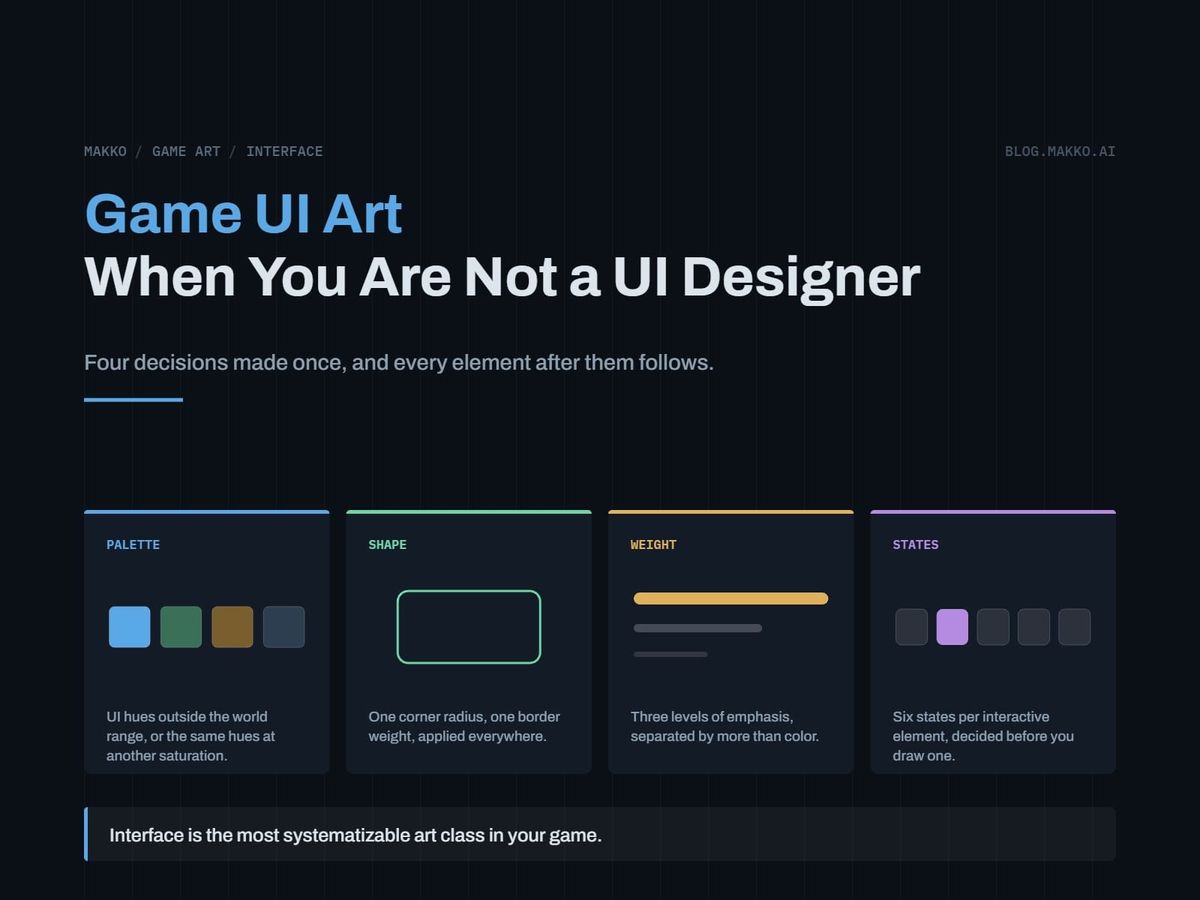
Interface art is the most omitted section in a game art bible and the most systematizable art class in the game. Four decisions, made once, cover almost all of it.
Interface art is the section people leave out. Among the public art bibles that studios have released, only one has anything resembling an interface section at all, and its absence causes more rework than any other missing piece.
The reason it gets skipped is that UI does not feel like art. It feels like layout. So it gets treated as something to arrange rather than something to specify, and the specification only gets written after a health bar that read perfectly against a forest disappears against snow.
That failure is not a design failure. It is a missing rule, and rules are the part of art direction a developer can write without being able to draw.
The short version. Interface art is the most systematizable art class in your game, because it is a small finite set of elements repeated everywhere instead of a large set of unique ones. Decide four things once: how the UI palette relates to the world palette, one shape language, one weight ramp, and the full state set per element. Then test every element against your brightest and darkest scenes rather than against a neutral mockup.
Why UI is the easiest art class to systematize
Characters are hard to keep consistent because every one is different. Forty characters means forty sets of decisions, and consistency has to be imposed across all of them.
Interface art is the opposite. A whole game usually runs on a dozen or so element types: panel, button, icon, bar, slot, tooltip, divider, badge, cursor, toggle, tab, modal. They repeat constantly, in every screen, for the entire runtime of the game. One frame language applied everywhere covers all of it.
That inverts the usual problem. With characters, the work is holding a line across many unique things. With UI, you decide once and the decision propagates for free. It is the highest return per decision of any art class in the project, and it is the one most often left undecided.
It is also the class most visible to a player. A character is on screen while it is on screen. The HUD is on screen for the entire session.
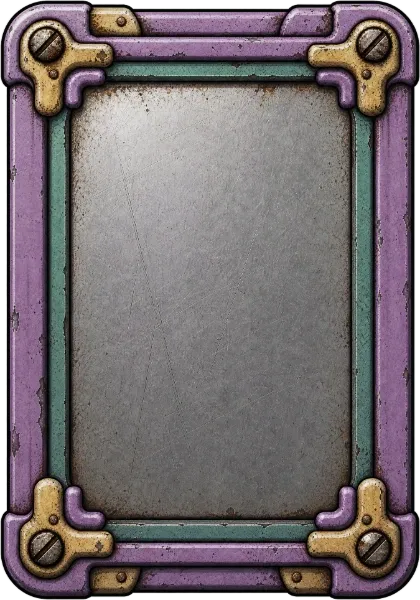 Frame420 × 600
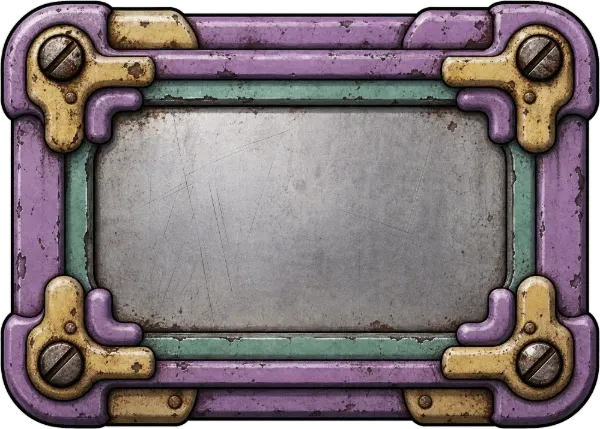 Button600 × 429
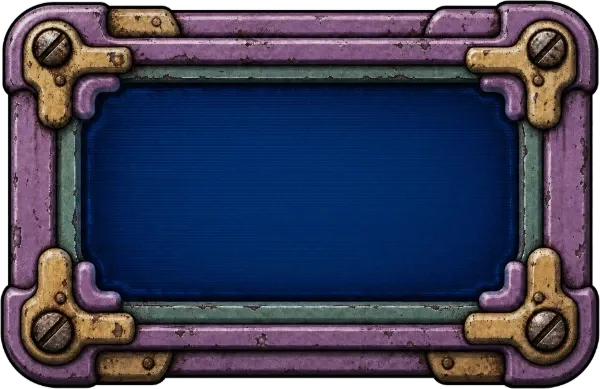 Panel600 × 389
The four decisions to make once
None of these require drawing. All of them can be written in a text file in under half an hour.
The palette relationship. Not the UI palette in isolation, the relationship between the UI palette and the world palette. The two most common workable rules are that UI sits outside the world's hue range entirely, or that UI uses the world's hues at a different saturation band. Pick one and write it down. Choosing neither is how you end up with a gold coin icon that vanishes against a desert.
The shape language. One corner radius, one border weight, one inset or outset convention. If panels have a four pixel radius, buttons do too. This is the single cheapest consistency win available, and it is the one people break first when they add a screen in a hurry.
The weight ramp. How many levels of emphasis exist, and what makes something a level higher. Three is usually enough: primary, secondary, ambient. Each level should be distinguishable by more than color, because color alone fails the moment a player has a display or vision profile you did not test against.
The state set. Every interactive element needs the same list of states, and the list is finite: default, hover, pressed, disabled, focused, and where relevant selected. Deciding you have five states and building five for every element is how you avoid discovering at week ten that half your buttons have no disabled treatment.
The mistake: designing UI on a neutral background
Almost every interface problem in a shipped game traces back to the same origin. The UI was designed on a flat gray artboard and then placed on top of a game.
A neutral background is the one background your UI will never sit on in play. It hides the entire class of problem that matters, which is separation between the interface layer and whatever is moving behind it.
The health bar that reads against a forest and disappears against snow was not designed badly. It was designed against nothing.
The fix is procedural. Take a screenshot of your brightest scene and your darkest scene, and make those two images the background you design on. Not at the end as a check, from the first element. If it does not read on both, it does not exist yet.
Bright and dark are the two extremes, and anything that holds at both ends holds everywhere between. Testing against a mid-tone scene tells you very little, because a mid-tone scene is the easy case.
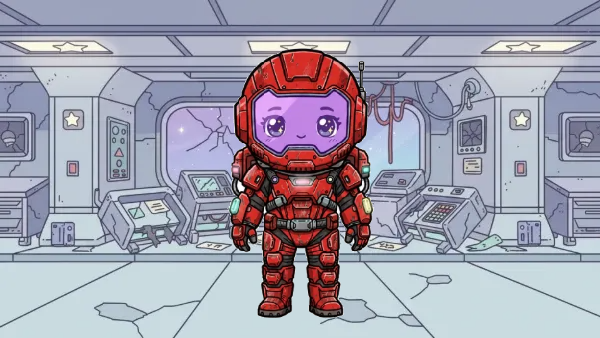 Brightest scenePale corridorDesign surface
 Darkest sceneDim bridgeDesign surface
Hierarchy is gameplay, not polish
We rebuilt the Command Deck in Sector Scavengers for exactly this reason. The previous version was technically functional and cognitively expensive: everything was present at once, the hierarchy was unclear, and nothing read as a primary action. The player had to do too much interpretation before making a single decision.
That kind of friction does not present as a bug. It presents as the game being hard to understand, which is a far more expensive thing to be.
The rule that came out of it: when two modes of play require different mental models, forcing them through one undifferentiated interface layer hurts both. Structural clarity is not polish. It is part of how the game plays.
Practically, that means one primary action per screen, visible without interpretation, and everything else demoted a level. If you cannot name the primary action on a screen in under three seconds while looking at it, neither can a player who has never seen it before.
The three-scene test
The same three checks that gate any asset entering the project apply to interface elements, with one substitution.
Fill the element 100% black and ask whether its shape still identifies it. An icon that is only legible because of its interior detail will fail at the size it ships at.
View it at the size it appears in game, from normal viewing distance. Interface art is authored large and displayed small more often than any other class, so this catches the most.
Composite it onto your brightest and darkest scenes, side by side. For UI, add the third case: composite it onto your busiest scene, the one with the most moving elements behind it. Separation against a still background is not the same problem as separation against a background full of motion.
The health bar, worked through
One element carries most of the lesson, because every game has one, and because it fails more reliably than anything else.
A health bar has to be readable at a glance while the player is doing something else, against every environment in the game, at a size small enough that it does not occupy attention, and at every value between full and nearly empty. That is four constraints at once, so it exposes a missing rule faster than anything else on the screen.
Run it through the four decisions. The palette relationship says whether the fill color is allowed to come from the world's hue range, and if your forests and your snow both sit in that range, the answer is no. The shape language gives the bar the same corner radius and border weight as every panel, so it reads as part of the same system rather than as a widget someone dropped in. The weight ramp puts it at primary, since it is information the player acts on, and primary means it is distinguishable by more than its color. The state set is the part people forget: full, low and critical are states, and if low is communicated only by the bar being shorter, a player watching the center of the screen will miss it.
Then the readability pass. Composite it over the forest, over the snow, and over the busiest fight in the game. Most bars survive the first two and fail the third, because a bar that reads against a still background can be lost inside motion.
The usual fix is not a brighter fill. It is a value difference that does not depend on hue, plus a border or shadow that separates the element from whatever is behind it, which is the same separation problem characters have against environments and the same solution.
The resolution problem
Interface art is authored large and displayed small, and unlike world art it has to survive being displayed at sizes you did not choose.
Decide early whether your UI scales with the window or stays a fixed pixel size. Scaling keeps proportions but softens crisp edges at non-integer factors. Fixed size stays sharp and becomes uncomfortably small on large displays. Both are defensible and the failure is picking neither, then discovering at launch that the interface is unusable on someone's monitor.
If your art is pixel-based, integer scaling is the only option that preserves it, which constrains the window sizes you support. That constraint belongs in the contract next to the corner radius rather than being discovered later.
Set a minimum touch or click target and hold to it. Elements that are comfortable at your development resolution can become unhittable at another, and the elements most likely to be undersized are the ones added last in a hurry.
Anchor everything to an edge or a corner rather than to an absolute position. An element positioned absolutely is correct at exactly one aspect ratio.
When to add a screen and when not to
Every new screen costs the player a navigation step and costs you a full state set across every element on it. The instinct when a screen gets crowded is to split it, and that instinct is right less often than it feels.
Before adding one, check whether the space already exists. Non-interactive background art often creates usable safe space, and a secondary menu invoked into that space gives players depth without adding navigation. We found that on the Command Deck rebuild, and it removed a screen rather than adding one.
Add a screen when the content genuinely belongs to a different mental model. Reuse space when the content belongs to the same one and simply did not fit.
The UI section your art bible is missing
If you keep an art bible, this is the section to add, and it is short. Everything above fits on one page.
# [GAME] - Interface Rules v0.1

## Palette relationship
UI hues: [outside world hue range / world hues at different saturation]
Rule: [one sentence]

## Shape language
Corner radius: [n px]   Border weight: [n px]   Convention: [inset / outset]

## Weight ramp
Primary: [treatment]
Secondary: [treatment]
Ambient: [treatment]
Distinguished by: [more than color]

## States, every interactive element
default / hover / pressed / disabled / focused / selected

## Readability
Design surface: [brightest scene screenshot] + [darkest scene screenshot]
Third check: [busiest scene]

## Hierarchy
One primary action per screen, nameable in under three seconds.
Filling this in is a half hour that removes the most expensive category of late rework in the project. The omission in the published bibles was probably not deliberate, and it should not be copied.
Frequently asked questions
Do I need a UI designer?
For the rules, no. The four decisions above are written, not drawn, and a developer can make all of them. For the execution of a distinctive interface with real personality, a designer earns their fee. The distinction is the same one that applies to art generally: judging and specifying is separable from producing.
Should UI match the game art or contrast with it?
It has to be legible against it, which usually means some deliberate contrast, and it has to belong to the same world, which means shared shape language and a stated palette relationship. Matching too closely is how UI disappears. Contrasting arbitrarily is how it looks bolted on. The palette relationship rule is what keeps you out of both.
How many icons does a small game need?
Fewer than the design document implies. Count the distinct actions and distinct item categories a player can actually see in one session rather than the total in your data tables. Most small games need a couple of dozen, and most of those are variations within two or three shape families rather than unique drawings.
What about fonts?
Treat the typeface as part of the shape language rather than as a separate decision, and pick it at the same time as the corner radius. Check it at the smallest size it will ship at before you check it anywhere else, because that is the size that disqualifies most candidates.
When should I build the UI art?
The rules first, immediately, because they cost half an hour and constrain everything after. The art itself last among the art classes, since interface changes more than anything else as the game changes, and it is the only class that does not have to obey world scale.