
6 Tools for Building Layered and Parallax Backgrounds
Authoring the layers and running the parallax are two different jobs, and most tools only do one. Here is which side each entry sits on.
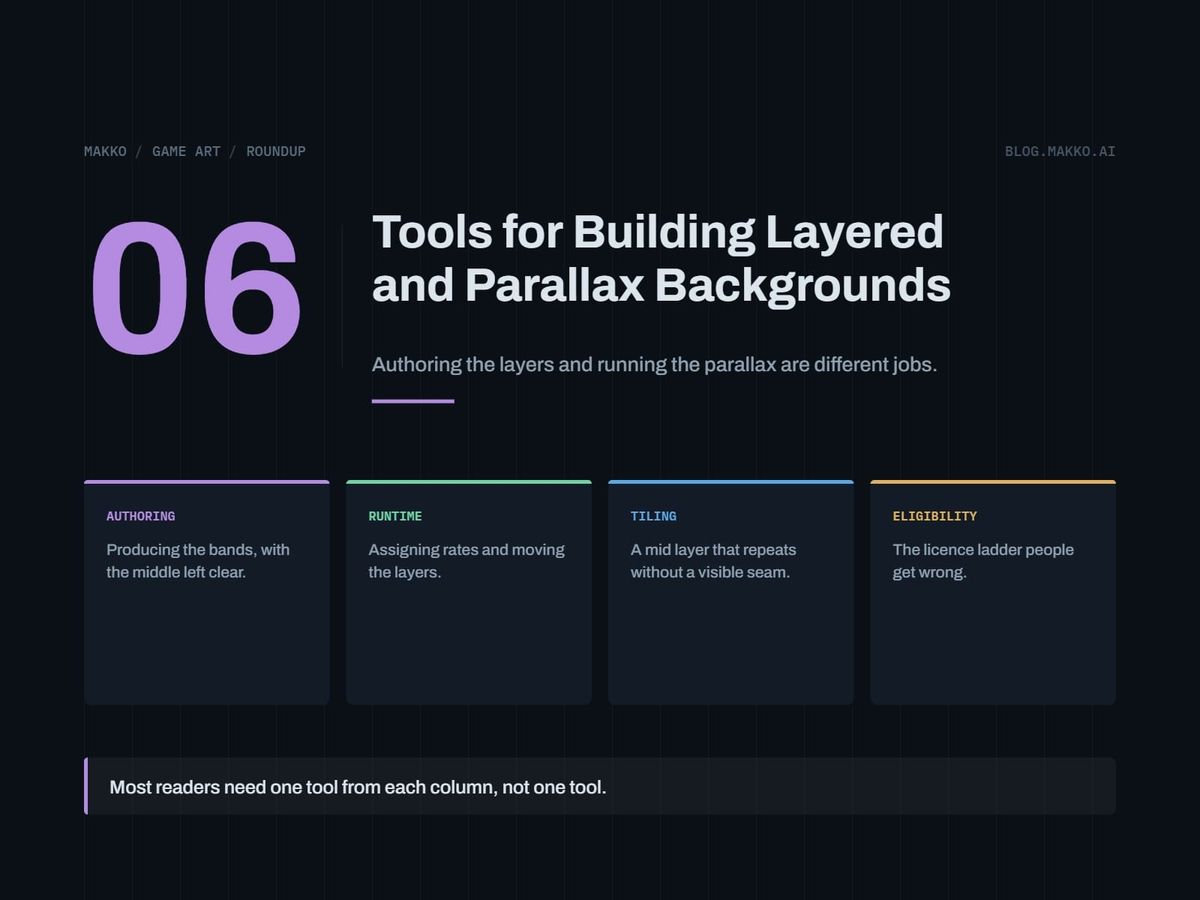
A layered background is two separate jobs, and most tool lists sell it as one. Somebody has to produce the bands: a back layer carrying value, a mid layer carrying the room's identity, a quiet play band, a foreground framing from the edges. Then something has to move those bands at different rates as the camera pans. An art tool gives you bands. An engine gives you rates. Almost nothing does both.
This list covers six routes, and every entry says which side of that split it sits on. Expect to pick two, not one. The reader here is a solo developer or the programmer on a two-person team, someone who can ship a game and cannot draw.
Disclosure: this is the blog of Makko, an AI-powered 2D game art studio, and Makko is one of the six entries, placed on the authoring side where it belongs. Prices are as of September 2026, from each vendor's own pricing page.
The short version. Godot is free and open source under the MIT license, with no royalties, no revenue thresholds and no seat costs, so the runtime half is configuration rather than purchase. Construct 3 is the paid alternative from $129.99 per year, with an eligibility ladder to read first. The authoring half carries the money: Krita or Pixelorama if you can draw the bands, Tiled if your mid layer repeats, a generation tool if you cannot draw.
How these were picked
Authoring tools output files: four or five images with transparency, at known dimensions, with known edges. Runtime tools consume those files and apply a scroll rate per layer. Buying a second art tool when your problem is rates is the common way to spend a month on nothing.
Every entry is then scored on five questions.
- Cost, and what happens at renewal. A background set gets rebuilt several times over a project, so a free tool and a yearly one are different risks.
- Commercial license. Two entries have free tiers whose output you may not ship. Where that is true, I say so.
- Output control. Can you decide that a region of a layer holds no pixels, or are you steering from a distance?
- Consistency across a set. A room is four bands and a game is many rooms. Light direction, value range and horizon have to agree across all of them.
- Pipeline fit. How many manual steps sit between the tool and a layer scrolling at 0.15 in your game?
One authoring criterion outranks the rest and gets ignored by every comparison I have read. The framing layer has to be authored with its middle deliberately empty, not dimmed and not softened, so it cannot compete with gameplay in the band where characters walk. That is a property of the file, and a script can check it. The argument, with the four-band model and a rate table, is in the companion piece on layered backgrounds and parallax. This list asks one thing of each tool: can it put a hole in the middle of an image and get that file to your engine with the alpha intact?
1. Godot, the runtime side, free and MIT licensed
Godot is a free and open source game engine under the MIT license. No royalties, no revenue thresholds, no seat costs. It handles 2D tilemaps, sprites and animation natively.
This is a runtime entry and nothing else. Godot will not draw your back layer. It does the second half: take four images, assign each a scroll rate relative to camera translation, render them in order. Rates are a number in an inspector, so iteration costs nothing, and parallax cannot be judged held still. You tune it at maximum camera speed and through a rapid reversal, which means running the game twenty times.
Pick this if you have not committed to an engine, or you have and it is Godot. Do not pick this if you are mid-project in another engine, since migrating for a parallax feature is the most expensive fix for a scroll rate.
2. Construct 3, the runtime side, with an eligibility ladder
Construct 3 is a commercial game maker, and the other runtime entry. No tier charges royalties, so the subscription is the whole cost. Pricing at the time of writing:
- Personal: $129.99 per year or $15.99 per month, all features, individuals and hobbyists only
- Startup Business: $168.99 per seat per year, requires under $50,000 revenue, under $100,000 in assets and three or fewer employees
- Business: $468.99 per seat per year
That ladder is the thing readers get wrong. Personal is not a cheap commercial tier: it covers individuals and hobbyists, and a two-person team with a company behind it is not covered no matter how little the game has earned. Startup Business is the small-team tier, and its three conditions apply at once, not as alternatives. Cross one and you are on Business at $468.99 per seat per year.
Pick this if you want a commercial runtime and have honestly placed yourself on that ladder. Do not pick this if cost certainty over three years matters, since entry one is free forever under MIT.
3. Krita or Pixelorama, authoring the bands by hand
Krita is a free, open source raster painting application. Pixelorama is a free, open source pixel art editor. Neither has a commercial-use clause to read. Between them they cover the two styles most small 2D games use, painted and pixel-gridded.
This is the highest-control route on the list, and the only one where the empty middle is guaranteed. You decide that the foreground layer holds no rendered pixels between two Y values, and then it holds none, because you made it so. Every other authoring route approximates that.
The cost is time, the exact labor a developer who cannot draw is trying to avoid. Price it: build one room, all four bands, time yourself, multiply by your room count.
Pick this if you can draw, or your style is simple enough that value shapes and silhouettes carry it. Do not pick this if the timing exercise produced a number you cannot afford, which is what entries five and six exist for.
4. Tiled, authoring a mid layer that repeats
Tiled is a free and open source map editor, funded by donations, with the site stating over 200 sponsors donating about $3,600 per month. It exports to image, JSON, Lua, GameMaker (1.4 and 2.3), Defold, tBIN and more.
It is an authoring entry with a narrow job: the mid layer. That band carries the room's identity, usually repeats horizontally, and is where a long corridor gets assembled from a few sections rather than painted end to end. The source tiles still come from somewhere else, so this entry pairs rather than stands alone.
The export list is why it fits a mixed pipeline. Image export flattens an assembled mid layer to one file any engine takes as a plain sprite; the data exports keep it as a live map where the engine reads one. Constraints on repeating tiles are in tileset design for developers; the short version is that a distinctive element in a repeating section becomes a metronome once the layer scrolls.
Pick this if your mid band repeats and you would rather assemble it than paint each room. Do not pick this if your backgrounds are unique painted scenes, where a map editor adds a step and removes nothing.
5. Scenario or Leonardo.Ai, generating the layer art
Both are AI image generation platforms on the authoring side, producing the images that entries one and two move. Scenario offers custom model training on its higher tiers. All paid plans include a full commercial license, and annual billing is stated as 33% cheaper than monthly.
- Free: 50 free daily credits, no credit card required, and outputs are for personal and evaluation use only
- Starter $15 per month: 1,500 monthly credits, single user, 65 or more core models, private generations, 50 GB storage
- Pro $45 per month: 5,000 credits, priority queue, unlimited relaxed generations, custom model training, 500 GB
- Max $75 per month: 10,000 credits, workspace up to 25 users, custom editing model training, 1 TB
Fifty daily credits is a generous evaluation budget, and none of it may ship.
Leonardo.Ai is a general image generation platform on a token-based structure.
- Free $0: 150 fast tokens per day, token bank 150, creations are public, 1 personal collection
- Essential $12 per month: 8,500 fast tokens, bank 25,500, private creations, 10 personal models, 2 simultaneous generations
- Premium $30 per month: 25,000 fast tokens, bank 75,000, 20 personal models, 3 simultaneous
- Ultimate $60 per month: 60,000 fast tokens, bank 180,000, 50 personal models, 6 simultaneous
Paid subscribers get full ownership of outputs, while the free tier is a non-exclusive royalty-free license with public creations. For a commercial game that puts the floor at $12 per month.
The evaluation for both is not image quality. It is whether a framing layer with a genuinely transparent center reaches your engine with its alpha intact, and whether four bands of one room agree on light direction. Generate one room and run it before subscribing for a year. What to ask a background for is covered in game background art for developers.
Pick this if you cannot draw the bands and have priced the hand route and rejected it. Do not pick this if you intend to ship free-tier output, which neither license allows in the form you probably want.
6. Makko, collection-bound sets on the authoring side
Makko generates 2D game art around collections, where a collection binds the look, feel and style across a whole asset set, and it bakes sprite sheets from generated animations. This is an authoring entry, in the same column as three, four and five.
The relevant part is the collection rather than the generation. A layered background fails in a specific way: the bands of one room get made independently, then disagree about where the light comes from, so they read as three pictures rather than three distances. A set built as one collection is an attempt to hold that agreement across the bands and the rooms after them.
Against this article's criteria it supplies source images and stops there. It does not set your scroll rates, cap your foreground, or tell you that your framing layer crosses the center of the screen. Pick this if your main risk is a set of bands that do not agree with each other. Do not pick this if you need pixel-exact control over the empty middle of a framing layer, where entry three gives it to you directly and free.
Comparison table
| Tool | Side | Cost (September 2026) | Commercial catch | Control | Set consistency |
|---|---|---|---|---|---|
| Godot | Runtime | Free, MIT | None. No royalties, no thresholds | Rates and order | Not its job |
| Construct 3 | Runtime | Personal $129.99/yr or $15.99/mo; Startup $168.99/seat/yr; Business $468.99/seat/yr | No royalties. Personal is individuals and hobbyists only; Startup needs under $50k revenue, under $100k assets, 3 or fewer staff | Rates and order | Not its job |
| Krita or Pixelorama | Authoring | Free, open source | None | Total, per pixel | On you |
| Tiled | Authoring, mid layer | Free, open source | None | Total, per placement | On the tiles you feed it |
| Scenario | Authoring | Free; $15; $45; $75 | Free tier personal and evaluation only. Paid plans carry a full commercial license | Prompt, trained models | Training from $45 |
| Leonardo.Ai | Authoring | Free $0; $12; $30; $60 | Paid gets full ownership. Free tier royalty-free, creations public | Prompt, personal models | Models from $12 |
| Makko | Authoring | Not stated here | See Makko's terms | Collection-level | Collection binds the set |
How to choose
Run this top to bottom. You are picking two entries, one per column.
RUNTIME COLUMN  (pick one)

1. Already in an engine? Use it. Skip down.
2. Free forever, no threshold? Godot, MIT.
3. Construct 3? Place yourself first:
   individual / hobbyist -> Personal $129.99/yr
   company, under $50k revenue,
   under $100k assets, 3 or fewer staff
                         -> Startup $168.99/seat/yr
   above any of those    -> Business $468.99/seat/yr

AUTHORING COLUMN  (pick one, maybe two)

4. Can draw the bands? Krita or Pixelorama. Free.
5. Mid band repeats?    Add Tiled. Free.
6. Cannot draw at all? Agreement is the risk.
   Makko: one collection binds the set.
   Scenario: training from $45/mo, paid = commercial.
   Leonardo.Ai: paid floor $12/mo, full ownership.

BEFORE BUYING A YEAR OF ANYTHING

7. Build ONE room, four bands, in the engine.
   Foreground center transparent in the FILE?
   Rates separated, foreground near 1.15?
   Test at max speed and on a reversal.
Frequently asked questions
Do I need a parallax tool, or does my engine already do it?
Your engine does it. Parallax is a scroll rate applied per layer relative to camera translation, and every 2D engine here exposes that. Nothing on the authoring side moves a layer, so if you are shopping for parallax software you are in the wrong column.
What is the cheapest complete setup?
Zero, if you can draw. Godot for the runtime, free and MIT licensed with no royalties or revenue thresholds, plus Krita or Pixelorama for the bands and Tiled for a repeating mid layer, all free and open source. No license catch in it.
Can I sell a game with background art made on a free AI tier?
Check each one, because they differ. Scenario's free plan outputs are for personal and evaluation use only, so that answer is no. Leonardo.Ai's free tier is a non-exclusive royalty-free license with public creations, while paid subscribers get full ownership starting at $12 per month. The free drawing and mapping tools carry no such restriction.
Which Construct 3 tier do I qualify for?
Personal at $129.99 per year or $15.99 per month covers individuals and hobbyists only. A small company goes to Startup Business at $168.99 per seat per year, requiring all three of under $50,000 revenue, under $100,000 in assets, and three or fewer employees. Fail one and the tier is Business at $468.99 per seat per year. No tier charges royalties.
What should I check on a delivered foreground layer?
Transparency across the center. Open the file, look at the band where characters walk, and confirm there are no rendered pixels in it. Not dim, not soft, none. A framing piece with an empty middle cannot cover gameplay at any scroll rate, so it is safe by construction instead of by judgment.