
Layered Backgrounds, Play Space, and Parallax That Does Not Make People Sick
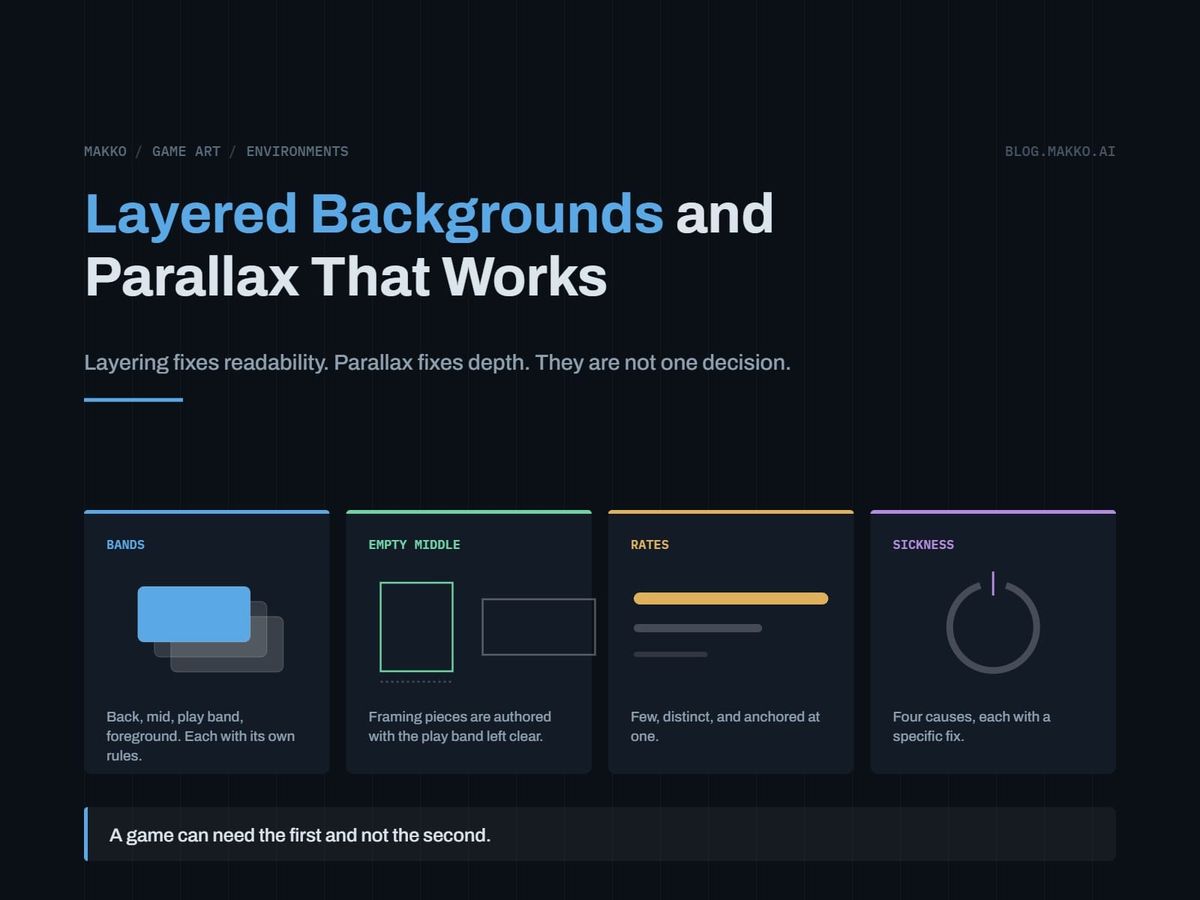
Layering fixes readability, parallax fixes depth. The band model, the four causes of parallax sickness, and when to skip it entirely.
You added parallax because the room looked flat, and now two things are true at once. The room still looks flat, and a tester quit after ten minutes because the scrolling made them queasy. Adding more layers made both worse.
The confusion is structural. Layering and parallax are separate tools that share a file format. Layering is about readability: which parts of the frame may compete for the eye. Parallax is about depth: how the frame behaves when the camera moves. A game can need the first and not the second. Most indie backgrounds that read as flat and nauseating at once bought parallax and skipped layering.
The short version. Build every room as four bands: a back layer carrying value, a mid layer carrying the room's identity, a play band that stays quiet, and a foreground that frames from the edges and never crosses the center. That fixes readability with no camera motion involved. Parallax is a separate decision on top, and three or four clearly separated rates beat eight. Motion sickness has four named causes, all fixable in configuration rather than in art.
Layering fixes readability, parallax fixes depth
Test the claim on a game with no scrolling. A single-screen arena shooter has a fixed camera, so parallax can do nothing for it. It still needs layering, badly: something has to decide whether the back wall competes with the enemies, whether the floor pattern eats projectiles, whether the decorative pipe across the middle of the screen gets mistaken for a platform. All three are settled in a document, with no motion involved.
The reverse case is mild. A side-scroller with good layer separation and no parallax reads as a flat room sliding past: stagey, entirely playable, shipped by plenty of good games.
So the order is fixed. Get the bands right with the camera frozen, then add parallax, or not at all. Work the other way and you end up tuning scroll rates to fix a contrast problem, and scroll rates cannot fix one.
The band model: four bands, and what each may contain
A room is four horizontal bands, defined relative to the play band rather than to the screen. Fix the play band first from your camera math.
Band 1, the back layer. The furthest thing visible. It carries value and atmosphere: large simple shapes, gradients, distant silhouettes, sky or void or the far end of a corridor. Never anything readable as an object, nothing with hard high-contrast edges, nothing sharing a value range with the cast. A value backdrop with interesting detail in it is a failed value backdrop.
Band 2, the mid layer. The room's identity lives here and nowhere else: architecture, signage, machinery, the evidence of who built this place. If a player can name the location from one screenshot, this band is working. It must never carry unrepeatable detail inside a section that tiles. Mid layer elements may pass behind the play band, but they arrive desaturated and low contrast.
Band 3, the play band. Ground, contact shadows, collision geometry, props, characters. The rule is subtractive: gameplay and the surfaces it stands on, no decorative art. Nothing here parallaxes, including the floor texture.
Band 4, the foreground framing layer. Ceiling beams, floor lip, pillars, foliage, whatever crops the frame from its edges. Allowed: large occluders anchored to top, bottom and sides. Never allowed: anything crossing the horizontal center of the screen, fine high-contrast detail, anything the player must see through to play. This is the most dangerous band in the room, since it moves fastest and sits closest to the eye.
Write those four rules into your brief with your own numbers and you have specified a room without describing a single image. The discipline that keeps a HUD reading as part of the same world applies here: decide what each element may be, once, then hold it.
The empty middle is a file property, not a painting note
Here is the band model as production does it. In a measured hallway set of twelve assets from a science fiction game, the room is built from middle sections that carry the corridor plus top and bottom transition pieces that frame it. The top and bottom pieces are authored with the middle left deliberately empty.
Not dimmed. Not blurred. Not kept subtle. Empty. The framing art cannot compete with gameplay in the band where characters walk, because in that band the framing art does not exist.
That distinction does real work. "Keep the play band quiet" degrades under pressure, because quiet is a judgment and judgments drift across a twelve-asset set. "The top piece contains no rendered pixels between Y and Y" is a property of the file, and a script can check it. It also makes the foreground safe by construction: a piece with a transparent center cannot cover gameplay at any scroll rate.
Its mid layer follows the same logic: sections authored square at 2048 x 2048 while the room ships at 1920 x 1080, because a tile made to be placed and repeated is not shaped like its final frame.
Choosing parallax rates: few, distinct, and anchored at 1.0
Rates are multiples of camera translation, and the play band is 1.0 by definition, because it is the plane the camera tracks. Three rules cover nearly every case.
- Three or four distinct rates, not eight. Depth reads from the relationships between layers, not their count. Eight layers give rates so close together that adjacent pairs read as one layer with a rendering fault.
- Adjacent rates differ by a factor of roughly 1.5 or more. Back at 0.15 against mid at 0.5 reads as two distances. Back at 0.45 against mid at 0.5 reads as one layer, slightly broken. If two layers cannot be separated, merge them.
- The spread is asymmetric around 1.0. Background layers fall a long way below camera speed with no discomfort, and a back layer at 0.1 is calm. Foreground layers cannot rise anywhere near as far above it. A foreground at 1.15 reads as close. At 1.6 it reads as an assault.
A working default for a side-scrolling room: back 0.15, mid 0.5, play 1.0, foreground 1.15. Tune one rate at a time at maximum camera speed. Most parallax is tuned at walk speed and ships broken because nobody tests the dash.
The four causes of parallax motion sickness, and the fix for each
Motion sickness in a 2D game is not mysterious and not the player's fault. Four causes, all configuration rather than art.
Cause 1: the foreground moves too fast. A layer at 1.5 or 2.0 times camera speed sweeps past faster than the eye can track, and the eye keeps trying. Fix: cap the fastest layer near 1.25. For more apparent closeness, make the element larger and softer, not faster.
Cause 2: layers move on an axis the player is not moving along. A cloud layer sliding sideways while the player climbs, or constant drift added "for life". The body expects screen motion to match input, and motion with no input behind it is the mismatch that produces nausea. Fix: drive every layer from per-axis camera delta and zero the axis with no camera motion. Reserve drift for things that read as self-moving, like smoke.
Cause 3: high-contrast detail in a fast-moving layer. A busy foreground with hard edges strobes as it passes. This gets misdiagnosed as a speed problem, and lowering the speed only half fixes it. Fix: budget contrast inversely to rate. The faster a layer moves, the larger and softer its shapes and the narrower its value range. A foreground at 1.15 holds two or three soft shapes, not a detailed railing.
Cause 4: parallax applied to something the player reads as fixed. The floor, a platform surface, a contact shadow, a horizon line, anything anchored in the interface. When an element the brain has filed as stationary starts drifting, the brain reports the world as tilting. Fix: keep an explicit locked list. Ground plane and everything touching it at 1.0. Interface at 0.0. Horizon at 0.0 or very close.
Two tests catch all four: maximum camera speed, and a rapid reversal of direction.
What to specify about tiling and seams
A repeating mid layer is a specification problem, not a painting problem. You do not need to know how a repeatable tile gets made. State five things.
- The repeat axis. Horizontal only, vertical only, or both. Both axes is a materially harder ask and needs naming as such.
- The tile dimension and the edges that must match. Name which edge pairs join with no visible break in value, line or texture.
- A minimum tile size. A tile narrower than the screen shows the player the same feature twice at once. Author it at least as wide as the frame.
- A no-landmark rule. Any distinctive single element inside a tiling section becomes a metronome in motion: a cracked panel, a poster, one bright light. Tiling sections carry generic surface, and landmarks go on non-tiling pieces.
- Variant count. Two or three interchangeable versions of a section, placed out of order, break the period without new art per screen.
The failure mode mirrors a hitching animation loop: the join looks fine held still and betrays itself in motion. Check it the way you would check a loop point, at speed, watching for a beat.
Vertical parallax is harder, and most advice ignores it
Nearly every parallax tutorial silently assumes a side-scroller. Vertical breaks in four ways horizontal does not.
Vertical speed has a far wider range. Horizontal motion is bounded by walk and run. Vertical includes falling, and a long fall reaches speeds no horizontal movement does. A rate tuned during a jump turns violent during a drop, so clamp vertical displacement to a maximum.
Vertical camera motion is rarely linear. Cameras snap on landing, add lookahead, reposition after a ledge grab, and parallax multiplies every discontinuity. Feed it from a damped copy of camera Y, and suppress it during scripted camera moves.
There is a horizon, and it is an anchor. Horizontal scrolling has no natural reference line. Vertical does, and moving it reads as the world rotating rather than the player rising. Pin the horizon at 0.0.
Art runs out faster. Vertical spaces need layers that loop upward or extend well beyond the frame, and a vertically looping layer usually has to repeat cleanly on both axes. Say so in the brief, since it changes the ask.
Safe default: vertical rates at roughly half your horizontal rates, foreground at 1.0 vertically even when it is 1.15 horizontally.
A layer spec you can paste into the brief
Fill one per room. It belongs beside your character and interface rules in the art bible, not in a chat thread.
# [ROOM NAME] - layer spec
# camera: ship [__x__], moves H / V / both / fixed
# max speed [____] px/s  -  tune at THIS, not walk

PLAY BAND   Y [____] to [____]   rate 1.00 locked
  yes  ground, shadows, props, cast
  no   decorative art, pattern, signage

BAND 1 BACK   H 0.15  V 0.07
  yes  value shapes, atmosphere, silhouette
  no   readable objects, hard edges, cast values

BAND 2 MID    H 0.50  V 0.25   tiles horizontal
  tile [____] px, L/R edges match
  yes  architecture, signage, machinery
  no   landmarks in a tiling section
       full-contrast elements over play band

BAND 4 FORE   H 1.15  V 1.00   cap 1.25
  yes  large soft occluders, edge-anchored
  no   any pixel in the center band
       fine high-contrast detail
  CENTER IS TRANSPARENT IN THE FILE

RATE 0.00   interface, horizon line

CHECKS  max speed both ways, rapid reversal,
        tile twice: no seam, no metronome,
        play band masked: no subjects
The numbering skips 3 on purpose: band 3 is the play band, listed first because everything else sits around it.
When to skip parallax entirely
Three game shapes need zero parallax layers, and no apology.
The single-screen game. No camera translation means no parallax signal. Anything moving is ambient drift, and ambient drift is cause 2 above. Build the bands, skip the rates.
The top-down game. Parallax implies a camera at a height looking outward, and a top-down camera looks straight down. Offsetting ground-adjacent layers at different rates reads as the floor sliding apart, not as depth. Top-down depth comes from cast shadows, occlusion, and a foreground that stays at 1.0 and draws over the player. Layers, no rates.
The static-camera game. Fixed-screen adventure rooms, arena fighters, layouts where the camera cuts rather than pans. Motion with no camera behind it reads as error, not atmosphere.
Baking a room set as one collection rather than as separate images, as Makko does, holds light direction consistent across the bands, so they read as distances rather than as unrelated pictures stacked up.
Frequently asked questions
How many parallax layers should a 2D platformer have?
Three or four distinct rates, covering back, mid, play and foreground. More layers do not produce more depth, because depth reads from the separation between rates rather than their number. Merge eight layers into four with separated rates and the result reads deeper.
What speed should the background scroll at?
Set the play band to 1.0 and derive everything from it. Start at back 0.15, mid 0.5, foreground 1.15, then tune one rate at a time at maximum camera speed. The numbers matter less than keeping the rates separated and the foreground near 1.0.
Why does my parallax shimmer in pixel art?
Sub-pixel positioning. A layer at 0.37 of camera speed lands on fractional coordinates, and the renderer resolves that differently every frame. Either snap every offset to whole pixels or pick simple fractional rates, and apply the same choice to all layers. Snapping trades smoothness for stability, normally the right trade in pixel art.
Should the UI ever have parallax?
No. Interface elements are the strongest fixed reference the player has, and drifting them is the fastest route to reported nausea. The only motion an interface should carry is motion the player caused directly, such as a panel sliding in on a button press.
My repeating background looks repeated. What do I change?
Look for a landmark before tile size. One distinctive feature inside a repeating section becomes a beat the player counts, and removing it usually fixes the problem. Then widen the tile to the frame width and add two or three variants, placed out of order.