
8 Sprite Sheet Tools Every 2D Developer Should Know
Every importer asks for the same five numbers. Here is which of them each tool decides for you, and which it leaves on your desk.
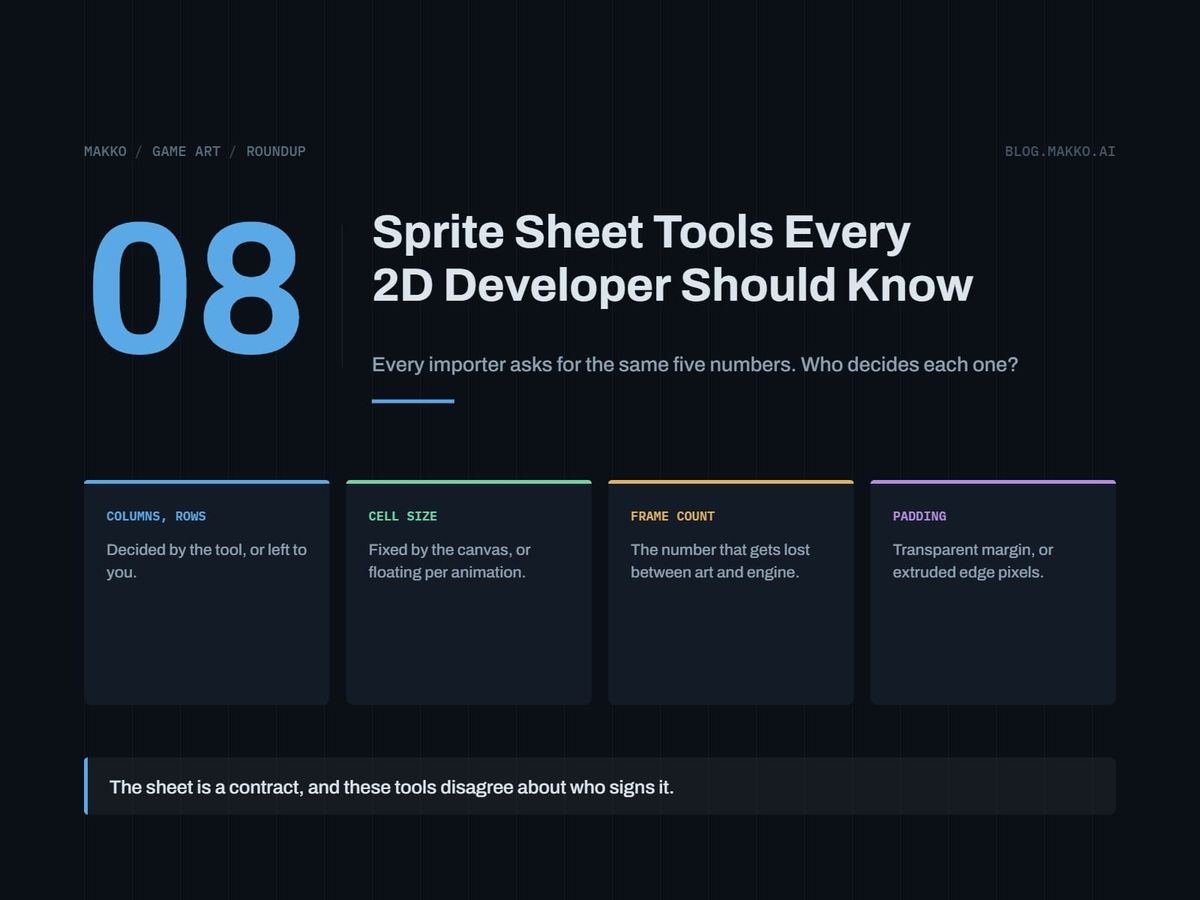
A sprite sheet is one image plus five numbers: columns, rows, cell width, cell height, and frame count. Every importer asks for those five under some set of names. Your art tool decides some of them and hands the rest back, and no two tools split that job the same way. The gap between what the tool decided and what the importer assumed is where broken animations live.
This list covers eight tools involved in producing, packing, inspecting or importing a sheet, for a solo developer or a small team's programmer who can ship a game and cannot draw. Each entry gives what the tool is built for, what it costs, the license catch if there is one, and which of the five numbers it decides.
Disclosure: this is the blog of Makko, an AI-powered 2D game art studio, and Makko is one of the eight entries, placed where it belongs for the criteria below. Prices are as of September 2026 and were read off each vendor's own page. Where a vendor does not publish a number, this article says so rather than estimating.
The short version. Drawing pixel art yourself: a dedicated pixel editor, Aseprite as the paid default, Pixelorama or LibreSprite as the free ones. Animating characters as rigs: Spine, where businesses over $500,000 USD a year in revenue require the Enterprise license, so price that in before committing. Building a tile sheet instead of a character sheet: Tiled, free and open source, exporting to JSON, Lua, GameMaker, Defold and tBIN among others.
How these were picked
Five criteria, in the order a price-sensitive developer weighs them.
- Cost, stated or not stated. A published price is a fact. An unpublished price is also a fact, and pretending otherwise gets readers surprised at checkout.
- Commercial license and revenue thresholds. The clause that changes what you owe once your game earns money. Most comparison articles omit it.
- Which of the five numbers it decides. Ownership of columns, rows, cell width, cell height and frame count.
- Consistency across a set. One sprite is easy. Forty sprites sharing a cell size, a palette and a pivot are the job.
- Pipeline fit. Whether your engine's importer takes the output without a conversion step.
Cell width, cell height, columns and rows are geometry, and geometry survives a file round trip because it is visible in the image. Frame count is intent. A four by three grid holds twelve cells, and if your run cycle is ten frames the last two are empty and nothing in the PNG says so. That mismatch is the subject of the companion piece on writing a sprite sheet spec.
1. Aseprite
Aseprite is built for drawing and animating pixel art frame by frame and getting those frames out as a sheet. Most tutorials and most engine documentation quietly assume you are using it.
Cost. Paid, a one-time purchase, sold through Paddle, itch.io and Steam, and a purchase includes a Steam key. The price is not published in a form this article can quote, so no number appears here; check the buy page before budgeting. License catch: none recorded beyond the purchase.
The five numbers. Cell width and cell height are settled when you set the canvas, because in a frame-by-frame editor the canvas is the cell. Columns and rows follow from how you arrange the export. Frame count you know, because you drew every frame, and you carry it to the importer yourself.
Pick it if you are producing pixel art by hand. Skip it if you are not going to draw, since the tool then sits unused.
2. Pixelorama
Pixelorama is a free, open source pixel art editor filling the same seat as Aseprite: frames get made here, before anything is packed. The canvas is the cell, so cell width and cell height get settled early and settled well, while columns, rows and frame count are yours to record and pass along.
Cost. Free. License catch: open source, so no commercial-use threshold of the kind attached to tools below.
Pick it if your tool budget is zero and you want to learn whether you enjoy drawing pixel art before paying. Skip it if your team standardized on something else, because two pixel editors in one project is a consistency problem.
3. LibreSprite
LibreSprite is a free, open source pixel art editor in that same seat: frame authoring, not packing and not importing. Cell width and cell height come from the canvas you draw inside, and layout and frame count stay a handoff you perform.
Cost. Free. License catch: open source, no revenue threshold to plan around.
Pick it if free and open source is a hard requirement, for budget or for licensing hygiene on a team that avoids proprietary tools. Skip it if you have already installed Pixelorama and like it, since the two are close enough in role that running both helps nobody.
4. Krita
Krita is free and open source, and its role is the painting end of the pipeline rather than the grid end. Developers reach for it when the art is painted at higher resolution: backgrounds, UI panels, portraits, frames that are not pixel art.
Cost. Free. License catch: none.
The five numbers. Treat all five as yours until you confirm otherwise. A painting application is built around a document rather than a grid, so the safe default is that cell size, layout and frame count are decisions you make and record.
Pick it if your art is painted rather than placed pixel by pixel, or if you want one free tool for backgrounds and UI. Skip it if the project is 32 by 32 characters, where a pixel editor costs less time.
5. Spine
Spine, from Esoteric Software, is built for animating 2D characters as rigs rather than stacks of drawn frames: build a character once, produce many motions from it.
Cost. At the time of writing, Essential is listed at $99 with a discounted price of $69, and Professional at $449 with a discounted price of $379. Both are one-time purchases and include all future updates, making them a capital expense rather than a subscription. Enterprise is $2,499 base plus $379 per user, as an annual subscription. Education is annual and priced by machine count, $850 for 10 computers up to $2,900 for 50, accredited institutions only, no commercial products.
License catch, the load-bearing one. Businesses with more than $500,000 USD in annual revenue require the Enterprise license. That is a revenue test, not a seat count test, so a two-person studio having a good year crosses it, and the cost turns from a one-time purchase into an annual subscription with a per-user component.
The five numbers. A rig is not a grid, so the five are not native to how the tool thinks. Exporting a sheet means flattening a rig into frames, and the numbers come from settings chosen at that step. Teams using Spine often skip sheets and run the rig at runtime, which replaces the five with a different set of integration questions.
Pick it if you have many animations per character and frame-by-frame math has stopped being affordable. Skip it if the hand-drawn frame is your aesthetic, or if you are pre-revenue, since free options cost nothing to abandon.
6. Makko
Makko is this blog's publisher, so read this entry with that in mind. It is an AI-powered 2D game art studio built around collections: a collection binds the look, feel and style across a whole asset set, so the sprites, icons and backgrounds in one project stay related. It also bakes sprite sheets from generated animations.
Cost. Not stated here; check the site.
The five numbers. Baking a sheet from a generated animation means the tool decides cell width, cell height, columns and rows, because it laid out the grid, and frame count comes from the animation. That inverts the split in the hand-drawing tools above, where you own the layout and the tool owns the canvas.
Pick it if you cannot draw, you need assets that look like one game, and you would rather spend time on gameplay code. Skip it if you want authorship of every pixel, if you need a rig for a character with dozens of motions, or if the project's identity depends on one artist's hand.
7. Tiled
Tiled handles the other half of this problem. Tile sheets and sprite sheets are the same structure with different intent: a grid of equal cells cut from one image. Tiled consumes tile sheets and emits level data, and it makes a wrong tile size visible immediately instead of three weeks later.
Cost. Free and open source, funded by donations. The site states over 200 sponsors donating about $3,600 per month, a signal of ongoing support rather than an abandoned weekend project. License catch: none, no revenue threshold.
Pipeline fit. It exports to image, JSON, Lua, GameMaker (1.4 and 2.3), Defold, tBIN and more, so whatever engine you use, the data likely comes out in a form you can read without a parser.
The five numbers. Cell width and cell height are the first decision and everything inherits it, so Tiled asks up front and holds you to it. Columns and rows fall out of the sheet image divided by that cell size. Frame count is not a tile concept, and that absence is precisely why animated tiles confuse pipelines.
Pick it if your levels are repeating geometry. Skip it if your world is hand-painted scenes, where a grid buys nothing.
8. Engine-native importers: Godot and Construct 3
These belong here because they are the party the contract is written for. The importer decides whether your five numbers were right.
Godot is free and open source under the MIT license, with no royalties, no revenue thresholds and no seat costs. Against the Spine and Construct 3 numbers that matters: no revenue line changes your engine bill. It supports 2D tilemaps, sprites and animation.
Construct 3 is priced per seat per year at the time of writing. Personal is $129.99 per year or $15.99 per month, includes all features, and is for individuals and hobbyists only. Startup Business is $168.99 per seat per year with conditions: under $50k revenue, under $100k assets, three or fewer employees. Business is $468.99 per seat per year. Education runs from $32.99 down to $9.90 per seat per year, tiered by quantity, minimum three seats. No tier charges royalties.
The five numbers. An importer decides nothing. It asks. You type cell width, cell height, and then either columns and rows or a frame count, and it believes you. Type twelve into a field describing a ten-frame cycle and you get two frames of nothing at the end of every loop, with no error. How those fields are named per engine is covered in sprite sheet formats by engine.
Side by side
| Tool | Cost | Commercial catch | Decides for you | Leaves to you |
|---|---|---|---|---|
| Aseprite | Paid, one-time, price not published | None recorded | Cell w, cell h | Columns, rows, count |
| Pixelorama | Free, open source | None | Cell w, cell h | Columns, rows, count |
| LibreSprite | Free, open source | None | Cell w, cell h | Columns, rows, count |
| Krita | Free, open source | None | Assume none until confirmed | All five |
| Spine | $69 Essential, $379 Professional, one-time; Enterprise $2,499 plus $379/user/yr | Over $500,000 USD revenue requires Enterprise | Set at export, not by the rig | All five, at export |
| Makko | Not stated here | Check the site | All five | The spec you hand the importer |
| Tiled | Free, open source, donation funded | None | Cell w, cell h, columns, rows | Frame count is not a tile concept |
| Godot / Construct 3 | Godot free MIT; Construct 3 from $129.99/yr | Personal is individuals and hobbyists only; Startup Business has revenue and headcount limits | Nothing | All five, typed by hand |
How to choose
Stop at the first line that describes you.
1. Revenue over $500,000/yr, and you want rigs?
   -> Spine, Enterprise tier. Budget it now.

2. Repeating level geometry, not characters?
   -> Tiled. Set tile size first.

3. You will draw, budget is zero?
   -> Pixelorama or LibreSprite.

4. You will draw, budget exists?
   -> Aseprite. Check price at checkout.

5. Art is painted, not pixel-placed?
   -> Krita. Own all five numbers.

6. You will not draw, and need a set?
   -> Makko, or hire an artist.

7. Whatever you picked:
   -> Write the five numbers into a spec
      file next to the PNG.
Step seven gets skipped most and costs most. Four of the five numbers can be recovered from the image by anyone with a calculator. Frame count cannot, because a grid has to be a rectangle and an animation does not. A nine-frame attack in a four by three grid leaves three transparent cells, and that number lives only in your head or in a file you wrote down. Picking the count itself is covered in how many frames an animation needs.
Frequently asked questions
Do I have to buy a tool to make a sprite sheet?
No. Pixelorama, LibreSprite, Krita and Tiled are free, and Godot is free and open source under the MIT license with no royalties and no revenue thresholds. A pipeline from first pixel to running game can cost nothing in software.
What happens if my frame count and my grid disagree?
Your animation plays the empty cells. A twelve-cell grid holding a ten-frame cycle gives two blank frames at the end of every loop, and because the file is valid nothing warns you. Set frame count explicitly rather than letting the importer infer columns times rows.
Does Spine's revenue threshold apply to a solo developer?
The stated test is business revenue: more than $500,000 USD annually requires the Enterprise license. Headcount is not the test, so a one-person company crossing that revenue line crosses the threshold. Read the current terms on the vendor's purchase page first.
Can I mix tools in one project?
Yes, and most shipped 2D games do: Tiled for levels, a pixel editor for characters, the engine importer at the end. Keep cell size and pivot convention fixed across all of them.
Are tile sheets and sprite sheets the same thing?
Structurally yes, a grid of equal cells in one image, but the intent differs. Tiles are indexed and reused in any order across a map. Sprite frames play in sequence, so frame count exists for one and not the other.