
How Many Colors Does Your Game Actually Need?
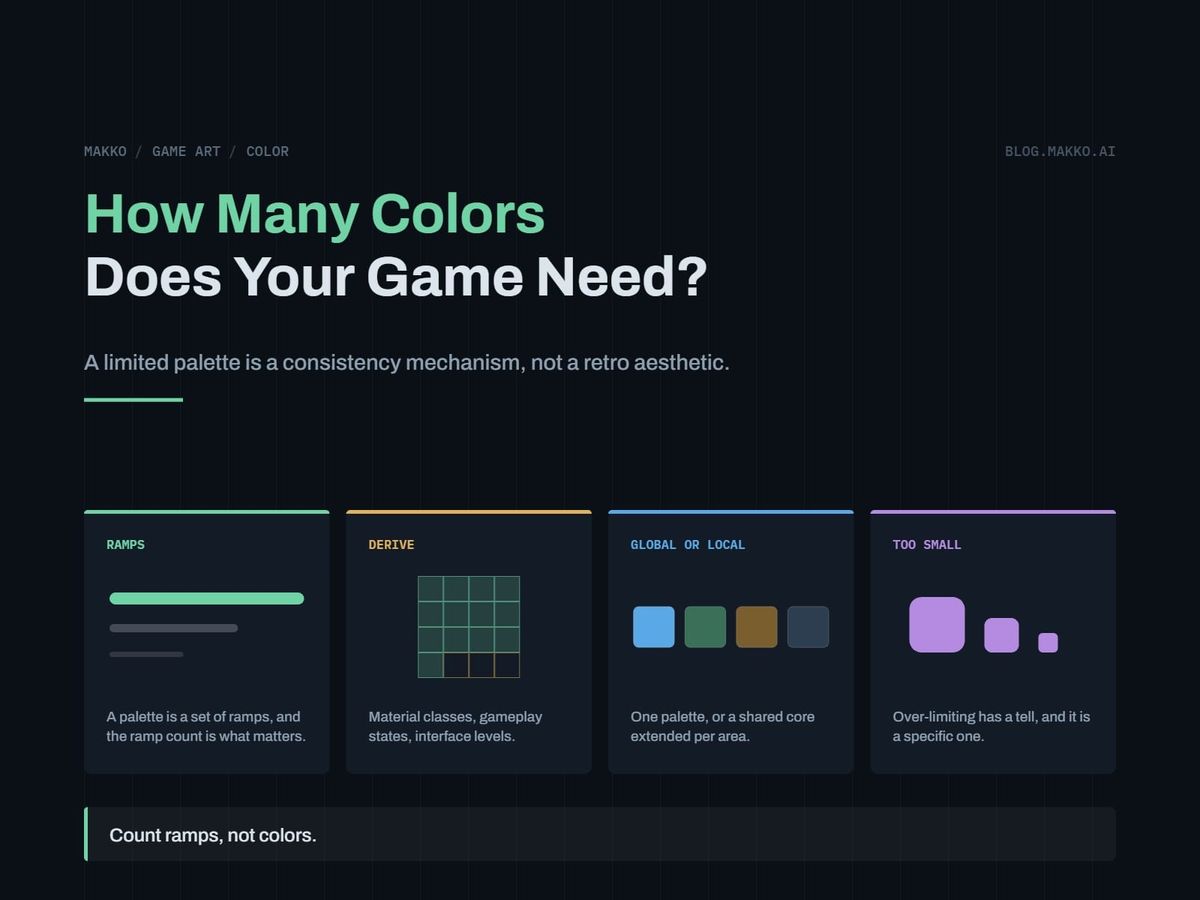
A limited palette is a consistency mechanism, not a retro style. Count ramps rather than colors, and derive your size instead of copying one.
Your game has art from four places. Some you made in a weekend, some came from a pack you bought two years ago, some was generated, and the interface was built against none of it. Each piece looks fine alone. Together they look like a folder, not a game.
The usual diagnosis is style: line weight, rendering, proportion. Color matters more, and it is the only one you can fix without redrawing anything. Assets from unrelated palettes cannot be made to belong together by touch-up. Assets from a shared palette read as related even when the line work does not. So: how many colors should your palette hold, and how do you derive that number from your own game rather than copying it off a palette site.
The short version. Count your material classes, gameplay states and interface levels, then multiply by ramp depth. Most 2D games land at 24 to 48 colors as 6 to 10 ramps of 4 or 5 steps. Ramp count matters more than color count, because one ramp serves several materials. A limited palette is a production tool, not a retro look: it makes assets authored at different times by different means read as one world.
A palette is a consistency mechanism, not a style
Limited palettes got attached to pixel art because hardware forced them, and that history buried the useful part. The constraint does two things unrelated to nostalgia.
It removes a decision from every asset. Nobody picks a brown again. A crate authored in 2024 and one generated last week carry the same five values, and the eye reads shared color as shared world. It forgives mismatched line weight far more readily than mismatched hue.
It is also the only part of an art spec a machine can verify. "Chunky and readable" cannot be checked. "Every opaque pixel sits within a fixed distance of a palette entry" can be, in a loop over a folder. That makes color the highest-leverage section of your art bible, and it belongs above the mood adjectives.
Ramps are the unit you count, not colors
A palette is not a list of swatches. It is a set of ramps, and a ramp is an ordered run from darkest to lightest describing one material under one light: four or five steps, core shadow through highlight.
Two properties make one work. Steps move in value far enough that adjacent ones separate at play size, and the hue rotates across the run, cool into the dark end, warm into the light. A ramp built by darkening one hue looks muddy. One built with hue rotation looks lit.
Here is the part people miss. One ramp serves many materials. A warm brown ramp covers wood, leather, rope and dirt. Material identity comes from shape, edge treatment, and which segment of the ramp dominates, not from a unique hue. A leather boot sits in the dark half, a sanded plank in the light half: same five colors, two materials nobody confuses.
That reuse makes the count question answerable. Thirty-two colors as eight ramps of four is a working palette. Thirty-two unrelated swatches is a mess with the same total. Audit ramps first, entries second, and enforce the rule that stops drift: no color outside a ramp, except two shared extremes (a near-black and near-white any ramp can borrow) and your state accents.
Derive the palette size instead of copying one
Six steps, before anything is authored.
- List material classes. Substances needing their own hue family: stone, wood, metal, vegetation, cloth, skin. Most games land at 5 to 9.
- Merge aggressively. Any two materials the player never sees adjacent, or that differ mainly in texture, share a ramp. Stone and concrete are one gray ramp. Each defensible merge removes 4 or 5 entries.
- List gameplay states needing a color no material may use. Damage, healing, interactable, hazard, selection. Budget 2 entries each, the accent plus a lighter version for glow.
- List interface levels. Panel back, panel surface, raised or active, primary text, disabled text. One neutral ramp of 5 covers it, plus one interface accent. Ten levels means too many layers, and the fix is in the layout. Making those levels sit right against the world is its own problem.
- Pick ramp depth. Four steps for flat, chunky rendering. Five by default. Six only where large smooth areas like sky or water band at five.
- Multiply. (material ramps + 1 neutral) x depth, plus (states x 2), plus 2 extremes.
A worked pass: seven ramps at five steps is 35, four states at two entries each is 8, two extremes makes 45. Call it 48 and hold three in reserve. Lock the depth: hues can be rotated across a library by automated remap later, depth cannot.
Palette sizes against what they support
Read the reasoning column: that is how you place your own project between rows.
| Colors | Structure | Supports | Reasoning |
|---|---|---|---|
| 8 | 2 ramps x 4 | Jam game, one screen | One neutral ramp plus one accent. Everything separates by silhouette, because color cannot. Survives a jam, not a campaign. |
| 16 | 3 ramps x 5, plus 1 | One environment, small cast, minimal interface | Three hue families is the floor at which materials stop reading as one substance. The interface borrows the neutral ramp rather than owning one. |
| 24 | 4 ramps x 5, plus 4 accents | One environment, full interface, two states | First size where the interface owns a neutral ramp and damage and healing get colors no wall uses. |
| 32 | 6 ramps x 5, plus 2 | Most 2D indie games | Six hue families cover stone, wood, vegetation, metal, skin and cloth, with depth left to separate three planes. |
| 48 | 8 ramps x 5, plus 8 accents | Multiple biomes, larger cast, layered depth | Two ramps past the general set go to biome hues. Eight accents let states, rarity tiers and factions coexist. |
24 to 32 buys materials, 32 to 48 buys places. Past roughly 64 you manage a list instead of enforcing a rule, and the answer is per-area palettes.
One global palette, or one per area
The condition that decides is co-occurrence. If assets from two areas can appear in the same frame, or within a second of each other, they share a palette. If they genuinely never meet, local palettes are safe.
Co-occurrence is broader than people assume. The interface overlays every area, the inventory shows items collected everywhere at icon size, the map renders every region at once, characters travel, and a cross-fade puts two rooms on screen together. The real split is which classes are global:
- Always global: the neutral ramp, the interface accent, every state accent, every character ramp. These travel, so they cannot be area-scoped.
- Candidate for local: environment ramps only. Terrain, foliage, architecture.
The hybrid answers almost every multi-area project. Hold a global core of 24 to 32, then give each area an extension of 2 or 3 environment ramps, 10 to 15 entries. A swamp gets sick greens, a foundry orange and soot, and neither touches the character or interface ramps, so a character crossing between them stays the same character.
Cap the extension and enforce it. An area asking for six new ramps is a second art style. An extension may add hues, never values outside the global range: if one area's darkest step is darker than the rest, depth reads differently area to area.
What to do with art that did not come from your palette
You will have assets authored before the palette existed, packs bought for prototyping, and placeholders you meant to replace in month two. Same shape as swapping placeholders for real art: part of the build predates the spec.
Fix the source when you can, since reauthoring from the palette beats any amount of pixel pushing. Sourcing a set as a set is the structural fix: a collection authored together binds to one palette by construction, and remapping is a symptom of piecemeal sourcing. Makko builds collections as sets for that reason.
Otherwise, cheapest first:
- Global grade. One adjustment layer pulling temperature and saturation toward the palette. A minute of work, fixes "close but cold", still fails a check.
- Nearest-entry remap. Map every pixel to its closest palette entry in a perceptual space, not raw RGB, since RGB distance puts a saturated blue nearer a purple than your eye does. Fast, good on flat art. It fails by collapsing two source materials onto one entry.
- Ramp-aware remap. Segment by material region, assign each a target ramp by hand, then map its pixels by luminance rank onto that ramp's steps. Preserves internal structure, keeps materials distinct. Use it on anything with real screen time.
- Cluster recolor. Reduce to 6 to 10 clusters and recolor each by hand. Best result, slowest, the fallback when segmentation misreads materials.
Soft-shaded art will never map to exact entries across a whole image, and does not need to: blends between two adjacent steps of one ramp are fine. A blend traveling between two ramps is not, because that path crosses hues your palette does not contain. Remap before you scale, since resampling invents colors at every edge.
What breaks when the palette is too small
Over-limiting is the failure nobody plans for: the palette looks tasteful in a swatch strip until the game is assembled. It breaks in a fixed order.
Value collapse first, and worst. When a character and the wall behind him occupy the same two or three steps, silhouettes stop separating and no hue difference rescues them at play size. Hue collapse second: wood, stone and cloth resolve to one mid-tone and the world reads as a single substance in different shapes. Third, state collision, where damage red has nowhere to sit that an enemy or a wall is not already using. Fourth, icons stop reading at shipping size, since that runs on value contrast in a small box.
The tells, ordered by reliability:
- You are adding black outlines to make things separate. Outlines are what a palette without value range forces on you. On a few things by design, a style. Creeping onto everything, a symptom.
- Desaturate a gameplay screenshot. If the character and the surface behind him land on the same gray, you are out of values, not colors.
- Every request for "one more color" is a value, not a hue. Three in a row means the ramps are too shallow.
Fix depth before width. Four steps to five across eight ramps costs eight entries and buys separation everywhere. A ninth ramp costs five and buys it in one place.
The palette spec block
Paste this into your art bible, fill it in, and hand it to anyone producing art. Hex values are placeholders.
# [GAME] - Palette Spec v0.1

## Rule
No color outside a ramp, except EXTREMES and STATE accents.
Ramp depth: 5   Hue rotation: shadows cool, highlights warm
Adjacent steps must separate in value at 1x
Extremes, any ramp may borrow: ink #12101A, paper #F4EFE2

## Global core - 30 entries, dark to light
neutral  #2A2F3A #454C5C #6B7385 #98A0B0 #C7CCD6  stone, panels
brown    #3A2418 #5C3A22 #8A5A33 #B2834D #D6B183  wood, leather
green    #1E3320 #2F5130 #4A7A3E #6FA555 #A3CC7A  foliage
metal    #232A33 #3B4754 #5D6E7E #8A9AA6 #BFCBD2  steel
skin     #4A2E27 #7A4C3C #A87155 #CE9A78 #EBC6A5  faces
uiAccent #1C3A5E #2F5E92 #4A8ACC #7FB2E6 #B5D6F5  selection

## State accents (never a material color)
damage #C03A2E / #F0766A     heal     #2E9E6B / #6FD6A6
hazard #E0A020 / #F7D46A     interact #E8E24A / #FFF9A8

## Area extension (max 3 ramps, 15 entries)
foundry.ember #4A1505 #7E2A08 #B84F10 #E2842C #F6C06A
foundry.soot  #171418 #2B262D #453E48 #635A67 #877E8B
constraint: no value darker than ink, none lighter than paper

## Conformance
blends: between adjacent steps of ONE ramp only
threshold: no off-palette color above 0.5% of opaque pixels
check: native resolution, pre-scale, every import
How to verify an asset conforms rather than nearly conforms
Nearly conforming looks fine in a screenshot and falls apart the moment the asset sits beside a conforming one. Eyeballing misses it.
- Export at native resolution. A scaled preview manufactures colors that were never in the file.
- Collect unique colors above an alpha floor and find each one's nearest palette entry in a perceptual space. Record the distance and its share of pixels.
- Rank by pixel share, not count. A thousand colors at one pixel each is anti-aliasing. One color on 12 percent of pixels is a material authored off-palette, and that line is the report.
- Apply the threshold. Any color above 0.5 percent of opaque pixels must sit within tolerance of a palette entry, or between two adjacent steps of one ramp. Anything else fails.
- Run it on the folder, in CI, on import. A check nobody runs is decoration.
The human version, with no tooling: put the asset beside three you know conform, at play size, palette strip along the edge. Off-palette hues announce themselves in company and hide alone. That is why this survives to ship.
Frequently asked questions
Does a limited palette mean my game looks like pixel art?
No. Palette size and rendering style are independent. A soft-shaded, high-resolution, painterly game runs fine on 40 colors, because shading between two adjacent steps still lands inside the palette's hue path. The constraint rules out unrelated hues, not smooth transitions.
How do I choose the hues, not just the count?
Start from the two or three materials filling the most screen area, since those set the ambient impression, and build their ramps first with real hue rotation. Then place state accents at hue positions those ramps do not occupy. Choosing accents first is the common mistake: it leaves damage red sitting on a brick wall.
Do lighting, particles and post-processing count against the palette?
Additive lighting and post effects run after the palette and produce colors outside it by design. Exclude them from conformance checks. Particle textures and baked lighting do count, because those are authored assets. The line: if it is a file on disk, check it. If the GPU computes it per frame, do not.
How many ramps should one character use?
Three or four. Skin, hair, a primary garment, one accent for equipment or trim. Characters using six or seven stop reading as a silhouette and compete with the environment. If one needs more identity, take it from the shape and from which segment of the ramp dominates, not from extra hues. That is also what keeps a cast looking like one cast.