
Game Icons That Still Read at 32 Pixels
The six ways icons fail at shipping size, the test that catches each one, and when plain text beats an icon.
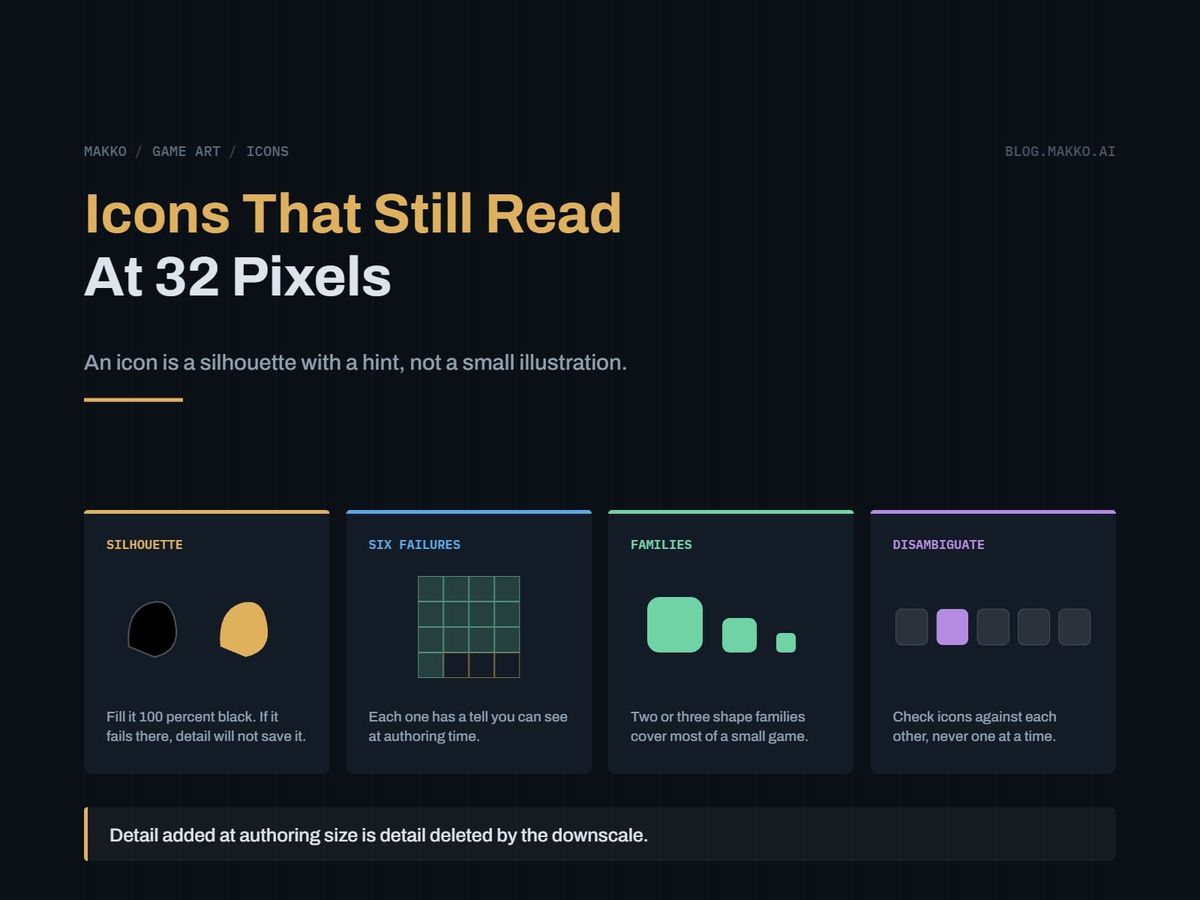
Your icons look fine in the folder. They look fine in the editor preview. Then the inventory screen goes in, they render at 32 pixels side by side, and half of them are the same gray lump.
That is not a drawing problem and it is not a resolution problem. Icons fail for a small number of specific, nameable reasons, and every one is visible at authoring time if you run the right test. This piece names the failures, gives the test that catches each, and ends with a spec you can hand to whoever draws them.
One idea drives all of it: an icon is a silhouette with a hint, not a small illustration. Detail added at authoring size is detail deleted by the downscale.
The short version. Fill every icon 100 percent black and look at the shape alone. If it does not identify itself as a solid, it will not identify itself at 32 pixels. Then lay the whole set out at ship size and check the icons against each other rather than one at a time, because the failure that costs you is two icons a player cannot tell apart. Author at two or four times ship size, not sixteen.
An icon is a silhouette with a hint
At 32 pixels an icon has about a thousand pixels, a large share of them transparent margin. Whatever you are transmitting has to survive in a few hundred opaque pixels seen for about a third of a second while the player is doing something else. The eye reads the outer boundary first, the large internal holes second, color third. Fine internal linework is not read at all. It is averaged into texture.
So the model is two layers. The silhouette carries identity: this is a potion, this is a key, this is a weapon. The hint carries the variant: which potion, which key, which weapon. Get it backwards, with the silhouette saying generic blob and the interior saying health potion, and the icon transmits nothing at speed. Pixel art, painterly art and flat vector all get the same treatment from the downscale.
The silhouette test, done properly
Three steps, under a minute per icon.
- Lock the alpha channel and fill the icon 100 percent black. Not dark gray, not black at 80 percent opacity, not a drop shadow. One flat value over every opaque pixel.
- Put it on white and downscale to real ship size.
- Look at it beside the other icons in its set, never alone.
It has to be pure black because any value variation leaves your eye a cue, and you already know what the icon is. A silhouette at 90 percent black with a slightly darker outline still reads to the person who drew it and stays illegible to a player. Flattening to one value removes every channel except boundary and holes, which is what the downscale leaves you: averaging a cluster of similar mid-values produces one mid-value.
Squinting is not a substitute. It low-passes the image, and low-passing is not the same operation as discarding interior information: a blurred red cross on a white bottle is still a red cross. It cannot be held constant, so two icons checked five minutes apart were checked differently. And it cannot be shared, while a black-filled contact sheet can be pasted into a document and handed to a teammate.
If you keep an art bible, the black-fill sheet belongs in it, regenerated when the set changes. Silhouette, value and readability pass are defined in the glossary.
The six ways icons fail
Icon defects sort into six buckets, each with a tell and a mechanical fix.
1. Interior detail carries the meaning
Tell. The black-filled version is a rounded rectangle, a circle or a blob, and you cannot name it.
Fix. Move the identifying feature onto the boundary. A potion is not identified by the liquid inside, it is identified by the neck, shoulder and stopper cutting the outline. Bite a notch out of the edge, extend a spout, tilt the axis. You need one boundary event no other icon in the set has.
2. Two icons share a silhouette
Tell. Two black fills side by side are indistinguishable. Reviewing icons one at a time hides this entirely, and it is the most common real defect.
Fix. Change outer proportion or orientation on one of them, never interior content. Make one taller than wide and the other square. Rotate one to a diagonal axis. Icons differing in aspect ratio stay distinct at any size. Icons differing in detail do not.
3. It reads as a different object when small
Tell. Downscale it, show it to someone who did not draw it, ask what it is. A scroll becomes a log. A shield becomes a leaf. A coin purse becomes a rock.
Fix. Exaggerate whichever feature names the object and delete the features competing with it. A scroll needs its rolled ends made obviously cylindrical and oversized against the body. Realistic proportion is the enemy: at small sizes you are drawing a caricature.
4. The distinction is value-only
Tell. Composite over your busiest scene and your brightest scene. If the only thing separating the icon from its neighbor, or from the background, is lightness, it vanishes the moment the background gets loud.
Fix. Every distinction that matters has to exist at shape level too. If a locked ability is the same icon at lower brightness, add a shape: a lock, a slash, a bar. Color and value are supporting channels, and a busy background, a colorblind player or a dim screen takes them away first.
5. Outlines and gaps close up
Tell. Downscale and look for holes that turned to mush. A one-pixel outline authored at four times ship size becomes a quarter-pixel line, resolving as a faint smear. Two shapes separated by a thin gap merge into one.
Fix. Set a minimum feature size in shipped pixels and hold every line, gap and hole to it. Two shipped pixels is a sane floor. Anything narrower gets thickened or deleted, and deleting is usually better.
6. The frame eats the icon
Tell. The slot is 32 pixels, but the rarity border, inner bevel and padding take several pixels off each edge, so the icon renders well under its nominal size. Nobody measures it, because the file is nominal.
Fix. Measure the interior of the slot, not the slot. That number is real ship size and the whole spec hangs off it. If the frame is expensive, put rarity in its color and give the icon the full cell.
How many icons a small game really needs
Fewer than the design document implies. Count the distinct actions and item categories a player can see in one session, not the rows in your data tables. Most small games need a couple of dozen.
The number stays small because of shape families. Most sets are two or three base silhouettes with controlled variation, not twenty unique drawings. A consumables family shares a bottle silhouette, varying by stopper and body proportion. An equipment family shares a plate-and-strap boundary. A resources family shares a clustered-lump boundary.
Families buy you something specific: membership reads before identity. At a glance the player knows it is a consumable, and that is often the only decision they need. Identity resolves a beat later, or on hover. Two dozen icons stay navigable that way. Two dozen unrelated drawings do not.
So change what you ask for. Commission three base silhouettes, approve those against the black-fill test, then commission the variants. The approval gate lands where a change is still cheap.
The size ladder: author close to ship size
The instinct is to author enormous and scale down, on the theory that more source information is always better. For icons the arithmetic says otherwise.
Say the icon ships at 32. Author at 128 and you are at four times: every shipped pixel is a four-by-four block, and the smallest feature surviving as one solid shipped pixel is four authoring pixels across. That is a constraint you feel while drawing. Author at 512 and you are at sixteen times: a crisp four-pixel line lands as a quarter of a shipped pixel, resolving to a pale smudge at about a quarter of its intended strength.
The real damage is not lost detail. It is that at sixteen times the canvas feels comfortable. There is room for interior linework, gradients, small text, a second object in the corner. All of it is doomed, none of it looks doomed while you draw it, and those hours are not spent on the boundary.
- Author at two or four times real ship size, meaning the slot interior.
- Use integer factors so the downscale lands edges on pixel boundaries. 32 to 64 to 128, not 100 to 32.
- If you must author larger, downscale early and do the last pass at ship size. Author big, finish small.
- Export every size you ship and let the engine scale nothing.
The disambiguation pass nobody runs
Icons are reviewed one at a time and used all at once. That mismatch produces the most expensive icon defect there is, and single-asset review cannot see it. Treat this as a hard gate.
- Render every icon at ship size, black-filled, in one grid. No color, no background, no labels.
- Look for pairs. Any two cells reading as the same shape are a defect on one.
- Render the grid again in full color over your busiest gameplay screenshot.
- Hand it to someone who drew none of them and ask them to name each cell cold. Note every miss and every hesitation.
- Fix each confused pair by changing the boundary of the less important icon. Leave the other alone.
Rerun it whenever the set grows. A twenty-fifth icon can break a pair that was fine before, and nobody notices, because it looked good on its own. If you are replacing placeholder icons in batches, run it after each batch, not at the end.
When text beats an icon
More often than icon enthusiasts admit. An icon is a compression scheme, and compression pays only when the thing is seen constantly and comes from a small closed set. Outside that, text wins.
- Numbers and quantities. Always text. No icon transmits a number faster than the number.
- Large or open sets. A list of forty spells is a reading task. Forty icons in it are forty things to learn first.
- Concepts with no physical referent. Upkeep, resistance, morale, reputation. Any icon here is arbitrary, so the player memorizes an arbitrary mapping instead of reading a word.
- Expensive misclicks. Sell, dismantle, delete, confirm.
- Rarely seen items. Compression pays through repetition. Something met twice per playthrough never earns its learning cost.
Use an icon in the HUD, where space is genuinely constrained and the player sees it thousands of times, or as a category marker in a list that also carries text. Icon plus label is the honest default for menus.
Decide before the panels get built. Icon-only layouts space differently than icon-plus-label layouts, and retrofitting labels breaks all of them. Which art to commission and which to skip is covered in the art decision tree.
The icon spec block
Fill this in before anyone draws. Fifteen minutes here is the difference between one revision round and four.
# [GAME] - Icon Spec v0.1

## Sizes
Ship size (slot interior, not slot): [n] px
Authoring size:                      [n x 2 or n x 4] px
Other shipped sizes:                 [integer multiples only]
Minimum feature size:                2 shipped px

## Families
A: [name]  base silhouette: [description]  count: [n]
B: [name]  base silhouette: [description]  count: [n]
C: [name]  base silhouette: [description]  count: [n]
Variation within a family is on the boundary, not the interior.

## Construction
Identity: silhouette
Variant:  one boundary feature + color
Max distinct shapes per icon: 3
Outline: [none / n px, holding 2 px shipped]

## Hard gates
[ ] Black-fill silhouette test at ship size, every icon
[ ] Contact sheet, whole set, black-filled, no matching pairs
[ ] Composite over brightest and busiest scenes
[ ] Cold naming test by someone who did not draw them
[ ] Every distinction exists at shape level, not value only

## Text overrides
Numbers, open sets, abstract concepts, destructive actions: text.
When icons come out of a tool rather than a hand, the spec matters more, not less, because the constraint gets stated up front instead of corrected in review. Makko's collections hold silhouette, weight and palette consistent across a set, so the family structure above is stated once and binds every icon in it.
Frequently asked questions
What if I do not know my ship size yet?
Pick one and commit, because every other decision depends on it. Take your inventory slot at target resolution, subtract frame and padding, use that number. Change it later only by an integer factor. Going from 32 to 48 means re-authoring. Going from 32 to 64 does not.
Outline icons or solid icons?
Solid is more forgiving, because the silhouette is the whole asset and nothing can close up. Outline styles work, but they force a higher minimum stroke weight and punish enclosed gaps. Going outline, set stroke weight at ship size first and scale it up, not the reverse.
Can I use a general-purpose icon set instead?
For system functions like settings, close and volume, yes, and it saves real time. For anything that names a thing in your game, no: a generic set has no vocabulary for your items, and the mismatch in shape language shows immediately next to your own art. Borrow the system icons, draw the game content.
How do I handle rarity colors and tinting?
Put rarity in the frame or the slot background, never in the icon. Tinting destroys whatever color coding the icon already had and makes two different items look like one item in two grades. Frame rarity also means one asset per grade instead of a tinted variant per item.
How long should the icon pass take?
The spec is fifteen minutes. The black-fill test runs about a minute per icon. The disambiguation pass on a couple of dozen icons is under an hour including the cold naming test. Against the cost of shipping two items a player confuses all playthrough, it is the cheapest quality gate in the pipeline.