Replacing Placeholder Art Without Breaking Your Game
Placeholder art encodes four contracts your code already depends on. Write them down before the first real asset arrives, then swap in dependency order.
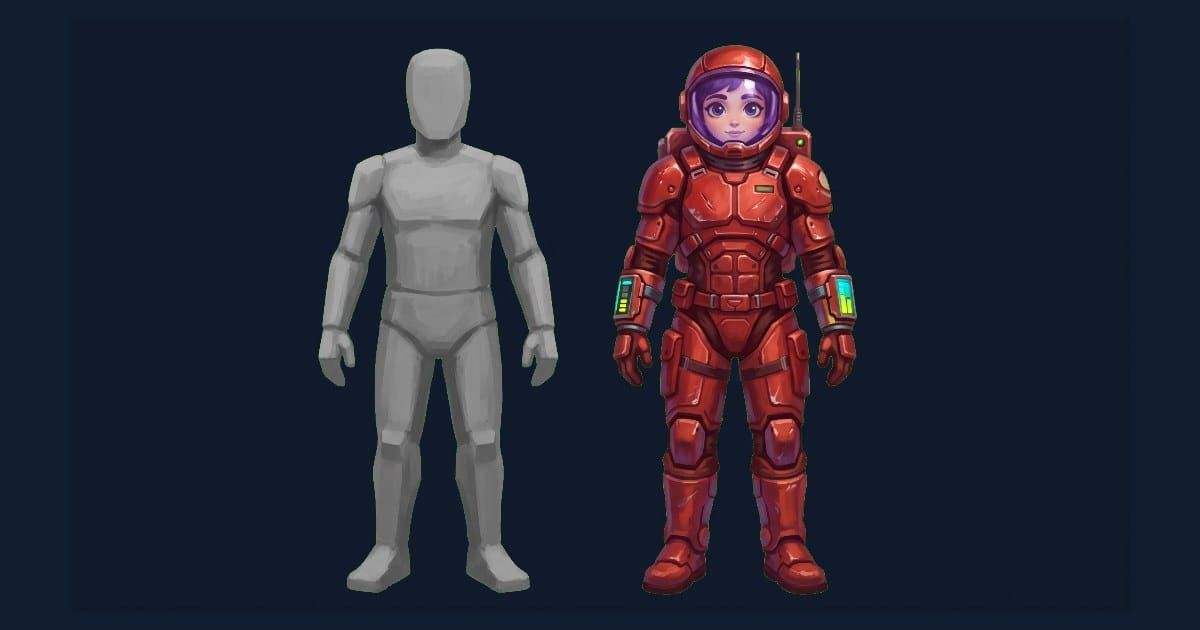
Every programmer-built game reaches the same morning. The mechanics work. The colored rectangles have to go.
The swap looks like an art task and behaves like a refactor. Placeholder art is not a picture, it is a set of assumptions your code has been quietly compiling against for months: how tall a character is, where its feet are, how many frames a walk takes, how much space a tile occupies. Replace the picture without replacing the assumptions and the game does not look better, it breaks.
This is the execution half of the art problem. Deciding which route to take is a separate decision, and it should already be made before you read this. What follows is the order of operations for getting real art into a codebase that was built around stand-ins.
The short version. Placeholder art encodes four contracts: dimensions, anchor point, frame count and collision shape. Write those four down before the first real asset arrives, hand them to whoever or whatever produces the art, and swap in dependency order rather than in order of what excites you. Keep the game running after every single swap.
What a placeholder is actually holding
A gray box standing in for your player character is doing more work than it appears to. Over the weeks you spent building movement, four separate contracts formed around it, and none of them were written down.
Dimensions. Your jump arc, your platform spacing and your camera framing were all tuned against a specific pixel height. A replacement character an inch taller changes what the player can clear.
Anchor point. Where the sprite's origin sits determines where the character appears to stand. If your placeholder was anchored at its center and the new art is anchored at its feet, every character in the game sinks or floats by half its height.
Frame count. Animation code that advances a frame every fixed interval is written against a specific number of frames. A run cycle with six frames dropped into a system expecting eight either stutters or plays at the wrong speed.
Collision shape. Your hitbox was drawn to match the box. Real art has arms, capes, weapons and hair, none of which should be solid.
Those four values are the actual interface between your code and your art. Writing them down converts the swap from an open-ended art project into a specification anyone can fill.
Write the contract before the first asset
Before you commission, buy or generate anything, open a text file and record what your code already believes. This takes about fifteen minutes and it is the difference between one swap and four.
For each asset class, record the canvas size in pixels, the anchor position stated as a fraction or a pixel offset from the top left, the frame count per animation state, and the collision box as a rectangle inside the canvas. If your engine has a project-wide import default that affects any of these, note it too.
Two of those four are far easier to change on your side than on the art side. Collision shapes are yours and can be redrawn per asset in an afternoon. Anchor points are usually an import setting. Dimensions and frame counts are baked into what you receive, so those are the numbers that must go into the brief.
State dimensions as a hard number rather than a range. "Around 32 pixels tall" produces a set of characters between 28 and 40, and the inconsistency will not be visible until they stand next to each other.
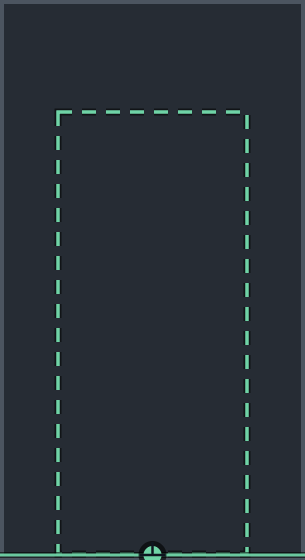 The placeholder305 × 560Same contract
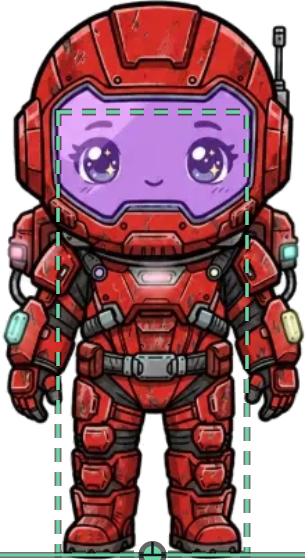 The replacement305 × 560Same contract
Swap in dependency order
The instinct is to replace the main character first, because it is the most satisfying. The instinct is right, but for a reason that has nothing to do with satisfaction.
Whatever asset you replace first becomes the reference. Its palette, its outline weight and its light direction set the standard every later asset is matched against, so the first swap should be the asset with the most screen time and the highest quality bar. That is usually the player character.
After that, order by how many other things depend on the asset:
- Player character. Sets the visual standard and the scale everything else is measured in.
- Tiles and environment. Everything stands on these, so their dimensions constrain every prop that follows. They are also where inconsistency is least forgiving, because tiles repeat.
- Enemies and NPCs. Measured against the player for scale and separation.
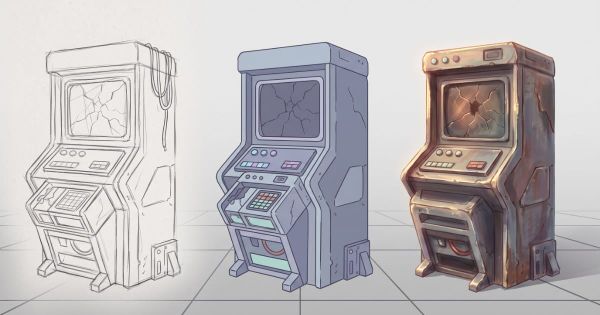
- Props and set dressing. Constrained by tiles, seen briefly, and the place to spend the least.
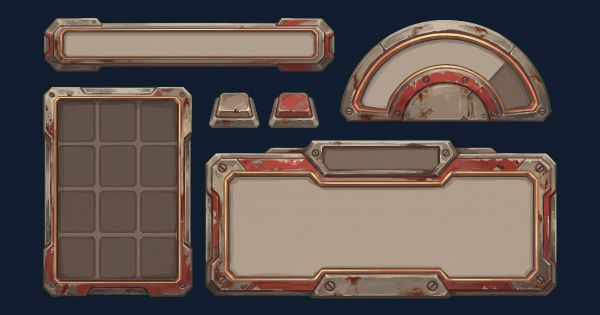
- Interface. Last, because it is the only category that does not have to obey world scale, and because it changes most as the game changes.
Running this order backward is how projects end up retrofitting an expensive main character to match a cheap tileset.
Keep the game running after every swap
The failure mode here is a familiar one to anyone who has done a large refactor. You pull out every placeholder at once, drop in the new art, and now you have forty simultaneous changes and a game that does not run. Every problem you hit could be caused by any of them.
Swap one asset class. Run the game. Play the section where that asset appears. Then swap the next.
This feels slower and is not. A single swap that breaks something tells you exactly what broke it. Forty swaps that break something tell you nothing.
Keep the placeholders in the project until the replacement is confirmed working, in a directory the build ignores rather than deleted. Being able to put the gray box back for one asset while you work out what changed is worth the disk space.
The anchor problem in detail
Anchor mismatches produce the single most confusing class of bug in this process, because the symptom appears in the physics rather than in the art.
A character whose art is anchored at the center will stand with its feet buried when the code positions it as though the anchor is at the feet. A projectile anchored at its top left will spawn offset from the weapon that fired it. A tile anchored inconsistently across a set will produce seams that look like a rendering problem.
The fix is to pick one convention and state it in the contract. Feet-centered for anything that stands on ground, center for anything that flies or floats, and top left for interface elements is a convention that survives contact with most 2D projects. What matters far more than the specific choice is that it is written down and identical across the whole set.
Check it the cheap way: drop the new asset into the game next to a placeholder of known dimensions and see whether their feet are on the same line. That takes seconds and catches the problem before it has propagated into tuning values.
When the frame counts do not match
You will receive animations with the wrong number of frames. It happens whether the art was bought, commissioned or generated, because frame count is the specification people forget to state.
There are three responses and only one of them is usually right.
Changing your animation code to accept variable frame counts is the correct fix, and if your engine does not already handle this you will want it anyway before the project ends. Animation length should be data, not a constant.
Padding a short cycle by duplicating frames works for idle animations and for anything the player sees at a distance. It reads as a hitch on anything that carries weight, so keep it away from the player character.
Asking for a re-cut is correct when the asset is one of the few that matter and wrong when it is one of forty. Reserve the ask for assets with real screen time.
If your project uses sprite sheets, frame count and layout are the same conversation. A written sheet spec stating grid size, frame order and padding removes most of this problem before it starts, because it moves the decision from the person cutting the sheet to you.
Make length data
The correct fix. Animation length should be data, not a constant, and you will want this before the project ends anyway.
Pad the cycle
Fine for idle states and anything seen at a distance. Keep it away from the player character, where weight is visible.
Ask for a re-cut
Right for the few assets that carry the game. Wrong as a default, because forty re-cut requests cost more than fixing the code once.
Batching when there are hundreds
One asset at a time works up to a point. Past a few dozen it stops being viable, and the answer is to batch by class rather than to abandon the discipline.
A batch is every asset that shares the same contract: same canvas, same anchor, same collision rule. All your 16 by 16 props are one batch. All your enemies at player scale are another. Batching this way means one verification pass covers the whole group, because if the contract holds for one member it holds for all of them.
Verify a batch on its three extremes rather than on all of it. Take the largest asset in the batch, the smallest, and the one with the most transparent area around its edges. Those three surface dimension errors, anchor errors and collision errors respectively. If all three land correctly, spot-check two more at random and move on.
Rename on the way in, not later. Class segment first, so a directory listing sorts by type instead of by whatever the source called things: prop_barrel_01 rather than barrel_final_v3. Renaming a hundred files after they are referenced in scenes costs an afternoon and a set of broken paths. Renaming them as they land costs nothing.
Resist the urge to swap the batch and then look. Import the batch, run the game, walk through one area that uses it. A tileset with a systematic one-pixel anchor error looks fine in a file browser and produces seams across every screen in the game.
The check before you delete the placeholder
Before an asset is done, three checks. They take about two minutes and they are the same three that apply to any asset entering the project.
Fill it 100% black and ask someone to name it within three seconds. If the silhouette fails, no amount of interior detail will rescue it at play size.
View it at the size it appears in game, from normal viewing distance. Detail that vanishes here was paid for and will not be seen.
Composite it into your brightest scene and your darkest scene, side by side. Separation failures only appear in context, and a character that reads beautifully on a neutral background can disappear entirely against a real one.
Those are the same three checks that apply to every asset entering the project. Only after all three pass should the placeholder move to the ignored directory. Only after the section ships should it leave the project entirely.
The swap worksheet
Fifteen minutes. Fill it in before you acquire anything.
# [GAME] - Placeholder Swap Contract v0.1

## Canvas
Player: [w x h px]   Enemy: [w x h px]
Tile: [w x h px]     Prop: [w x h px]
UI icon: [w x h px]

## Anchor
Grounded assets: [feet-centered / other]
Airborne assets: [center / other]
UI: [top-left / other]

## Frames per state
Idle: [n]   Walk: [n]   Run: [n]   Attack: [n]   Hit: [n]   Death: [n]

## Collision
Player box: [w x h px, offset from anchor]
Rule: [collision follows body, not weapons or hair]

## Swap order
1. Player  2. Tiles  3. Enemies  4. Props  5. UI

## Reference asset
[which asset sets palette, outline weight and light direction]
Frequently asked questions
When should I replace placeholder art?
After the mechanics stop changing and before you start tuning feel. Replacing earlier means buying art for a design that is still moving. Replacing later means retuning jump arcs and camera framing that were dialed in against the wrong dimensions.
Can I keep programmer art for a released game?
Deliberately, yes. A consistent geometric style is a style, and several shipped games use one. The failure is not simple art, it is inconsistent art. What does not work is keeping placeholders you never intended to keep, because those were drawn one at a time with no shared rules.
What if the new art changes how the game plays?
Then a contract was missing. Dimensions and anchor are the two that alter play, and both belong in the specification before anything is produced. If it has already happened, change the art to match the tuning rather than retuning to match the art, because the tuning represents months of decisions and the art represents one.
Do I need every animation state before I swap?
No. Swap idle and walk first, since those are what you see constantly, and leave the placeholder in for states you rarely trigger. A character with real idle art and a placeholder death animation is a normal intermediate state. A project with half its cast replaced is not, because that is the inconsistency the whole exercise exists to avoid.
How do I stop this happening again?
Write the contract before the next asset class rather than after. The four numbers do not get harder to state as the project grows, but they do get more expensive to change. Everything above is recoverable at asset forty and painful at asset four hundred.