The Programmer's Art Decision Tree
The decisions a programmer needs before acquiring any game art: four routes compared on cost and consistency, the five things to write down first, and what to check instead of what to perceive.
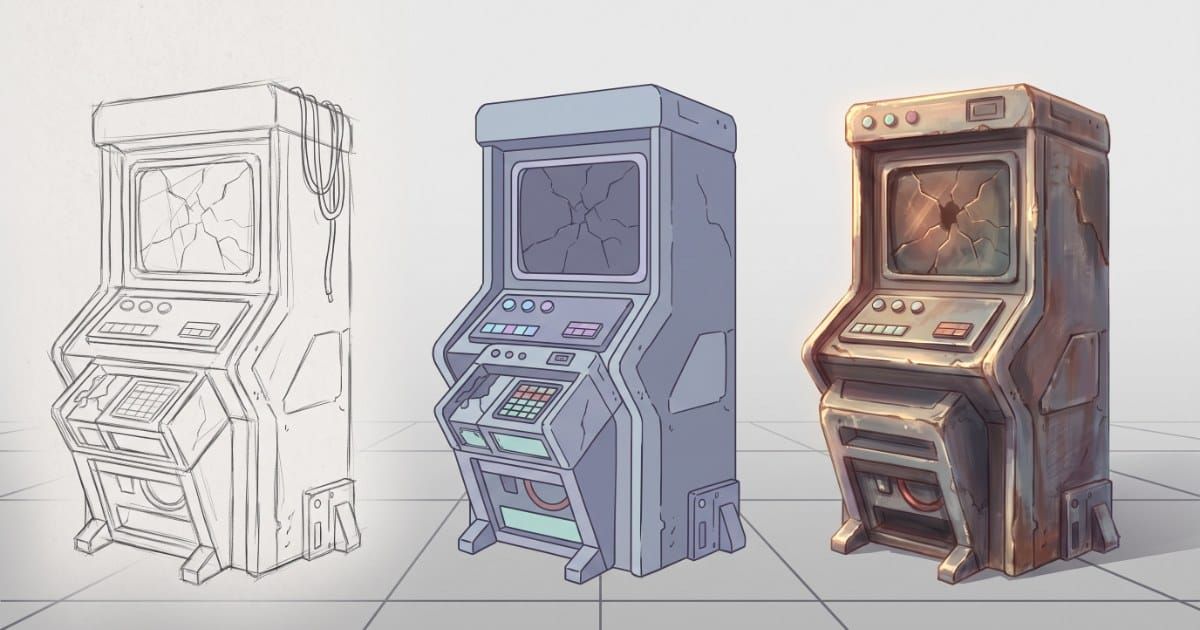
This page exists to be looked at rather than read twice. It is the decision set a programmer needs before acquiring any game art, laid out so you can pick a route in about five minutes and know what to check afterwards.
It assumes you cannot reliably judge whether art is beautiful, which is a normal position and not a problem, because almost everything that goes wrong with game art is checkable without that judgment.
The routes
Four routes to game artDecision reference · for programmers
Owner: Tony Valcarcel, art lead
Consistency rated by failure rate observed
Not "which is best". None is. Ask which asset players will look at longest, get that one right, and make everything else match it.
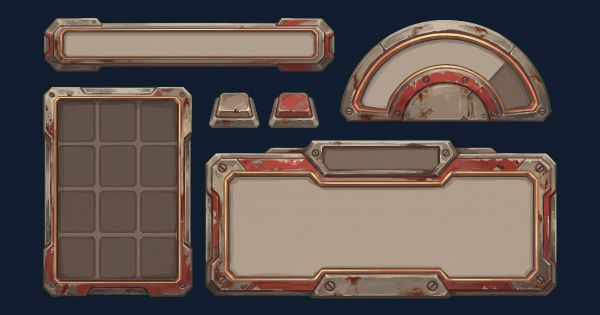
Asset packs
Commission
Make it yourself
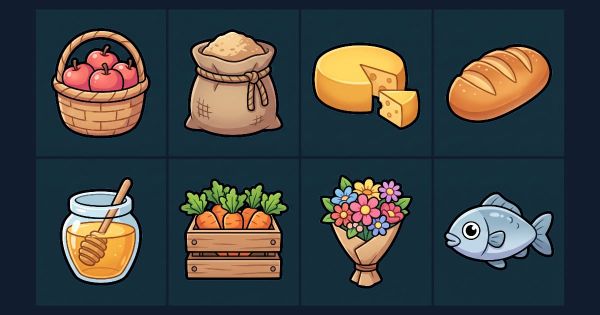
Generate it
Most projects use two or three of these. That is fine, and it is where the discipline is needed: pick the route producing your most-looked-at asset, let that asset set the rules, and select or produce everything else to match it.
The five decisions
Make these before acquiring anything. They are cheap now and expensive to reverse, and none of them requires taste.
| Decision | What to write down | Cost of deciding late |
|---|---|---|
| Canvas per asset class | One number for characters, one for props, one for backgrounds | Rescaling in-engine instead of shipping. Discovered around asset forty |
| Light direction | A direction, stated from the artist's point of view, not the character's | Every asset made before the decision has to be relit or replaced |
| Outline rule | Present or absent, one weight, and whether it scales with canvas | Props and characters read as different games at ship size |
| Separation rule | How much more saturated characters are than environments, and which one you fix | A cast of neon, arrived at one brightening at a time |
| Naming convention | Class segment first, so directories sort by type | An afternoon of renaming and broken asset paths |
Twenty minutes, total. This is the highest-leverage twenty minutes available on the art side of a project.
What to check instead of what to perceive
The substitution that makes the rest of this work. Left is what a trained eye notices. Right is what you can verify without one.
| What an artist sees | What you check | Scriptable? |
|---|---|---|
| "The character gets lost against that background" | Character mean saturation is less than 2× the room's | Yes |
| "These don't feel like the same game" | Canvas size, outline weight, or a palette hex present in one and not the other | Yes |
| "The lighting is inconsistent" | Highlight on a different side between two assets | Partly |
| "It reads as muddy" | More than four tones in one material region | Partly |
| "The silhouette is weak" | Filled 100% black, someone names it in under three seconds | No. Needs a person |
| "That detail is wasted" | Detail is smaller than the character's hand at ship size | No. Needs a person |
| "The proportions are off between these two" | Head-height ratio differs across the cast | Partly |
Four of seven are arithmetic on pixel data. The rest are one-line questions somebody can answer without training. None of them requires you to have an opinion about beauty.
What to send, per route
The five decisions turn into a different artifact depending on how you are acquiring the art.
| Route | What you hand over | What you check on delivery |
|---|---|---|
| Commission | The five decisions as a one-page brief, plus your reference asset and two examples of what would fail | Canvas, background type, light direction, outline closure, separation against your real scenes |
| Asset packs | Nothing. You are filtering, not briefing | Before buying: does the pack's canvas, outline weight and palette sit with what you already have? |
| Generate | Style settings set once at the source, framing set by controls, and only the asset-specific description written out | Same checklist as commissioning, run on every output rather than on delivery |
| Yourself | The decisions, to yourself, in writing | The three tests below. You are the least reliable reviewer of your own work |
The generation row carries one trap. If a control already sets something, such as the view, the framing or the canvas, restating it in words fights the tool rather than reinforcing it. Write only what makes this asset itself.
The three tests
Roughly two minutes combined. They catch most of what an art director would catch.
| Test | Procedure | Pass condition |
|---|---|---|
| Silhouette | Fill the asset 100% black. Show someone on the team | They name it correctly in under three seconds |
| Ship size | Scale to the size it appears in game. Sit back to normal viewing distance | Still identifiable, and no detail you paid for has vanished |
| In situ | Composite onto your brightest and darkest scenes, side by side | Reads clearly against both, with no per-scene adjustment |
Run in-situ against your two extremes rather than a mid-tone scene. Anything holding up at both ends holds up everywhere between, and testing the middle tells you almost nothing.
- Filled 100% black, does someone on the team name it correctly in under three seconds?Silhouette. This one needs a person, not a script.
- Scaled to the size it appears in game, is it still identifiable?Ship size. Sit back to normal viewing distance and confirm no detail you paid for has vanished.
- Composited onto your brightest and darkest scenes, side by side, does it read against both?In situ. No per-scene adjustment allowed.
- Are you running in situ against your two extremes rather than a mid-tone scene?Anything holding up at both ends holds up everywhere between. Testing the middle tells you almost nothing.
Where the money goes
Weight spending by screen time rather than spreading it evenly across the asset list. In descending order of return:
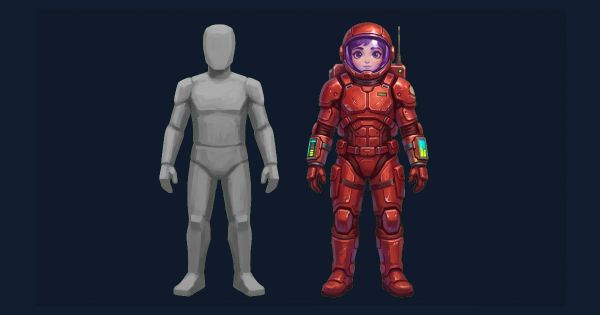
- Main character. Most screen time, most emotional weight, and it sets the rules everything else follows.
- Key art. Seen by people who have not played the game, which no other asset can claim.
- UI chassis. Looked at constantly, neglected constantly, and unusually systematizable. One frame language applied everywhere.
- The long tail. Props and background dressing return least per unit spent, because they are seen briefly and in aggregate.
0 A.D.'s public art document does exactly this weighting with texture budgets: 64×64 for unit props, 128×128 for typical units, 256×256 for heroes, 512×512 for structures and terrain. Budget scaled by attention, written down.
The reference asset
Everything above depends on one idea that is easy to skip: one asset is the reference, and it is chosen deliberately rather than by accident.
Without that, "consistent" has no definition. Assets get compared to whichever one somebody last looked at, the standard drifts, and nobody can say when it moved. With it, consistency becomes a question with an answer: does this match the reference?
Three rules for picking it.
- Pick the asset players look at longest. Usually the main character. That asset is going to define the game's look whether you designate it or not, so designate it.
- Make it the most expensive one. Whatever route gets you the best single result, commissioning or the most careful pass yourself, spend it here. Matching cheap art to expensive art works. The reverse does not.
- Never revise it casually. Once assets have been matched to it, changing the reference means re-auditing everything downstream. Version it, and treat a change as a project decision rather than a tweak.
The failure this prevents is subtle and extremely common: a project where every asset was matched to the one before it. Each adjacent pair looks fine. Asset one and asset forty share nothing. Matching to a fixed reference rather than to the previous asset is the entire difference.
 Common512 × 512
 Rare512 × 512
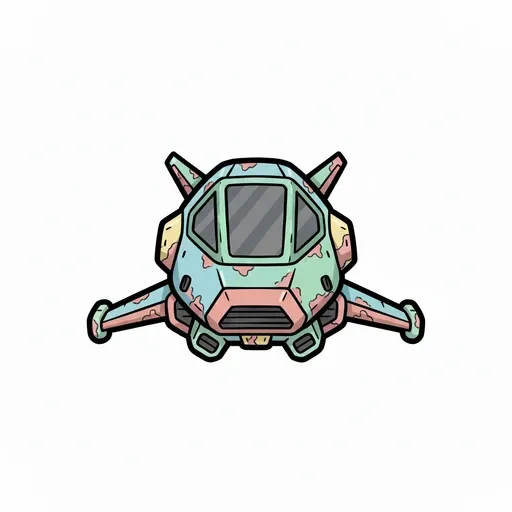 Epic512 × 512
Reading an asset pack before you buy it
Packs are the route most likely to be chosen quickly and regretted slowly, because the failure only appears once you put a pack's art next to art you already have. Five minutes of checking beforehand prevents most of it. Where to get art for a Godot game covers the sources themselves, and the licensing that decides whether you can ship what you downloaded.
What to look at, in order:
- Canvas sizes. Listed in the description, usually. If the pack's characters are 64×64 and yours are 128×128, you are committing to upscaling pixel art, which does not survive.
- Outline treatment. Look at any preview image at full size. Outlined or not, heavy or light. This is the single most visible mismatch and the hardest to fix afterwards.
- Light direction. Find a highlight. Which side is it on? A pack lit from the opposite side to your existing art will never sit right, and relighting is a repaint.
- Saturation range. Eyeball whether the pack sits brighter or duller than your art. If the pack's environments are as saturated as your characters, your characters will disappear into them.
- Completeness. Does it cover a whole class, every direction and every animation you need, or a sampler? A pack missing the run cycle means commissioning or generating one asset in someone else's style, which is the hardest possible brief.
The last one is where most of the wasted money goes. A pack that covers 80% of a class leaves you matching the remaining 20% to an artist you cannot talk to.
| Mismatch | Fixable? | Cost if you buy anyway |
|---|---|---|
| Canvas size differs | Sometimes. Downscaling works, upscaling does not | Low if theirs is larger, high if smaller |
| Saturation sits in your character band | Yes. Desaturate the pack's environments | Low. A batch operation |
| Outline weight differs | Rarely | High. Reads as two games immediately |
| Light from the wrong side | No, not without repainting | High. This is a repaint, not an edit |
| Incomplete class coverage | Only by commissioning into the style | Highest. The hardest brief there is |
Two of those five are cheap to correct and three are not. Check the expensive three first.
The blank worksheet
Twenty minutes. Fill it in before acquiring anything.
# [GAME] - Art Decisions v0.1

## Route
Most-looked-at asset: [which one]
Acquired via: [pack / commission / self / generate]
Everything else matches: [that asset]

## The five
Canvas - character: [px]   prop: [px]   background: [px]
Light direction: [dir], from the ARTIST'S point of view
Outline: [present/absent], weight [n], scales with canvas [y/n]
Separation: characters carry [n]x the saturation of environments
             when they collide, I adjust the [environment]
Naming: [PREFIX]-[Class]-[Name]-[Variant]

## Reference asset
File: [path]
This is what everything else is matched against.

## Checks before an asset is accepted
[ ] Correct canvas for its class
[ ] Correct background type
[ ] Light from the agreed direction
[ ] Outline closed at ship size
[ ] Separation holds against brightest and darkest scene
[ ] Silhouette test passed
[ ] Named to convention

## Budget order
1. [asset]  2. [asset]  3. [asset]
Frequently asked questions
Do I need to be able to draw to use this?
No. Every check on this page is either arithmetic on pixel values or a yes/no question someone can answer without training. The page exists specifically to route around the drawing skill.
Which route should I pick?
Usually more than one. Commission or carefully make the asset players look at longest, then match everything else to it. The mistake is picking a route before deciding which asset is the reference.
How much should I budget for game art?
Rather than a total, decide the ordering: main character, key art, UI chassis, then everything else. Spending evenly across the asset list is the common error, because screen time is distributed very unevenly.
Can constraints replace an art director?
They replace most of what an art director rejects, which is inconsistency. They do not replace what an art director decides, which is what the game should look like in the first place. That belongs in an art bible. That remains one taste decision you have to make or buy.
What if I already have inconsistent art?
Pick the asset closest to what you want, declare it the reference, write the five decisions from it, and audit the rest against them. You will find some assets need regenerating and some only need rescaling. Sort by which is which before fixing anything.
Where do I see this filled in?
The art bible template is these decisions completed for a real project with measured values. The production spec covers the engine side, and the reasoning behind the whole approach is in game art for programmers.