Where to Get Art for Your Godot Game
Godot's own Asset Library is mostly plugins, not art. Where the art actually is, what each source costs beyond money, and the licensing question that decides whether you can ship what you downloaded.
Search this and you get the official Godot store, a handful of forum threads, and very little written by anyone who has actually assembled art for a shipping project. It is a buying question that nobody has answered editorially. If you are coming at this without art training, the wider guide for programmers covers what to decide before you spend anything.
So here is the honest survey: where the art is, what each source costs you beyond money, and the licensing question that decides whether you can ship what you downloaded.
The short version. Godot's own Asset Library is mostly plugins, not art. Do not start there. Start at itch.io for breadth or OpenGameArt for permissively licensed work, commission the two or three assets players look at longest, and cover the rest however suits your scope. Whatever you pick, read the license before you download rather than before you ship.
The four sources
Godot Asset Library
Built into the editor under the AssetLib tab, and the first place most people look because it is right there.
It helps to be clear about what it holds. The Asset Library is overwhelmingly addons: plugins, tools, shaders, importers, demo projects. Genuine art packs exist but are a small minority, and browsing it expecting a sprite library is the most common wasted half-hour in Godot art sourcing.
Use it for tooling. Look elsewhere for art.
itch.io
The largest practical source, and where most indie art packs live. Free and paid, enormous range of style and quality, searchable by tag.
Its strength and its weakness are the same thing: no curation. There is no house style, no consistent canvas size, and no guarantee that two packs by two creators will sit together. Quality ranges from professional to abandoned.
What makes it workable is that most creators publish multiple packs in one style. Finding a creator whose work fits your game and buying three of their packs is a completely different outcome from buying three packs from three creators.
OpenGameArt
Smaller, older, and licensed more clearly than anywhere else. Assets carry explicit licenses, frequently CC0, which places work in the public domain and imposes no attribution requirement, or CC-BY, which requires credit.
It is also home to the Liberated Pixel Cup assets, which are unusual in that they were produced by many contributors against a published style guide with a fixed camera angle, tile size and shadow color. That makes the LPC set one of the few multi-contributor collections that genuinely matches itself.
The trade-off is volume and recency. It is a smaller library and much of it is older, so if your game needs a specific modern look you may not find it.
Commissioning
The most expensive route per asset and the only one that gives you exactly what you asked for.
Reserve it for the assets with the most screen time: the main character, key art, anything a player stares at for hours. Those set the look everything else is matched to, so they are worth the spend in a way that a background prop is not.
The thing to get right is the brief. An artist can hit a target you specify and cannot read your mind. Send canvas size, background type, light direction, outline treatment, and two examples of what would fail. That page is the difference between one revision and five.
Generating it
Cheap per asset and unlimited in volume, with consistency entirely dependent on what you constrained before you started.
The failure mode is different from every other route on this list. A pack is internally consistent and may not match your game. A generator will happily produce forty assets that are each individually fine and disagree with each other, because nothing carries between generations unless you make it. Fix the style once at the source, and generate against a saved reference rather than from a fresh description each time.
This is what we build, so treat that paragraph as interested rather than neutral. The constraint advice holds regardless of whose tool you use.
Licensing, which is the part that actually bites
"Free to download" and "free to ship" are different claims, and the gap between them has ended projects.
| License | Commercial use | Attribution | Watch for |
|---|---|---|---|
| CC0 | Yes | Not required | Nothing. This is the cleanest option available |
| CC-BY | Yes | Required | You must credit, in a place players can find |
| CC-BY-SA | Yes | Required | Share-alike. Derivatives inherit the license. Think carefully before modifying |
| CC-BY-NC | No | Required | Non-commercial. Unusable in anything you sell, including free games with ads |
| Custom / storefront | Usually | Varies | Read it. Some forbid redistribution in a way that affects modding or source releases |
Three rules that prevent most of the trouble.
Record the license at download time. Not when you ship. A text file beside the assets with source URL, creator, license and date takes seconds and is impossible to reconstruct two years later when the itch page has gone.
Treat CC-BY-NC as unusable. If there is any chance the game will be sold, or carry ads, or be part of a paid bundle, non-commercial is not a license you can work around.
Check whether AI-generated assets are permitted where you plan to publish. Storefront policies differ and have changed, and some communities and jams have their own rules. Check the specific destination rather than assuming.
Checking a pack before you commit
Five minutes, and it prevents the expensive kind of mistake.
| Check | Why | Fixable after buying? |
|---|---|---|
| Canvas size vs your existing art | Upscaling pixel art does not survive | Only if theirs is larger |
| Outline weight | The most visible mismatch there is | Rarely |
| Light direction | Find a highlight, note which side | No. This is a repaint |
| Saturation vs your characters | Environments in your character band swallow your characters | Yes. Desaturate in a batch |
| Class completeness | A missing run cycle means matching a style you can't ask about | Only by commissioning into it |
Light direction and outline weight are the two that cannot be fixed cheaply. Check those first, before you look at whether you like the art.
Making mixed sources sit together
Most projects end up with art from more than one place. That is fine if you impose an order on it.
- Pick the reference. Whichever asset players look at longest, from whichever source produced your best single result.
- Extract its rules. Canvas size, outline weight, light direction, palette, saturation band. Write them down. That is now your standard.
- Filter everything else against it. Before buying, before generating, before briefing.
- Adjust environments, never characters. When something collides, pull the background down rather than pushing the character up. Doing the reverse repeatedly is how projects end up with a cast of neon.
The failure this prevents is matching each new asset to the previous one. Every adjacent pair looks fine and the first and fortieth share nothing.
A worked example
Say you are making a small top-down action game: one player character, four enemy types, a handful of props, three environments, and a basic interface. Here is one sensible way to assemble that from mixed sources.
| Asset | Source | Reasoning |
|---|---|---|
| Player character | Commissioned | Most screen time by a wide margin, and it becomes the reference everything else matches |
| Four enemies | Generated or commissioned as a set | Must match each other and the player. Producing them as one batch matters more than which route |
| Props and set dressing | Asset pack | Seen briefly and in aggregate. Lowest return on spend |
| Three environments | Pack or generated | Whatever route you pick, produce all three together so they cut against each other |
| Interface | Pack, or built from one chassis | Highly systematizable. One frame language applied everywhere beats bespoke pieces |
| Key art | Commissioned | The only asset seen by people who have not played the game |
Two commissions, one or two packs, and a batch of generated work. The spend lands on the two assets that carry the most weight, and the reference discipline holds the rest together.
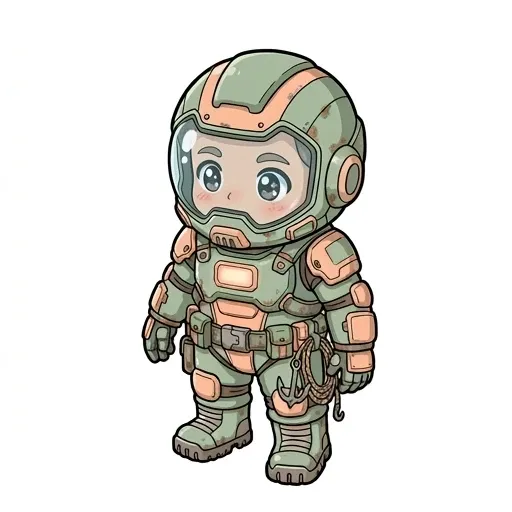
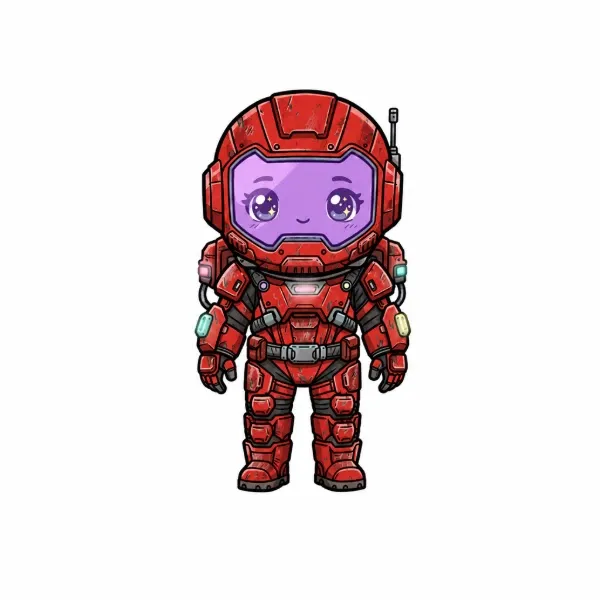 ReferenceMost screen timeSets the rules
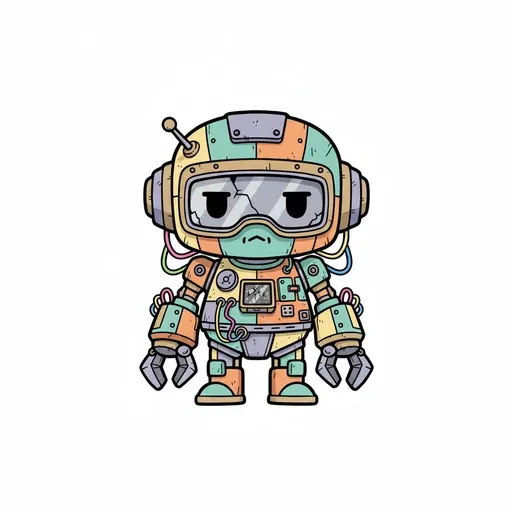
 Second characterMatched to itFollows
 Third characterMatched to itFollows
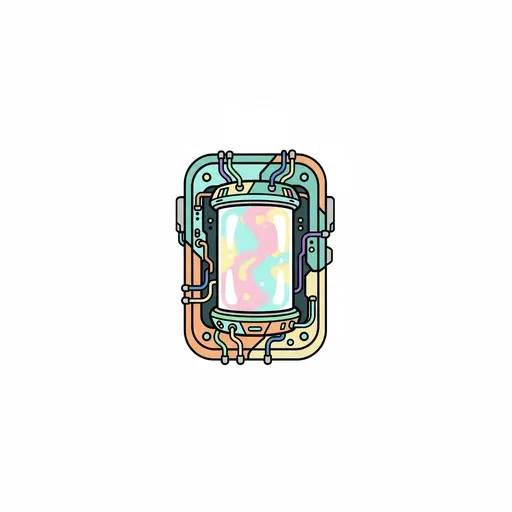 PropMatched to itFollows
The order matters more than the sources
Notice what is not in that table: any suggestion that you buy things in the order you happen to need them. The character comes first because it sets the rules. The environments come as a set because they have to cut together. The interface comes last because it is easiest to match to an established palette.
Acquiring art in the order the game needs it is the natural instinct and it produces a project where the standard was set by whichever asset you happened to make first. Acquiring it in order of how much it constrains everything else produces a project that looks deliberate.
When you cannot find what you need
Sometimes the search genuinely fails. No pack covers your creature type, the style you want does not exist at your budget, or you need one specific asset to complete a set. Three options, in the order to try them.
Change the requirement. The cheapest fix and the one people skip. If no pack has the enemy you designed, the design is a variable too. A game whose art exists is worth more than a game whose design is pure. This is not a compromise if you make it early; it is only painful once the design is locked.
Recombine what you have. Recoloring, mixing parts across assets in a pack, and changing scale get you further than expected, particularly for enemy variants. Many packs are built expecting this, and a palette swap that stays inside your established color rules reads as a deliberate variant rather than a shortcut.
Commission or generate the single asset. The most expensive route per asset, and the right one when a specific thing is genuinely load-bearing. Brief it against the reference asset rather than describing it from scratch, and expect this to be harder than commissioning the reference itself. Matching an existing style is a harder ask than setting one.
What to avoid is the fourth option, which is buying a second pack in a different style to get the one asset you needed. That trades a missing asset for a permanent inconsistency, and the missing asset was the cheaper problem.
Importing what you get into Godot
Two settings will cause most of the complaints, and both are project-wide rather than per-asset.
If art looks blurry after import, the texture filter is the cause. Project → Project Settings → Rendering → Textures → Default Texture Filter, set to Nearest for pixel and low-resolution art. Reimport anything brought in before the change.
If sprites look unevenly scaled at some window sizes, set Scale Mode to integer under Display → Window, which forces whole-number scaling.
The full set, with the rest of the import decisions, is in the Godot 2D art production spec.
Frequently asked questions
Where can I get free art for a Godot game?
OpenGameArt for clearly licensed work including the style-guided Liberated Pixel Cup set, and the free section of itch.io for breadth. Godot's built-in Asset Library is mostly plugins rather than art, so it is not the place to start.
Does Godot have an official asset store for art?
The Asset Library is built into the editor, but its contents are overwhelmingly addons, tools and demo projects. Art packs exist there in small numbers. Most Godot developers source art elsewhere and import it manually.
Can I sell a game made with free assets?
It depends entirely on the license. CC0 and CC-BY both permit commercial use, with CC-BY requiring credit. CC-BY-NC does not permit it at all. Record the license when you download rather than trying to reconstruct it before launch.
How do I make assets from different packs match?
Pick one asset as the reference, extract its canvas size, outline weight, light direction and saturation band, and filter everything else against those. When two assets collide, adjust the environment rather than the character.
Why does my downloaded art look blurry in Godot?
The default texture filter is linear, which smooths between pixels. Set Project Settings → Rendering → Textures → Default Texture Filter to Nearest and reimport.
How much art does a small game actually need?
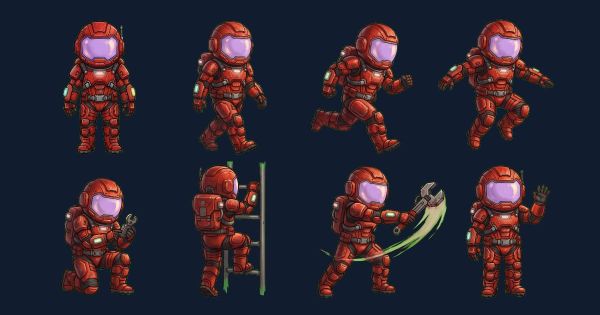
Less than the design document implies and more than the prototype suggests. A small top-down action game runs to roughly one player character with a full animation set, three to five enemies, two or three environments, a set of props, and an interface. The count that surprises people is animations rather than characters. One character with seven animations is dozens of individual frames.
Should I start looking for art before or after the prototype works?
After it works, before it is finished. Sourcing art too early means buying for a design that is still moving. Leaving it until the end means discovering that nothing available fits a design that is now locked, which is the expensive version of the same mistake.
Is it better to buy assets or generate them?
Packs give you consistency inside the pack and no control over style. The decision tree compares all four routes on money, time and consistency. Generation gives you control and no consistency unless you impose it. For a narrow-scope game where one pack covers most needs, buy. For wide scope with a small team, generation handles the volume, provided you fix the rules before you start rather than after.