
What Tile Size Should Your Game Use?
Derive the grid from your character, not from tradition. What tile size propagates into, and what changing it mid-project actually costs.
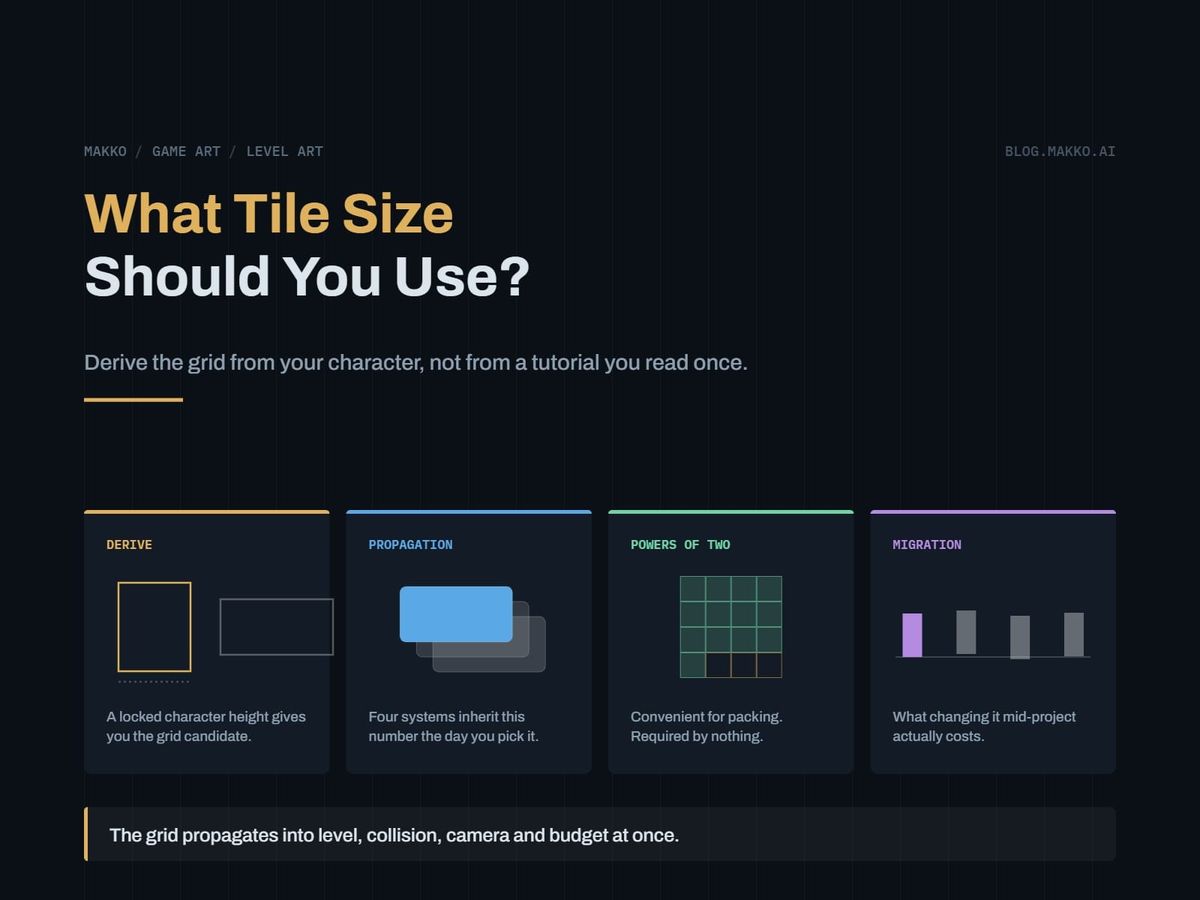
You are about to build the first level. A field is asking for a grid size, and you type 16 because every tutorial you have read typed 16.
That field holds the most expensive number in the project. Tile size is a resolution decision, not a style preference, and it propagates into level dimensions, collision granularity, camera movement and art budget. Change it in week one and you retype a field. In month six you rebuild the levels.
The right tile size is derived from your character, not from tradition. Character height sets the scale of the world, and only three or four grids divide it cleanly.
The short version. Decide how many tiles tall the character stands, usually 2 to 4, then divide the height it ships at by that count. A character displayed 96 px tall at 4 tiles gives a 24 px grid, and 24 tiles a 1920 x 1080 screen exactly at 80 x 45. Powers of two are convenient, not required. Lock the grid in writing before the first level exists.
The grid propagates in four directions at once
Tile size is the unit every spatial quantity in your game is measured in, and four systems inherit it immediately.
- Level dimensions. Levels are authored in tile counts, not pixels. A corridor you think of as twelve tiles long is 192 px at a 16 grid and 768 px at 64.
- Collision granularity. The grid is the smallest ledge, gap or step the world can express. At 32 px you cannot author a 16 px lip without leaving the grid, and platformer feel lives in those small features.
- Camera movement. The grid sets the quantization step for cameras that snap by rooms or tiles, and a camera jumping in 64 px increments reads as a stutter no smoothing hides.
- Art budget per screen. Doubling tile size roughly quarters the cell count and multiplies the unique tiles a room needs, because every cell seen clearly has to be distinct.
Each is a system you tune for months, and that tuning does not survive a grid change.
Derive the grid from your character's height
The player judges doors, ceilings, gaps and stairs by whether the character fits, so the grid divides the character, not the reverse.
Production output shows which dimension carries scale. Across one cast of six, Makko character canvases measured 560 px tall with width floating between 295 and 311 px. The same pattern holds in that character's animation sheets: cell height is 260 px on every sheet while cell width runs 119 to 221. Height is locked on purpose, because it controls apparent scale and the ground line. It is the dimension your grid divides.
Take the locked height, list the divisors putting the character between 2 and 6 tiles tall, and choose by how much collision detail the design needs. Below 2 tiles the world has no vertical vocabulary, and above 6 the tiles are noise. For the 260 px cell height the divisors in range are 130 (2 tiles), 65 (4 tiles) and 52 (5 tiles), and for the 560 px canvas 280, 140 and 112. Note what is absent from both. A 260 px character is 8.125 tiles tall at a 32 grid and 4.06 at 64, so the clean grid for that art is 65, which is not a power of two.
The better lever: source height and display height are separate numbers, so decide display height first and the grid falls out clean. The same character shown 96 px tall at 4 tiles gives 24 px. At 64 px and 2 tiles, 32.
Painted art tolerates the fractional scale that implies, and pixel art does not: 96 divided by 260 is 0.369, a ratio that destroys single-pixel outlines. Author pixel art at display size.
What each common tile size is good at
The usual sizes are not interchangeable. Each implies a genre and an art volume.
| Tile | Good at | Cost |
|---|---|---|
| 8 | Dense puzzle layouts and very fine collision. Every ledge is expressible. | Huge level files, slow hand-placing, many transition pieces. |
| 16 | Classic platformers and top-down games. Fast to author, and the genre's vocabulary assumes it. | A tile holds almost no detail, so style comes from palette and silhouette. |
| 24 | Games targeting 1080p natively. It divides 1920 and 1080 exactly, which 16 and 32 do not. | Tooling and existing tilesets assume powers of two, so you convert sources forever. |
| 32 | Detailed 2D. Room for real texture in a tile, and a ledge is still a sensible size. | Four times the art per screen against 16, and small terrain needs sub-grid collision. |
| 48 to 64 | Painterly 2D, where the floor is a surface rather than a platform. | Coarse collision. Unique art per room climbs steeply. |
| 128 and up | Room-scale modular chunks rather than tiling. | Nearly every visible cell must be distinct. Painting rooms with extra steps. |
The pattern: collision detail and art volume trade against each other, and tile size is the exchange rate.
The arithmetic of one screen
Run the division before committing: a half row at the bottom of every level is a week of bug-chasing.
At 1920 x 1080: 16 px gives 120 x 67.5, 24 px gives 80 x 45 exactly, 32 px gives 60 x 33.75, 40 px gives 48 x 27 exactly, 64 px gives 30 x 16.875. The half row at 16 is not bad luck: 1080 is 8 times 135, and 135 is odd, so no multiple of 16 will ever divide 1080 evenly. At 1280 x 720 a 16 px grid gives 80 x 45 exactly, the same count 24 px gives at 1080p, and that is why so much pixel art targets 720p and scales up.
A screen at 80 x 45 is 3,600 cells, which is not 3,600 drawings, since a corridor is one floor tile repeated fifty times. The figure that matters is unique tiles per room, and it moves with tile size in the direction people do not expect. Small tiles repeat heavily, so a handful of pieces fills a screen and repetition hides at play size. Large tiles repeat rarely, each gets inspected, and a 15 x 8 screen of 128 px tiles needs nearly every cell to differ.
Past some size, painting beats tiling outright: our measured room backgrounds ship at 1920 x 1080 and 328 to 468 KB each, assembled as a layered set with no art grid at all. The grid there exists purely for collision.
Powers of two are convenient, not required
No mainstream 2D engine of the last decade requires power-of-two tile sizes or textures. What they buy is narrower than the folklore suggests.
- Atlas packing. Tiles of 16 or 32 pack with no arithmetic and no leftover strips. A 24 px tile packs fine, it just requires you to think.
- Cheap division. World position to tile index is a bit shift rather than a divide, no longer a performance concern but easier to debug by eye.
- Toolchain assumptions. Third-party tilesets, autotile templates and importers assume 16 or 32. Choosing 24 means converting sources for the life of the project.
Real output splits both ways. The middle sections of those layered rooms are authored square at 2048 x 2048, a clean power of two. The character sheets are not: 1040 px tall with widths of 584, 595, 600, 920 and 1105, and they ship without incident. The sheet respects your platform's texture limit, covered in the piece on what size a sprite sheet should be. The tile respects your character. Only the first constraint cares about powers of two.
When the collision grid should be finer than the art grid
Decoupling the two grids is the standard fix for a coarse art grid, and most teams arrive at it too late. The art grid is how big your drawings are. The collision grid is how precisely the world can be shaped.
- Tiles 32 px or larger in a platformer. Half-tile collision at 16 lets you author a step the character walks up instead of jumps onto, and step height is a core feel parameter.
- Slopes. A slope is a collision shape inside a tile, not a tile. Shapes defined per tile type at finer resolution keep the ramp smooth while the art stays chunky.
- Thin features or a narrow character. One-way platforms and ledge grabs turn thick on a coarse grid, and someone 0.6 tiles wide squeezing through a one-tile gap feels loose. Quarter-tile collision fixes both without redrawing.
The inverse is rarer and real: go coarser than the art where fine decoration should not be solid, such as grass tufts. Either way, keep the collision grid an integer fraction of the art grid, halves or quarters, and write the ratio down.
The grid spec block
Put this at the top of your art bible before any tileset exists. It takes ten minutes and settles every later argument. If that document does not exist yet, the art bible template is where this block belongs.
# [GAME] - Grid Spec v1.0    LOCKED BEFORE FIRST LEVEL

## Derivation (record the arithmetic)
character display height : 96 px
character height in tiles: 4
tile size                : 96 / 4 = 24 px
source cell height       : 260 px
display scale            : 96 / 260 = 0.369  (NOT pixel-art safe)

## Grid
art tile        : 24 x 24 px, square
collision grid  : 12 x 12 px  (art tile / 2)
sub-tile shapes : slopes per tile type, 12 px
origin          : top-left of tile, y-down

## Screen and budget
resolution     : 1920 x 1080
tiles / screen : 80 x 45  (exact, no partial row)
camera quantize: whole pixels, not whole tiles
unique tiles   : [n] per biome, one sheet each

## Tuned against this grid (invalid if it changes)
doorway opening : 5 tiles (character 4 + 1)
step-up height  : 12 px (1 collision cell)
max jump height : 3 tiles = 72 px
What changing tile size mid-project costs
Level files store coordinates in tile units, so changing tile size changes what a coordinate means. Two options, both bad.
Keep the tile counts, let the world rescale. Layouts survive and every tuned number goes wrong at once: walk speed, jump impulse, gravity, knockback, camera deadzone. A jump tuned to clear a 3-tile gap at 32 px cleared 96 px. At 24 px the same impulse clears 4 tiles, and every gap you authored as barely reachable is now trivial. You retune the character, then replay every level to find what the retune broke.
Keep the world size, change the tile counts. Physics survives, levels do not. A room 60 tiles wide at 32 px is 80 tiles wide at 24, and the conversion is exact only when the ratio is. Every hand-placed feature lands at a fractional index and snaps near where it was. Near is not where it was.
On top of either, the art bill: every tileset re-cut and largely redrawn, because a 32 px tile resampled to 24 loses its outline weight and reads as mud; every autotile ruleset re-authored; every prop re-placed; and character sheets re-cut if the display scale moved, which flows into your written sheet spec and every import setting downstream.
That is the same order of work as redoing level design plus redoing the tilesets. Teams who face it usually ship on the wrong grid instead, and that call is often correct.
When a non-square or isometric grid is right
Square is the default because distance is the same in both axes and the math stays trivial. Two exceptions are real.
Non-square tiles, typically twice as wide as tall, suit top-down games where vertical screen space represents depth rather than height: a 32 x 16 grid lets a floor tile read as a wide flagstone without being drawn in perspective. Collision aspect then stops matching art aspect, so per-axis movement speeds usually need to differ to feel even.
Isometric is a projection, not a tile size, and it changes three things concretely. Diamond tiles at 2:1, commonly a 64 x 32 cell, relate screen position to world position by a transform rather than a division. Depth sorting becomes explicit, decided by world position rather than tilemap layer. And tall objects overdraw upward past their cell, so the cell no longer bounds the art. Pick it when the game must show both the tops and fronts of things, as base building and tactics do. Refuse it when the reason is that it looks nice.
The grid belongs in the brief you hand to whoever makes the art. When we produce a collection, tile size and character display height are inputs rather than outcomes, so the tileset and the characters standing on it arrive at one scale. Import settings are in the Godot production spec.
Frequently asked questions
Is 16 px still the right default?
For a pixel-art platformer or top-down game with a character 2 to 3 tiles tall, yes: fast to author, fine enough collision, and most existing tilesets assume it. The failure case is painted art, where a 16 px tile holds no detail and the grid ends up finer than anything in your visual language.
Can I mix tile sizes in one game?
Across layers, yes: a 32 px terrain layer with a 16 px detail layer above it is common. Within collision, no. Keep one collision grid for the whole game and make every other grid an integer multiple or fraction of it. Two incompatible collision grids produce alignment bugs that reproduce only in certain rooms.
Should tile size match my sprite sheet cell size?
No. Cell size is set by how much room an animation needs: across six real sheets, cell height held at 260 while width ran 119 to 221. Tile size is set by world scale. The only link is the display scale.
How do I pick a grid before I have character art?
Pick the display height first, which you can decide with a rectangle: how much of the screen height the character should occupy. Divide by 2, 3 and 4, choose among those three by your collision needs, then generate the character to that height. This order also stops real assets arriving at a scale the levels were not built for.